01 · Layout
Responsive Design
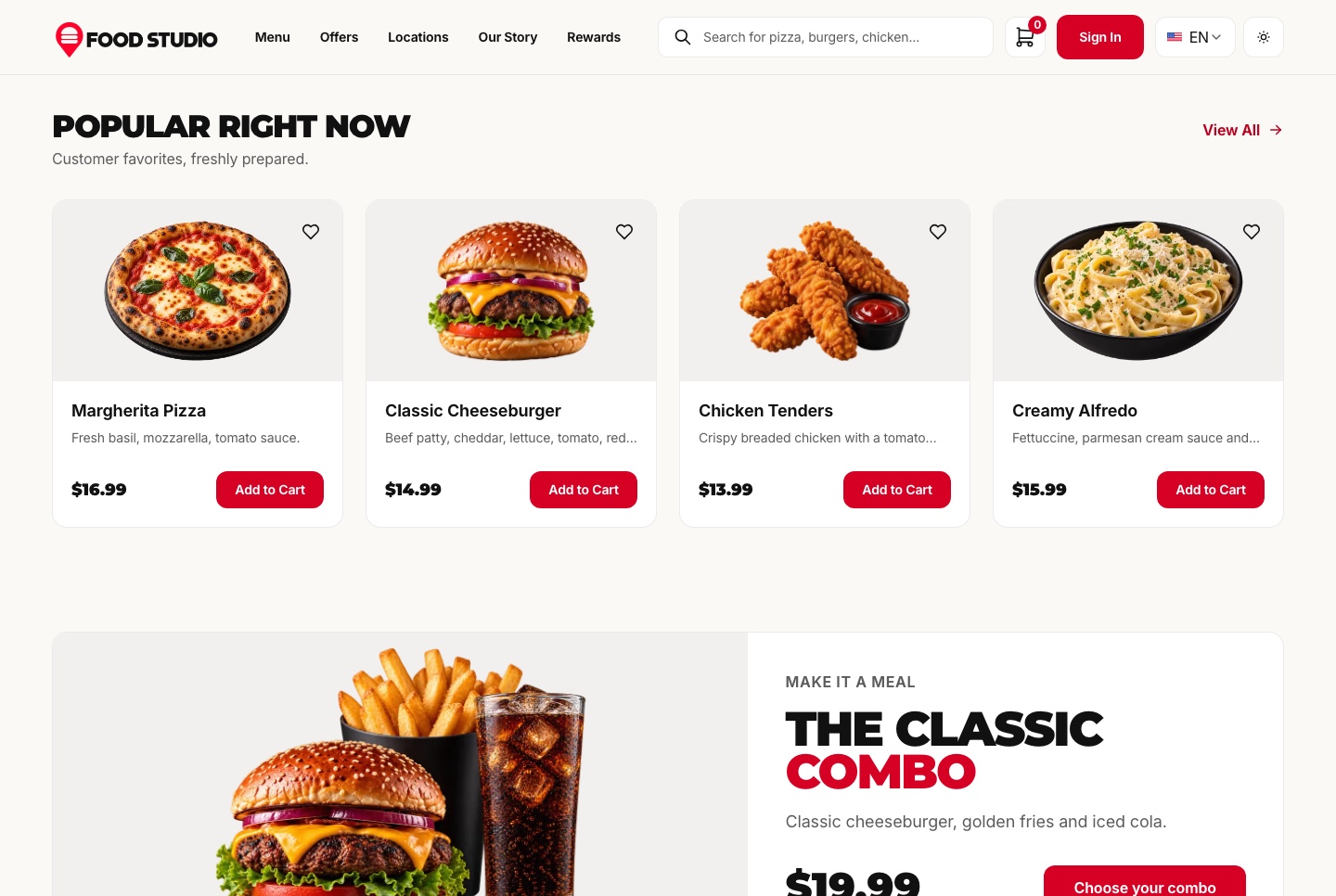
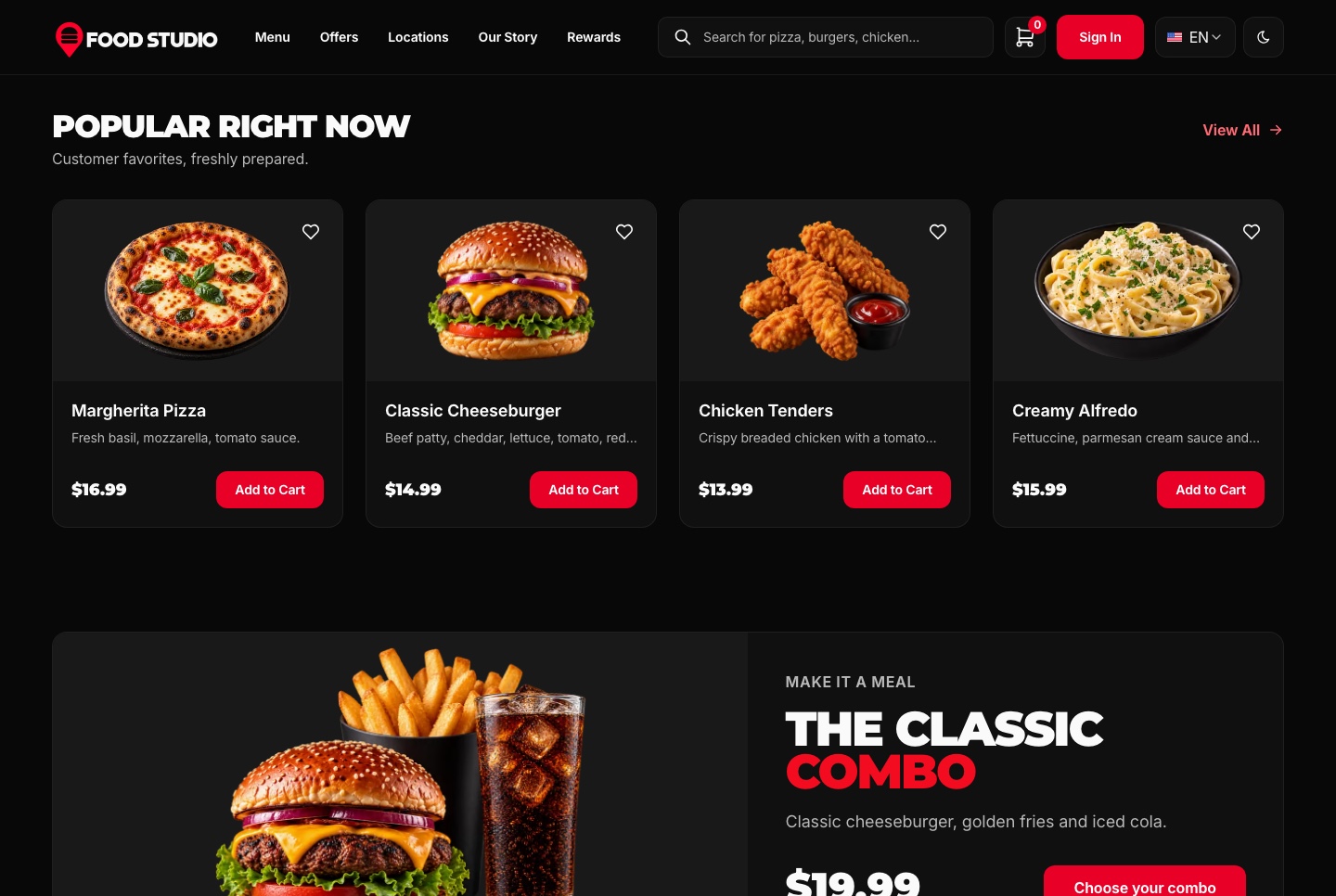
Phone, tablet and desktop layouts from one set of components, with a phone menu and 44px tap targets.
 Learn more: Responsive Design
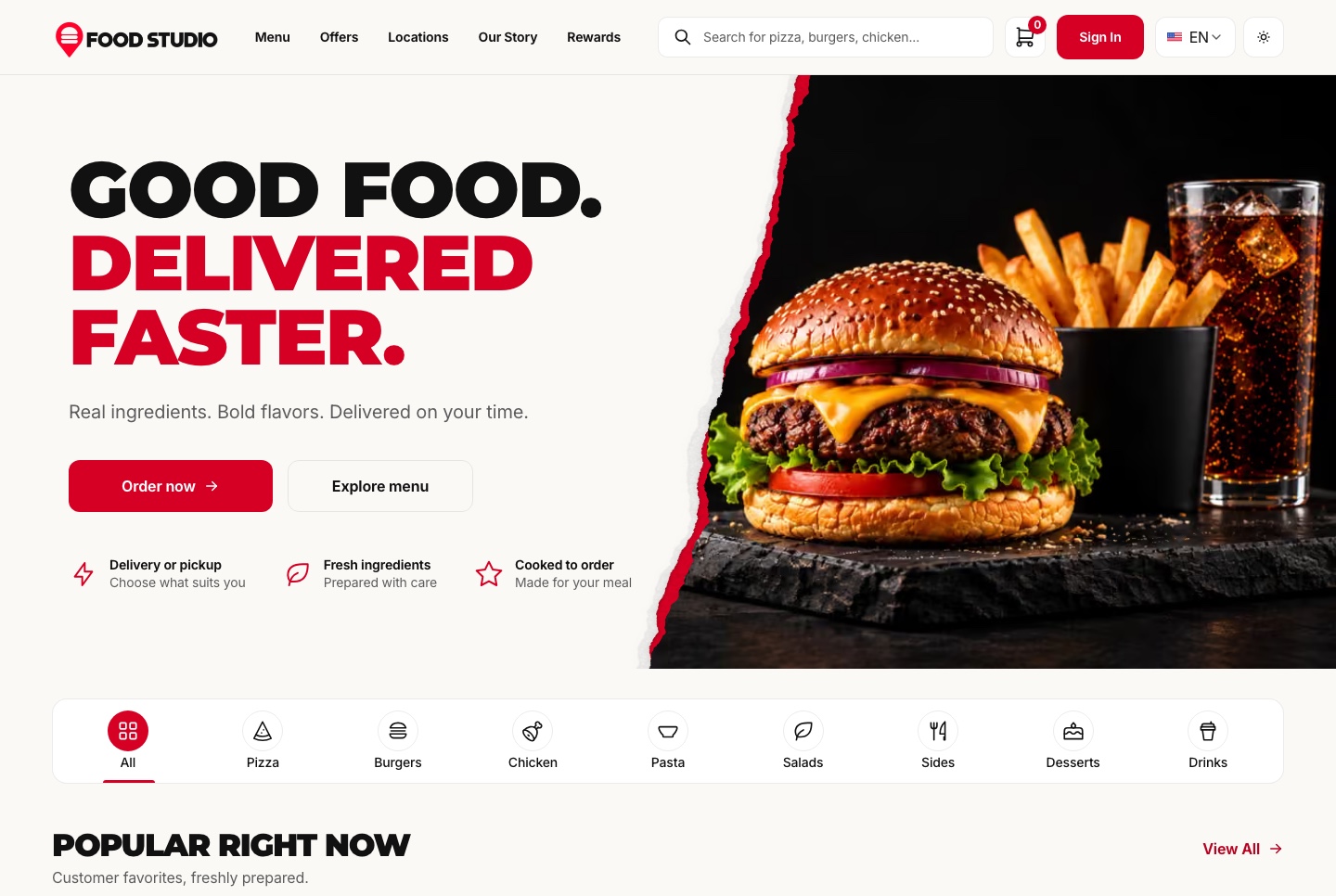
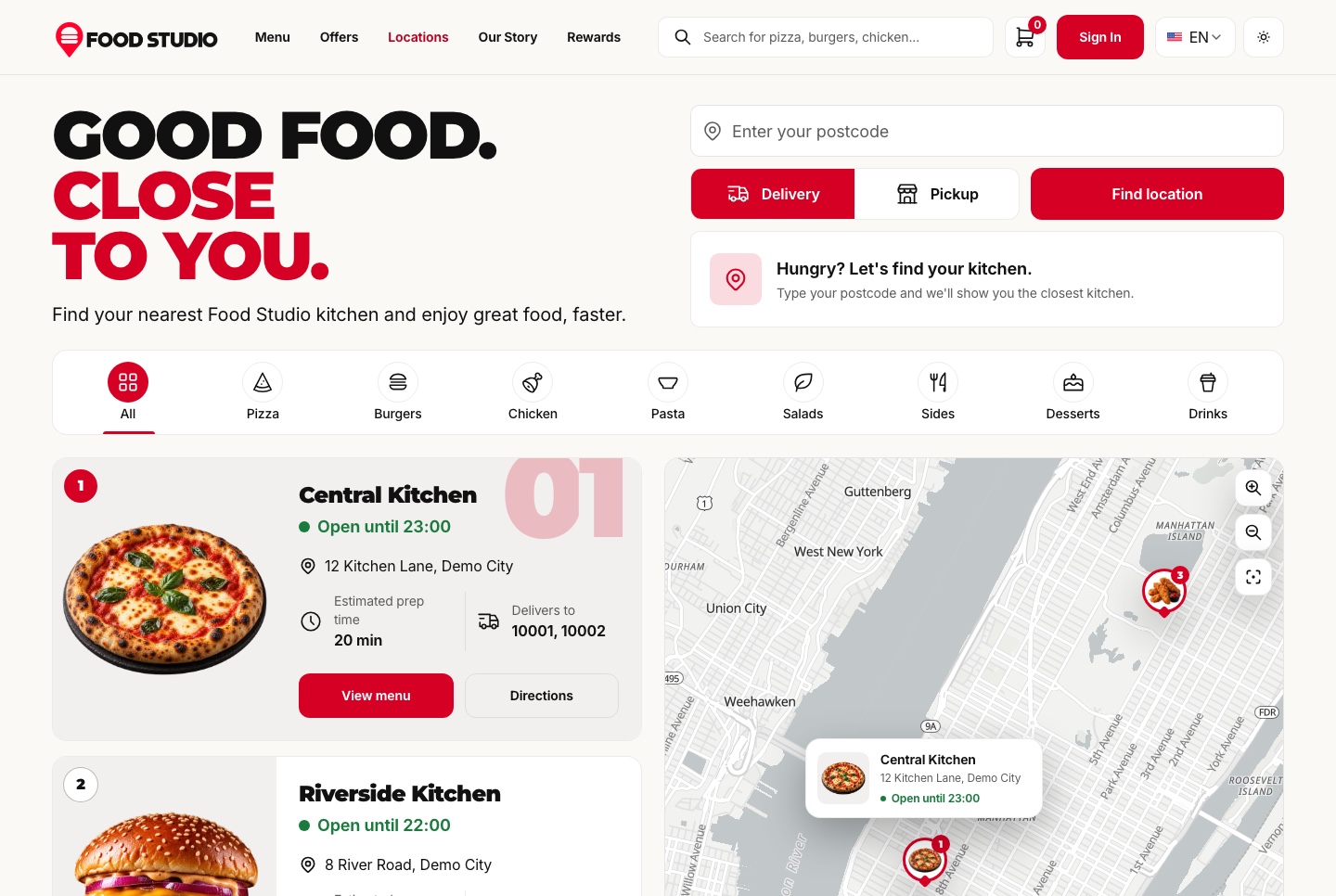
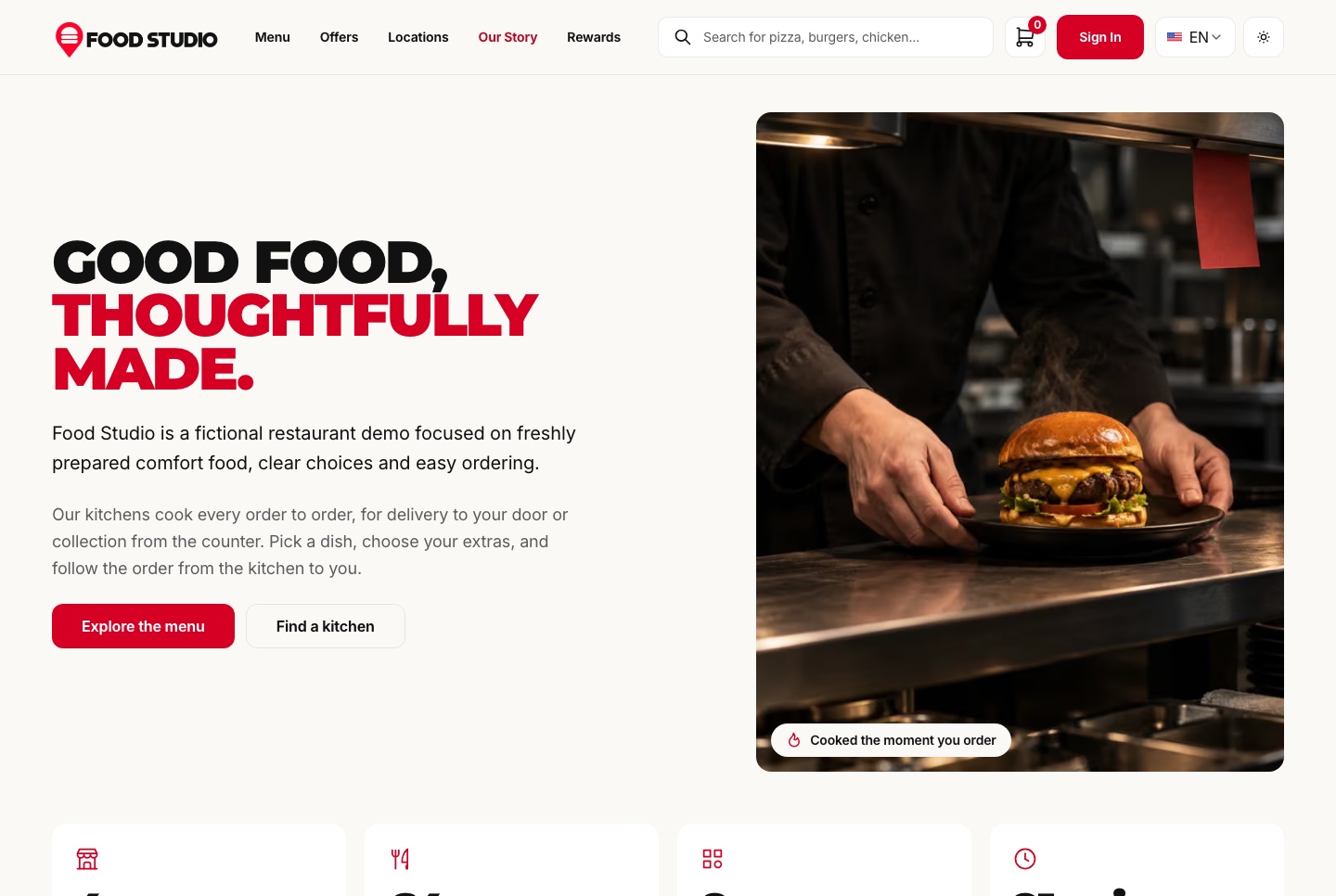
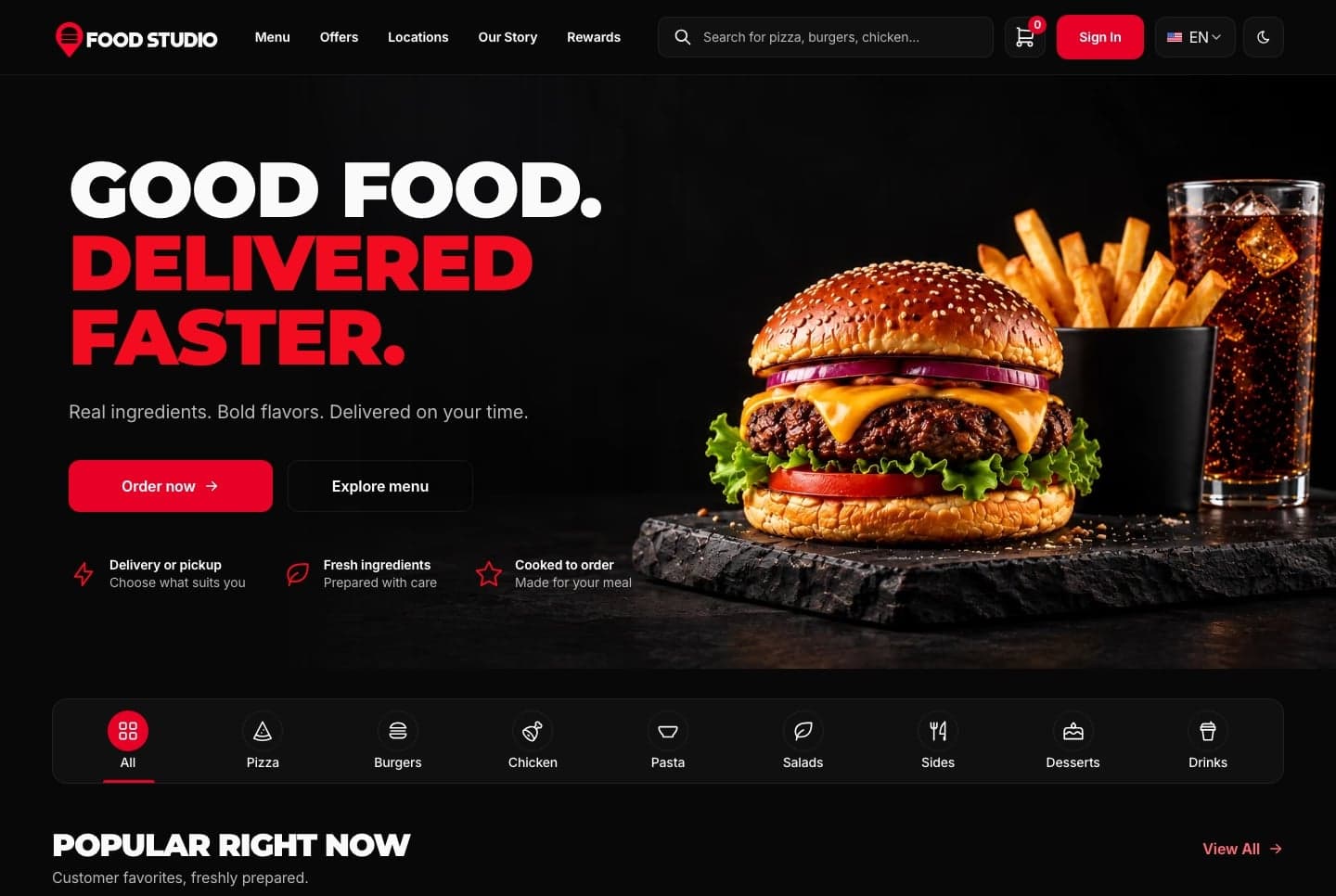
Food Studio is a full-stack Next.js restaurant template: an ordering website with menu, combos, cart, checkout and order tracking, a staff dashboard for orders, the menu and the kitchens, a NestJS API, AI tools for dish photos, and English and Arabic with RTL.
Everything included
Full Stack
Ordering website + staff dashboard + NestJS API with TypeORM, auth and payments
Launch price · 30% off for the first 3 buyers
3 of 3 launch places left · applied at checkout
+ IOF (3.5%) · Pay with Pix or cardPay in reais with Pix or card. Brazil adds 3.5% IOF tax at checkout.
Food Studio is a full-stack Next.js restaurant template: an ordering website with menu, combos, cart, checkout and order tracking, a staff dashboard for orders, the menu and the kitchens, a NestJS API, AI tools for dish photos, and English and Arabic with RTL.
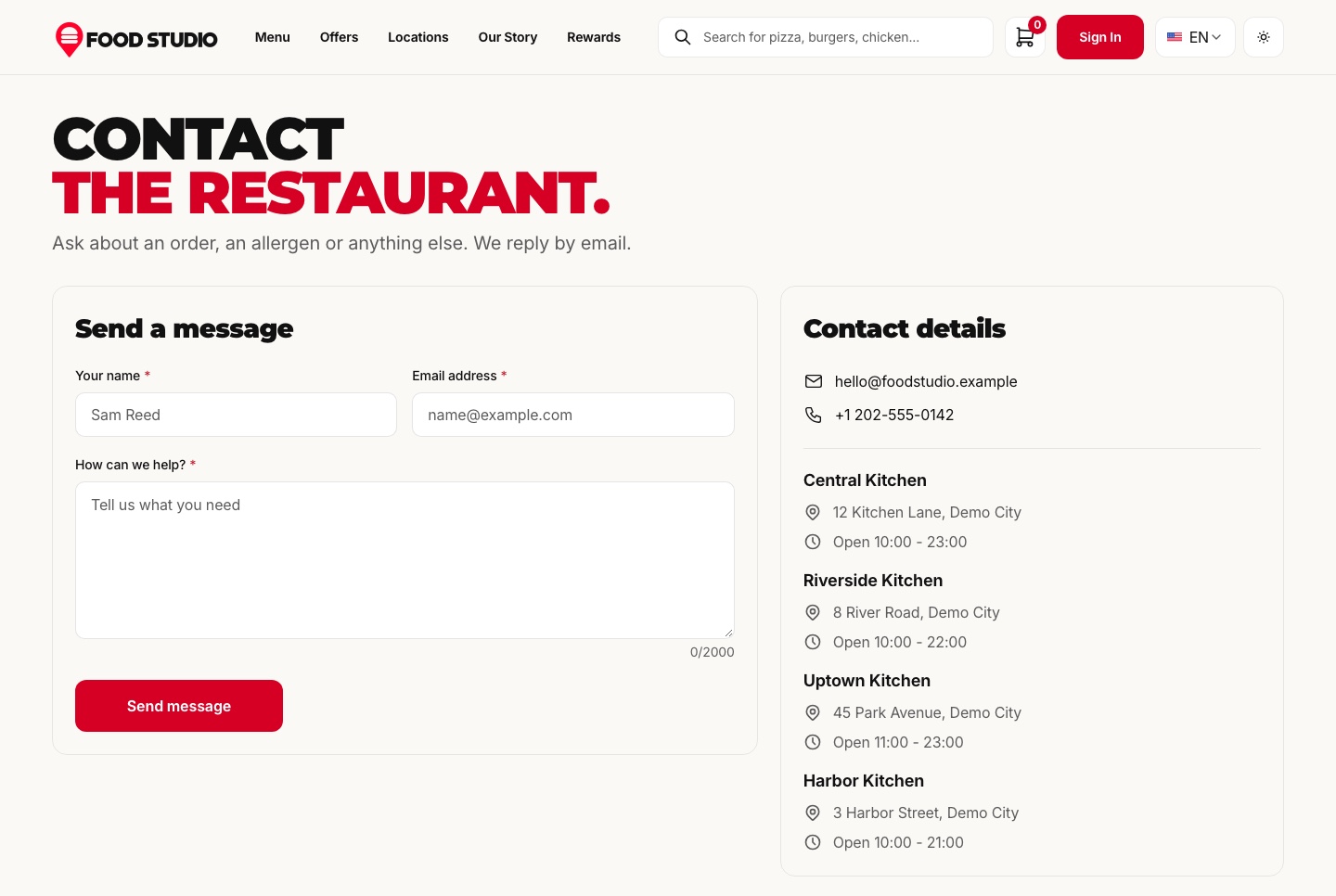
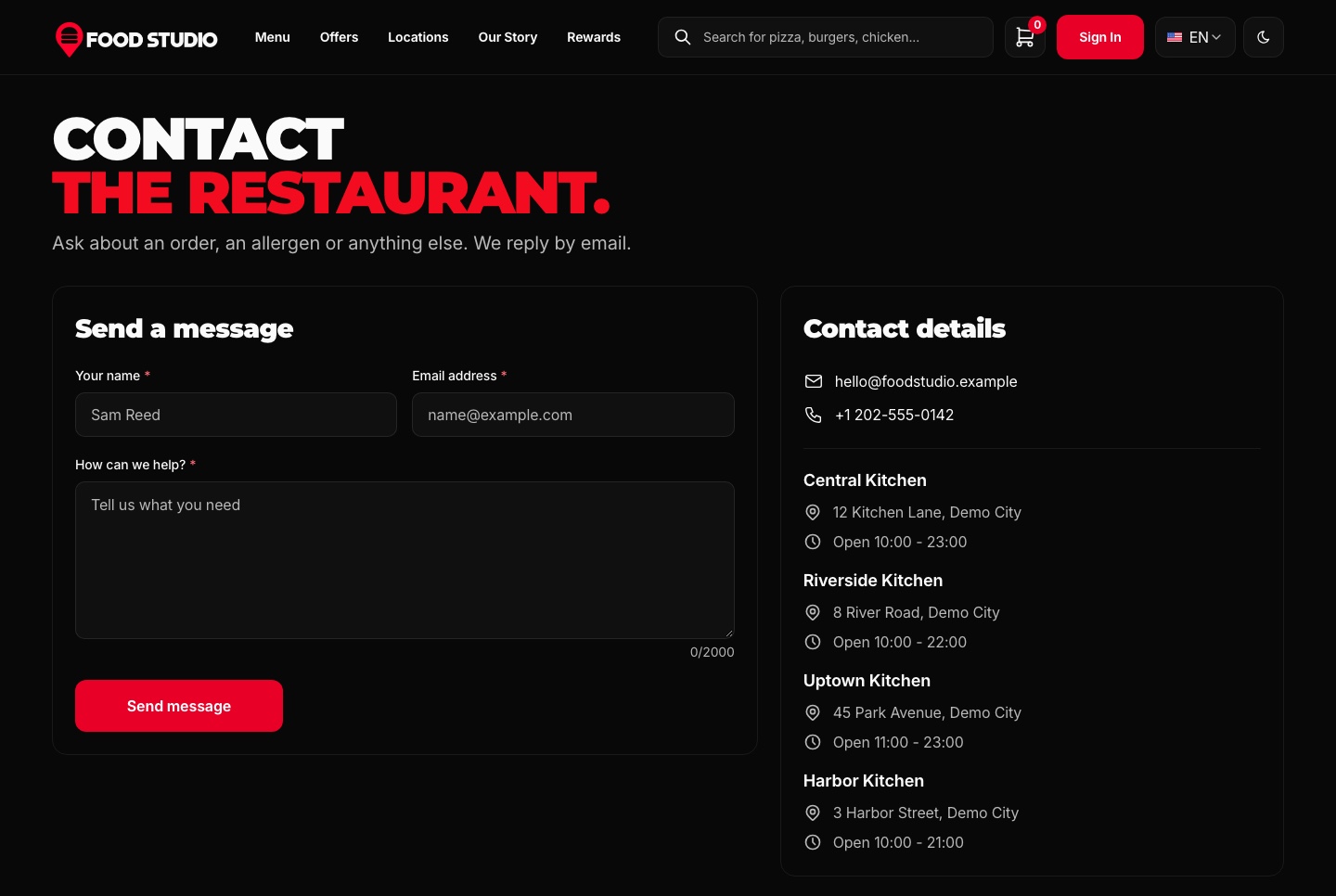
Food Studio is a full-stack restaurant template: a Next.js website where guests order for delivery or pickup and follow their order, a Next.js dashboard where the team runs orders, the menu and its kitchens, and a NestJS API behind both. Stripe and PayPal checkout, an AI studio for dish photos, an AI assistant, and English and Arabic with RTL come with it.
A connected foundation for a restaurant's own ordering site, a takeaway brand with several kitchens or an agency's client project, with source code you can customize. The full-stack package includes the website, the staff dashboard and the API behind them.
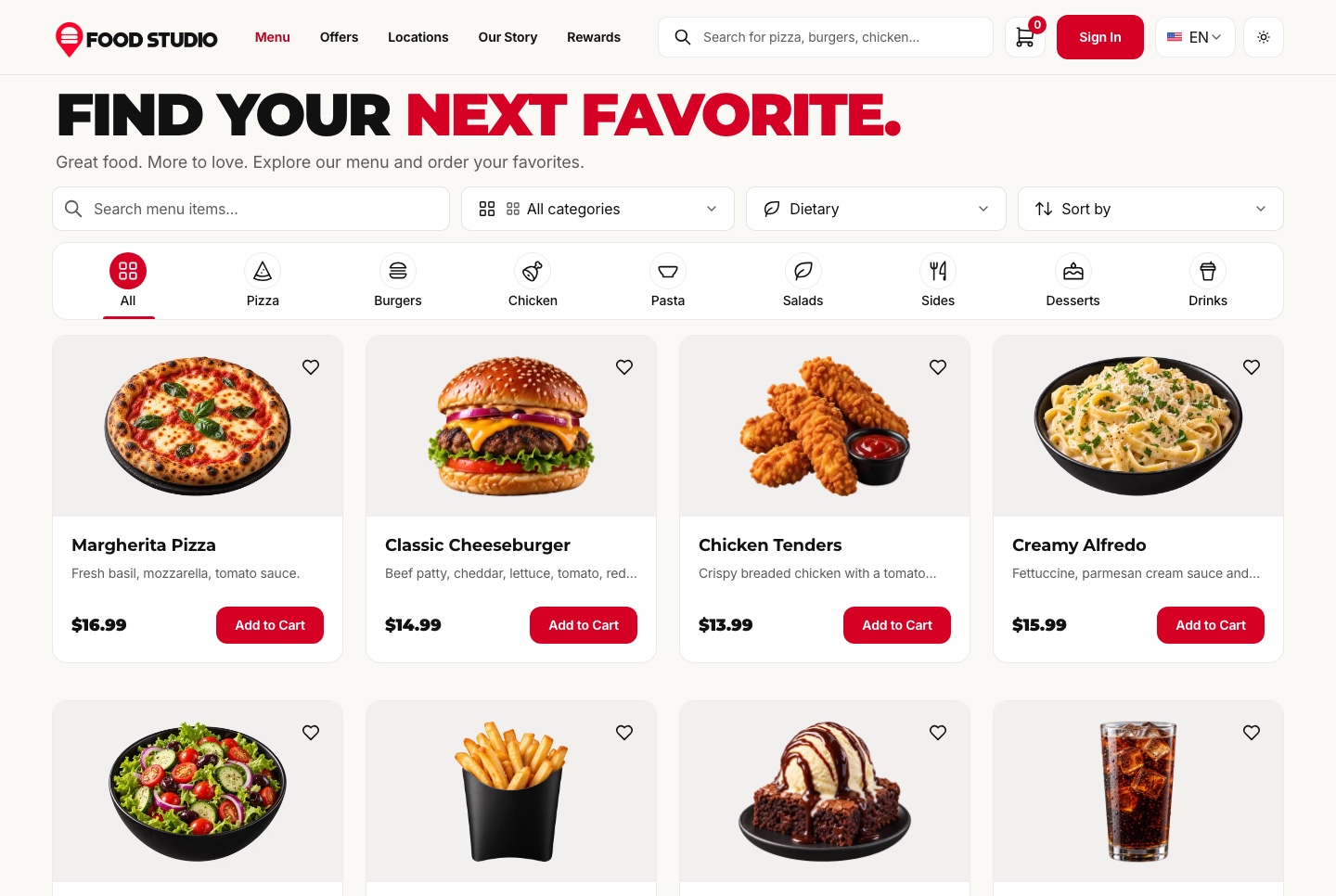
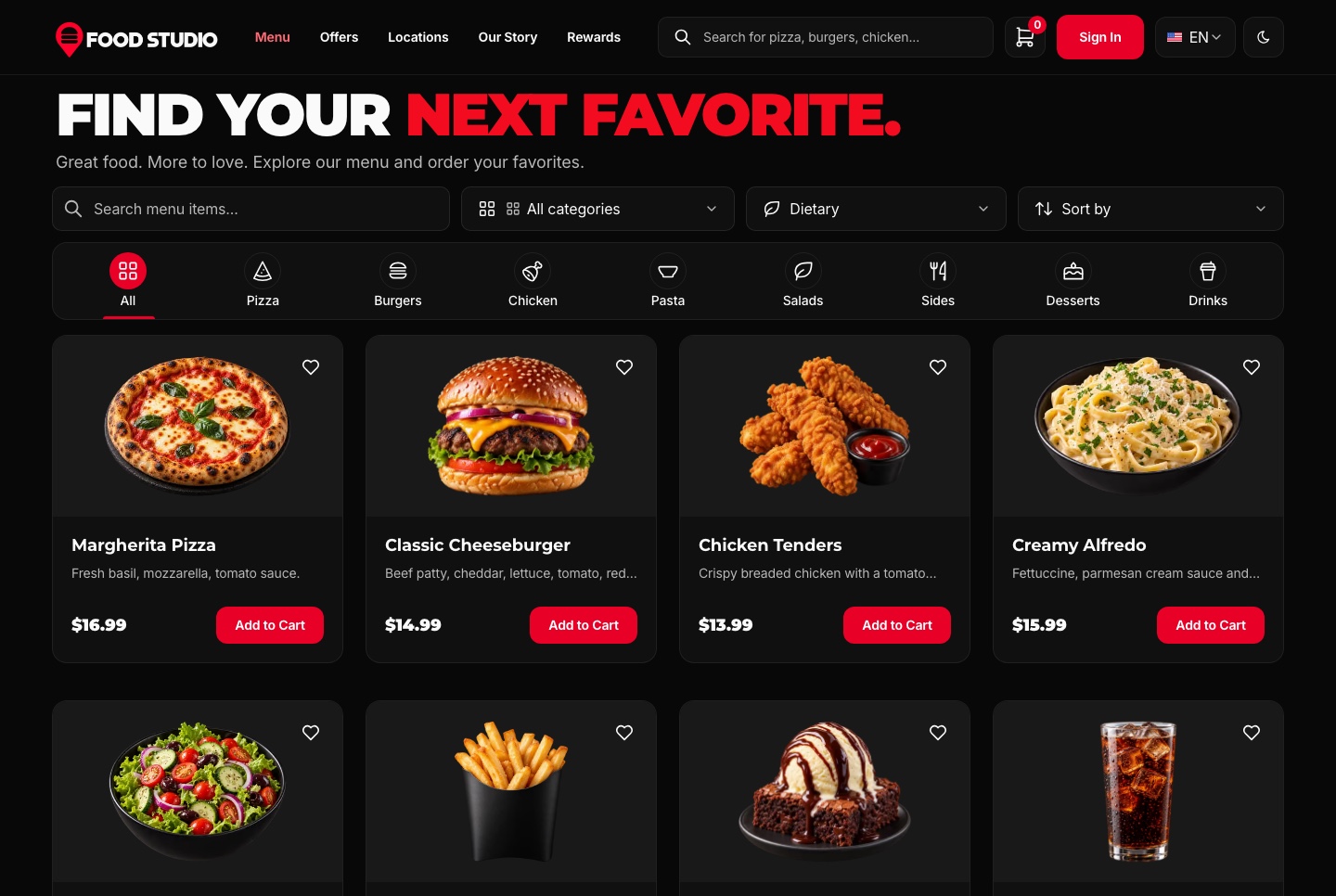
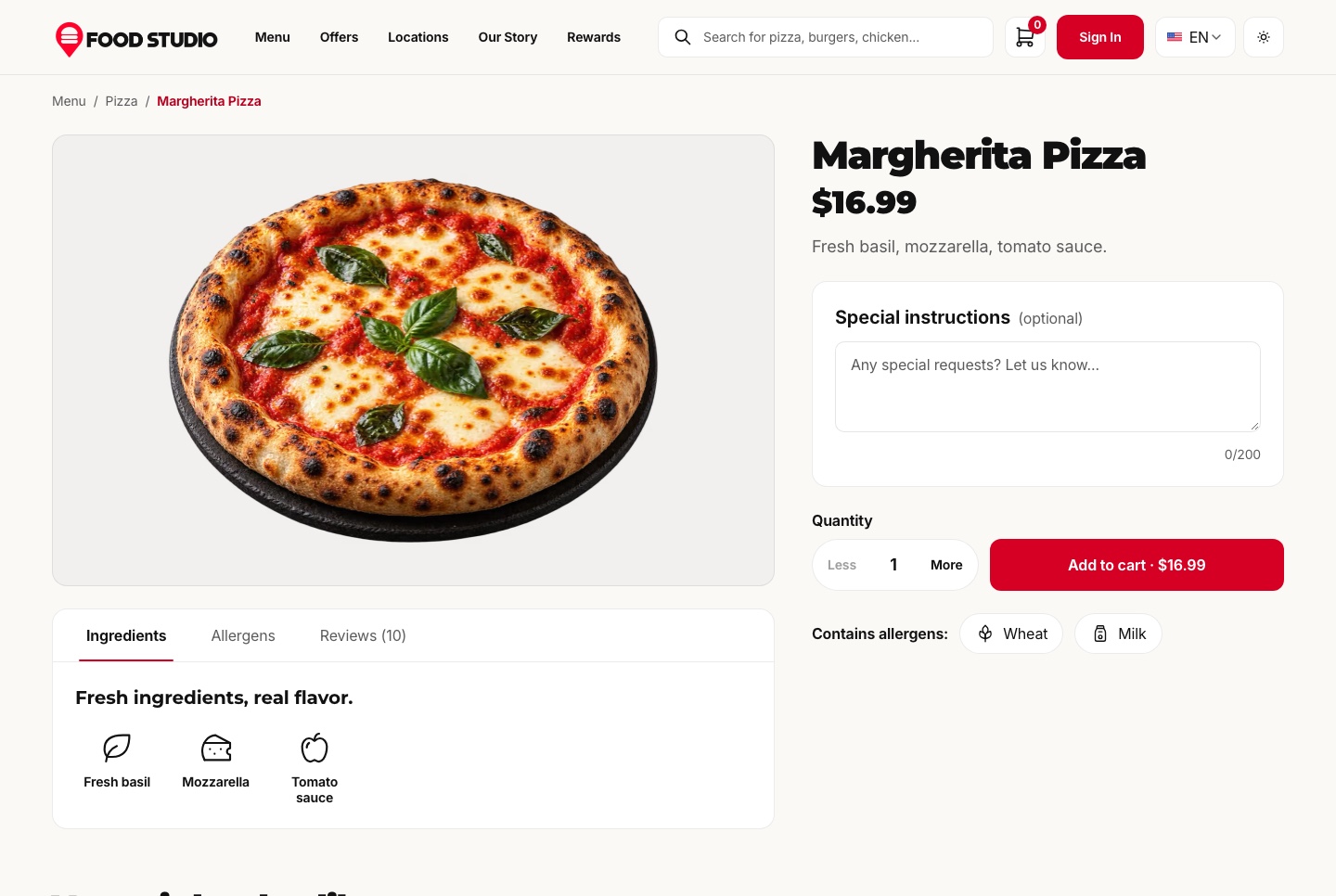
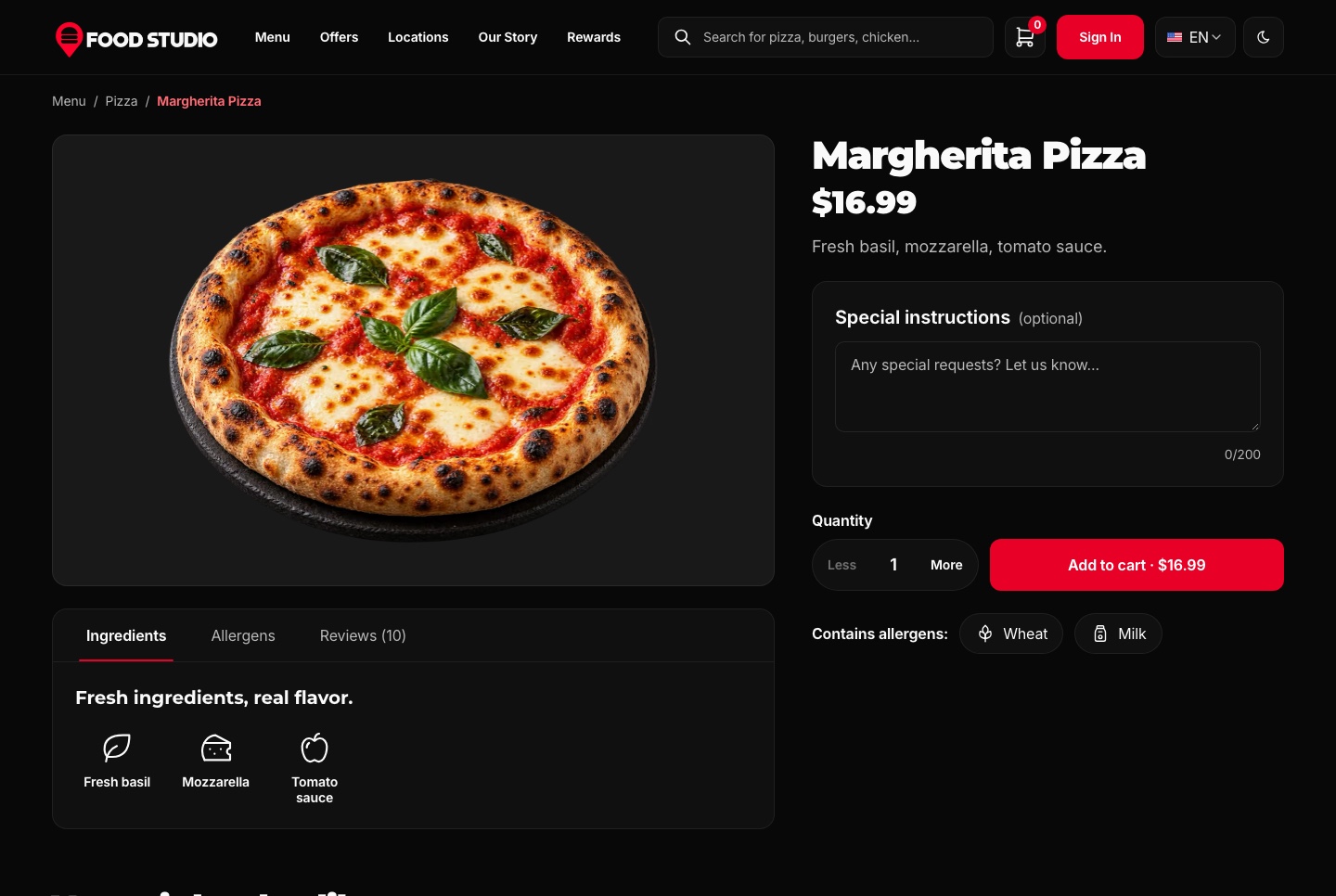
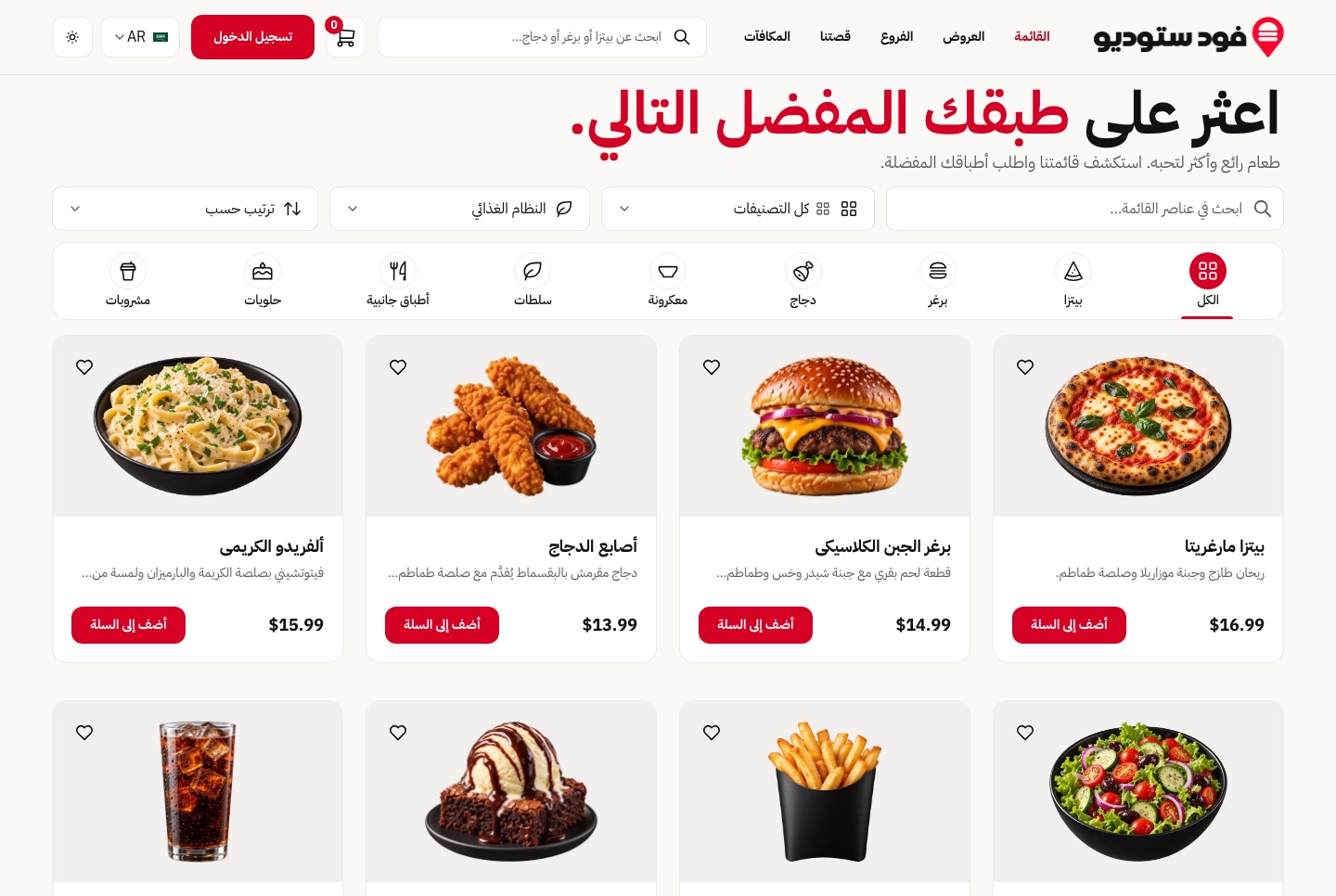
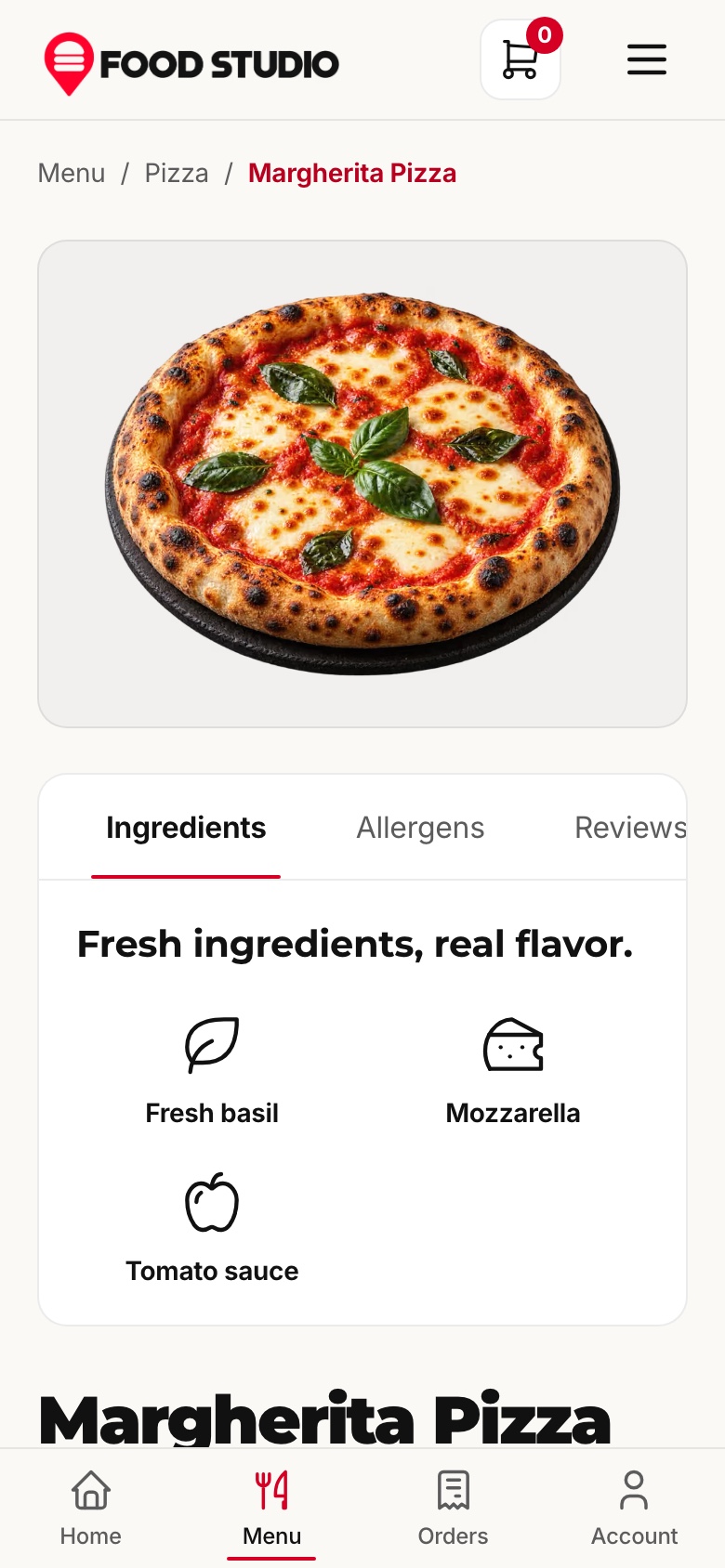
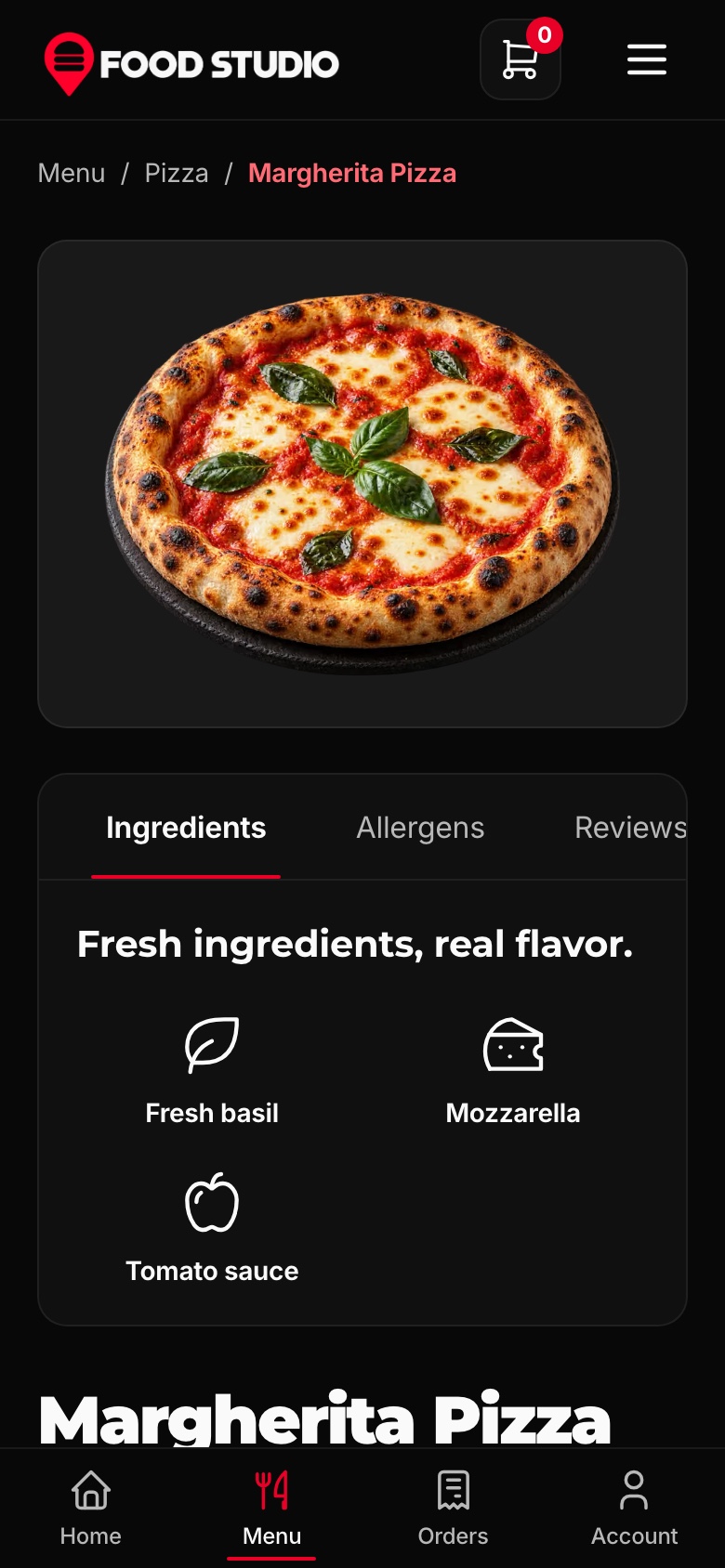
Search by name, narrow by category or diet, sort by popularity, price or name, and open any dish to see its ingredients, its allergens and its reviews. Every dish is a cut-out photograph on its own tile, never cropped.
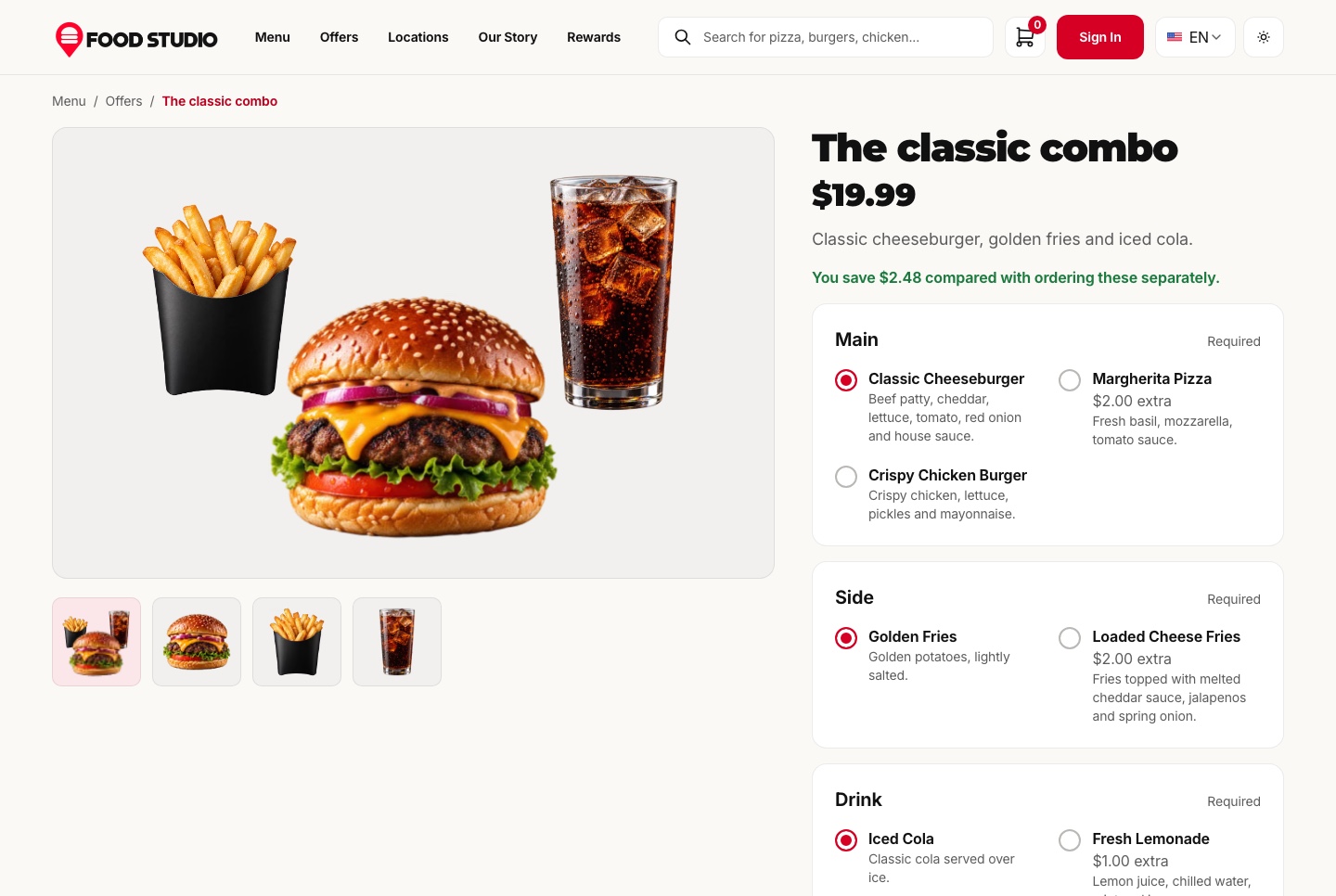
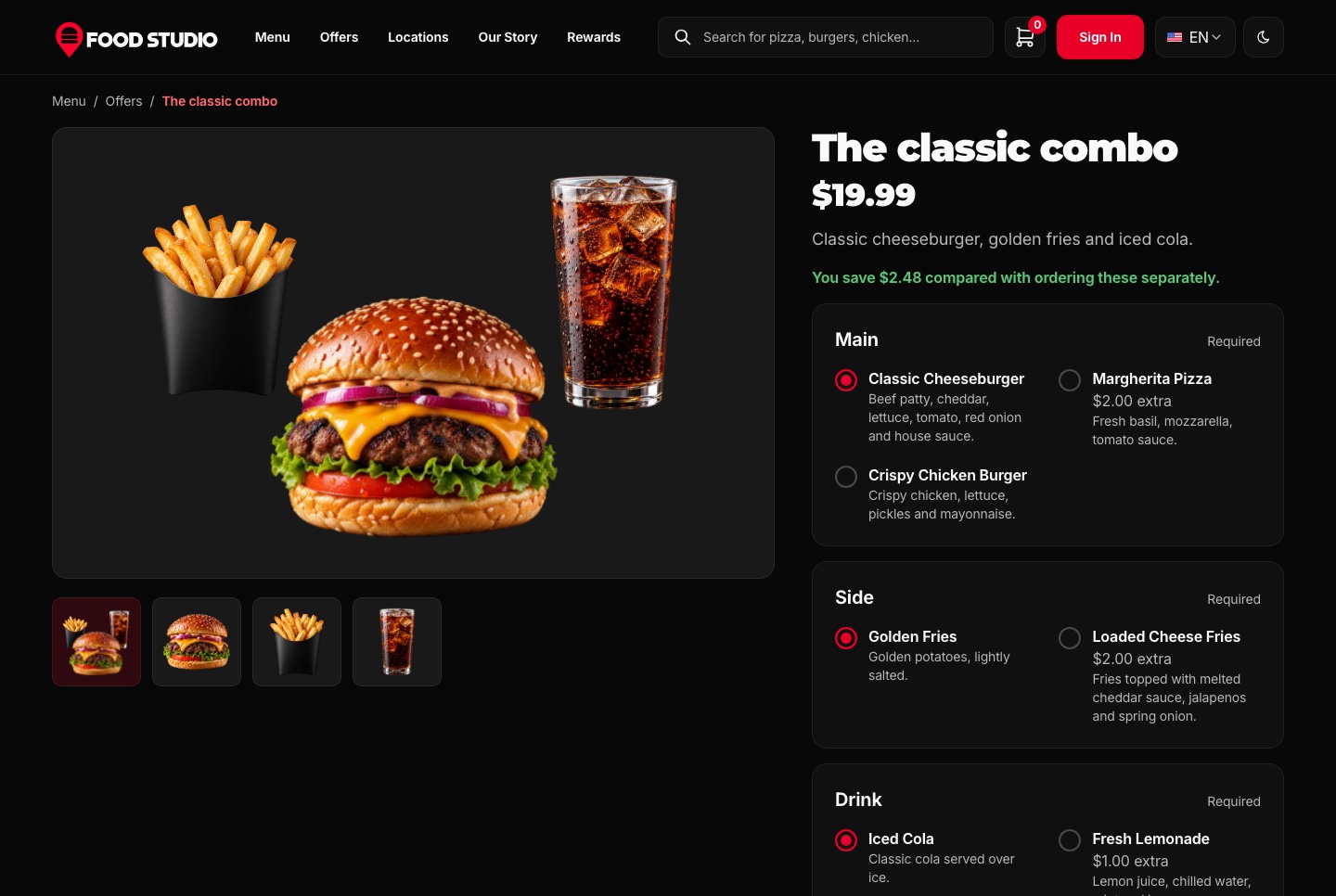
A combo has one price and asks for a main, a side and a drink. Swapping a choice for a pricier one adds only the difference, and the page shows the saving against ordering the same dishes separately.
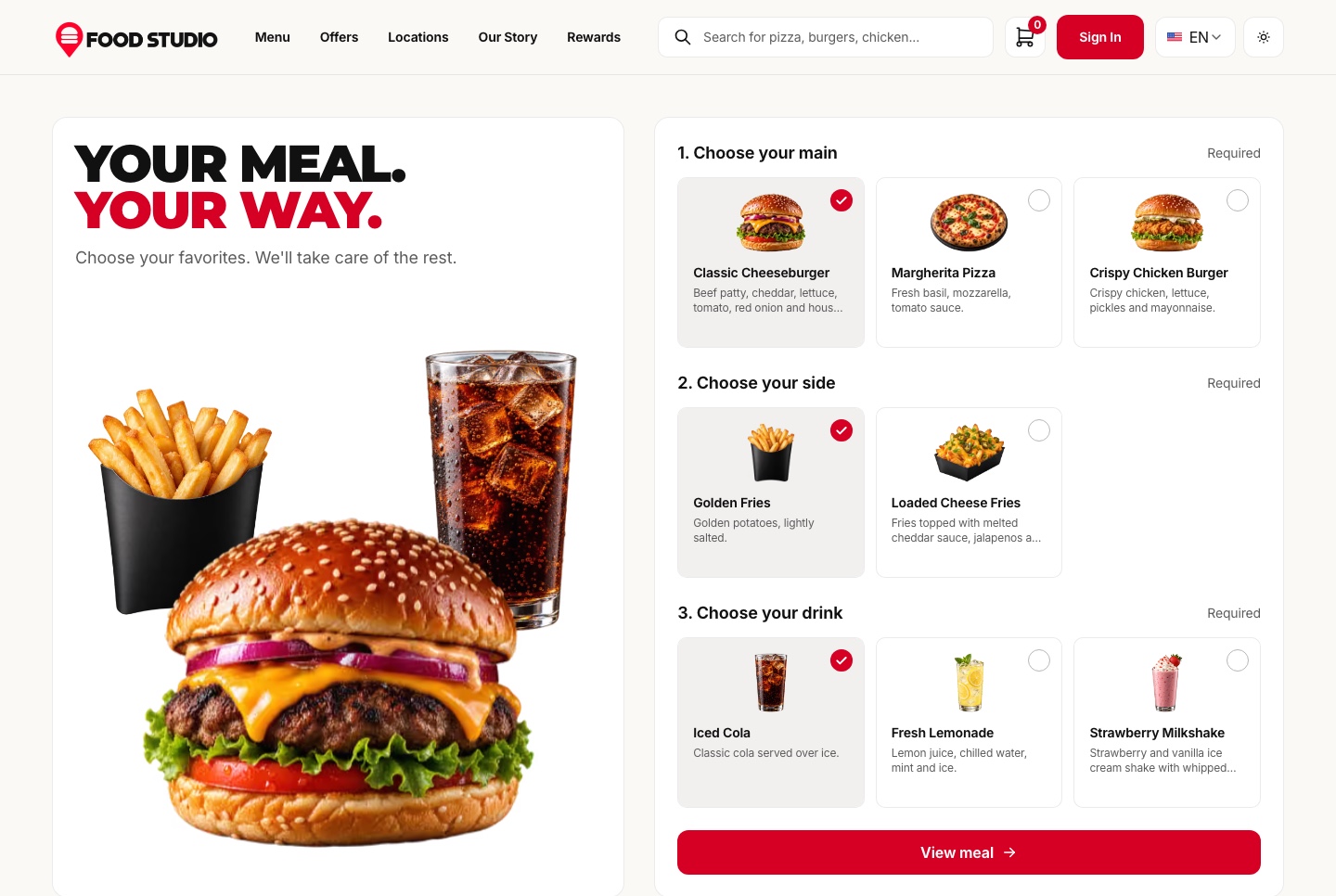
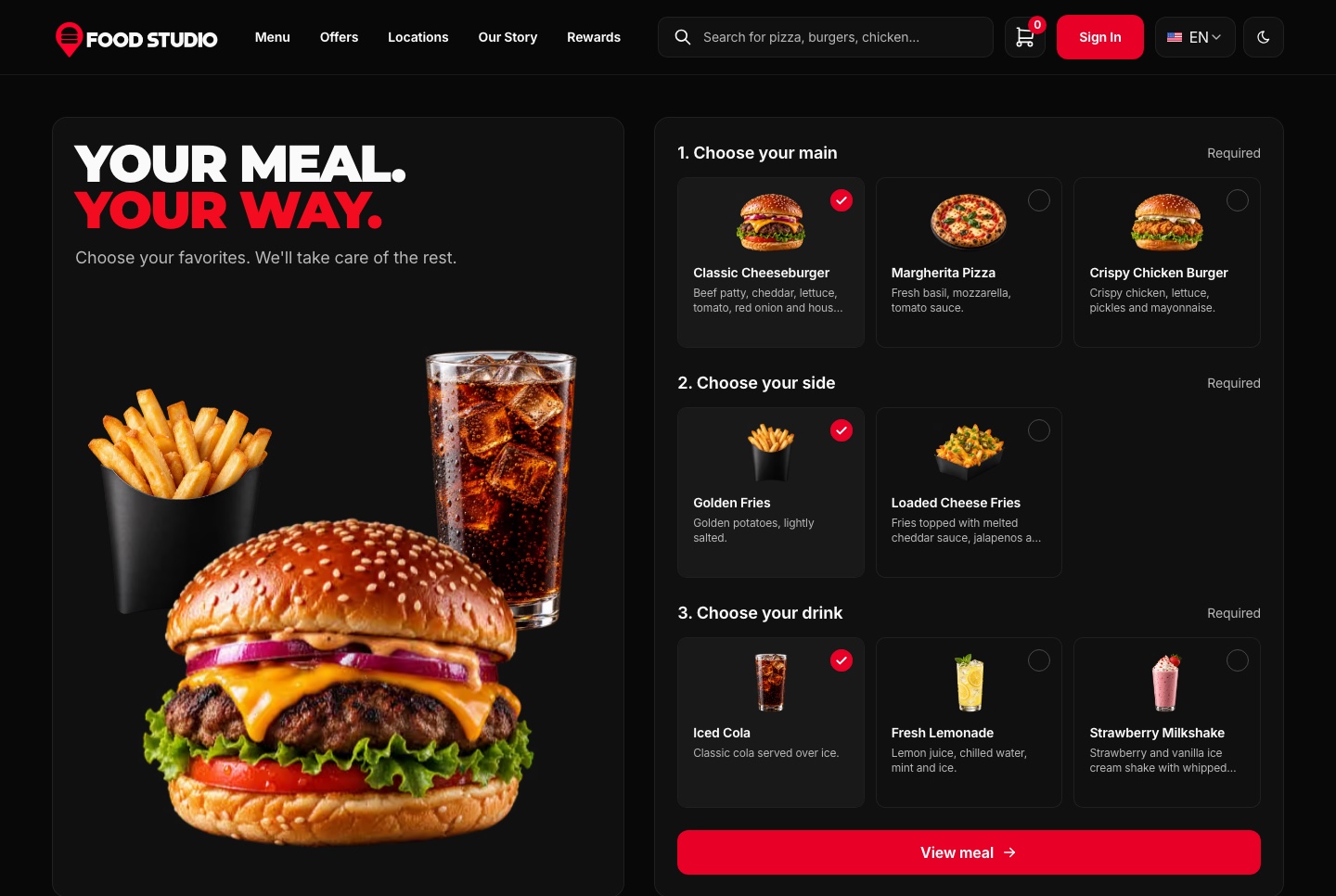
Guests pick a main, a side and a drink as cards and see them drawn together as one meal. While nobody touches it, the builder moves through combinations on its own, and View meal opens the combo with those choices already made.
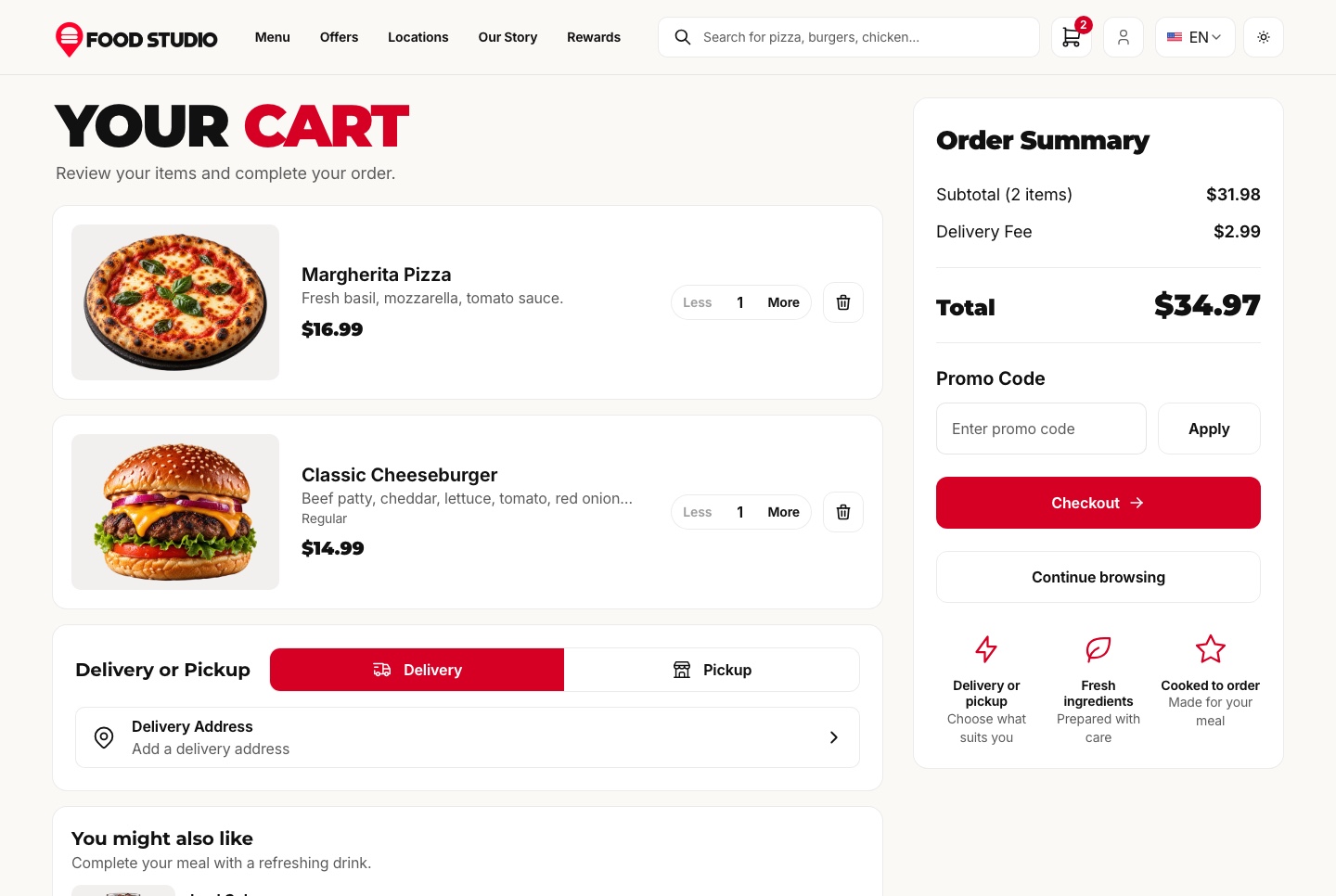
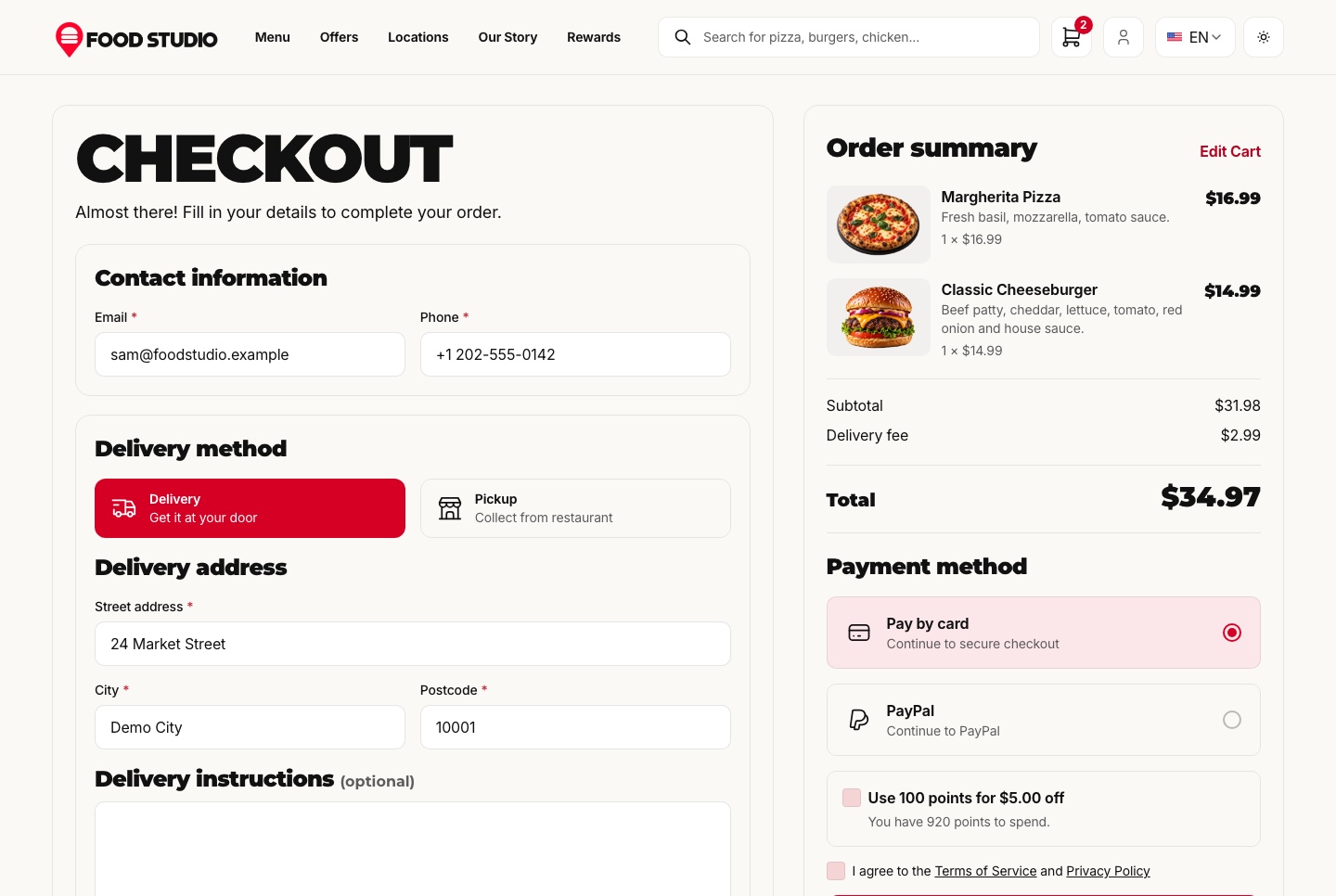
Guests choose delivery or pickup, and delivery is checked against the kitchen's postcodes, opening hours and minimum order before checkout. Promo codes, fees and reward discounts are applied by the server, which computes every price in cents.
Checkout sends the guest to Stripe's hosted Checkout or to PayPal and confirms the order from the provider's signed webhook, so the website never shows a card field.
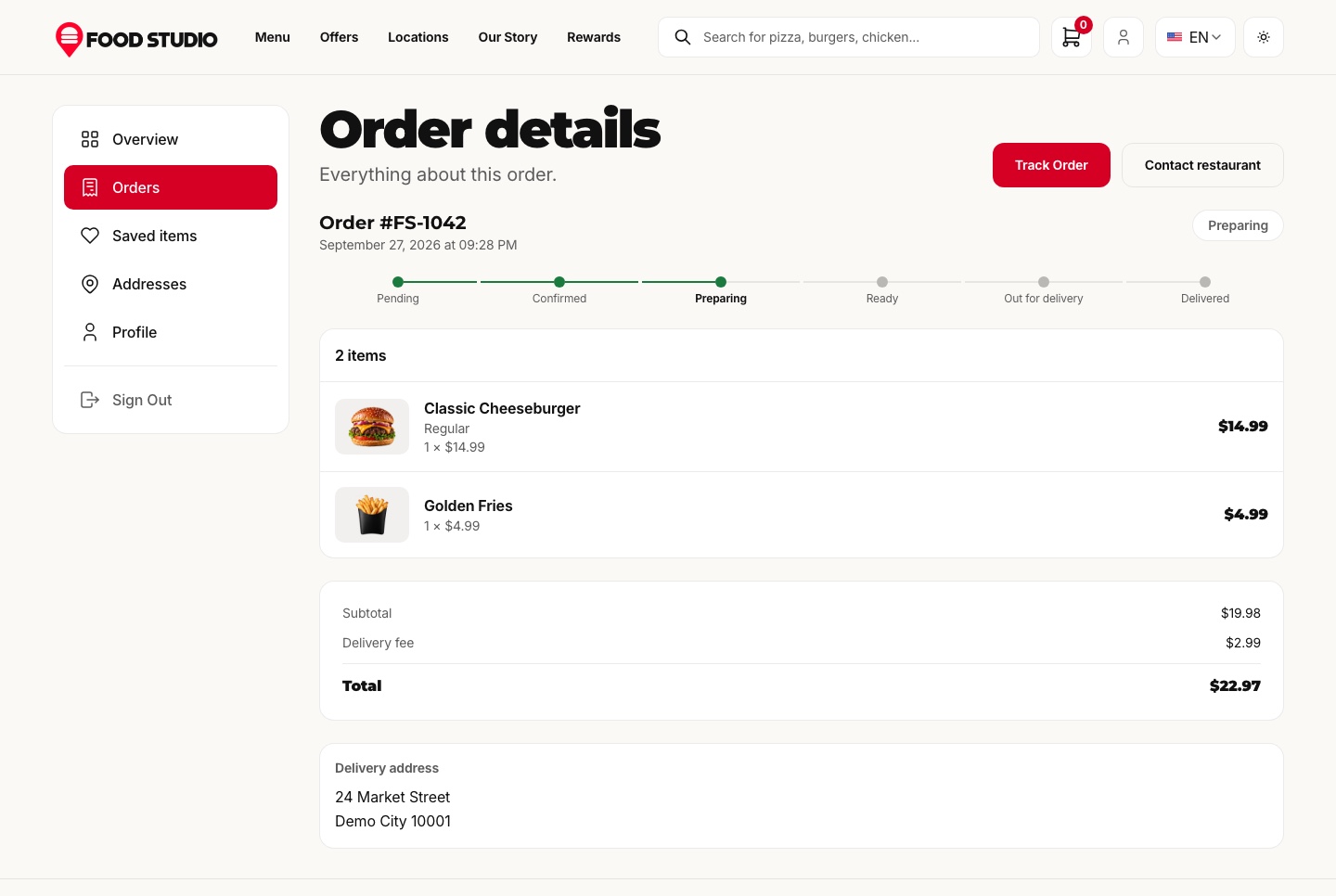
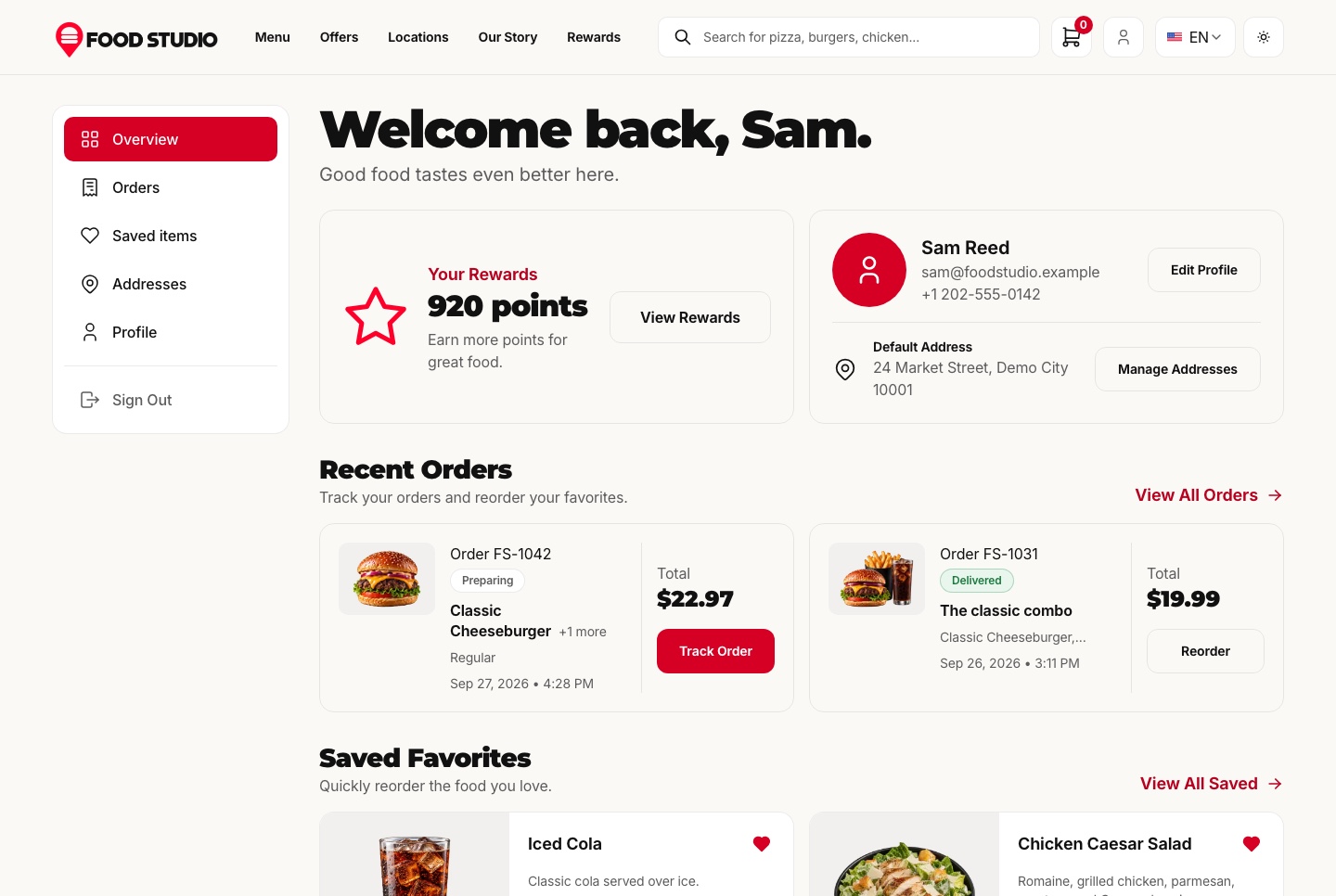
A customer account keeps the bag on the server, the saved dishes, the addresses and every past order with a reorder button. Guests can still order and track without signing up.
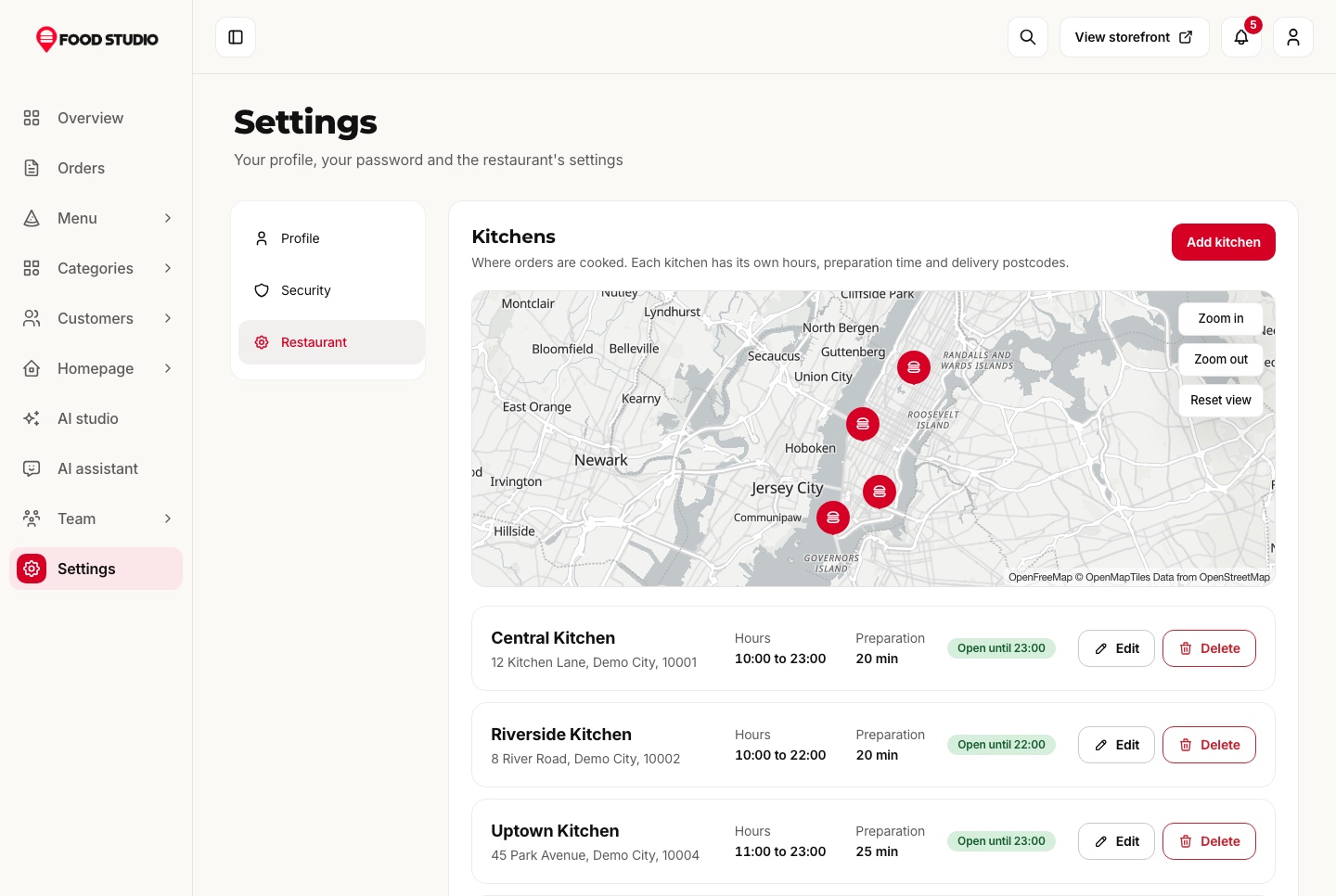
Each kitchen has its opening hours in its own time zone, overnight shifts included, and the postcodes it delivers to. A postcode search tells the guest whether a kitchen delivers there, is closed right now, or which other kitchen can take the order, on a real map.
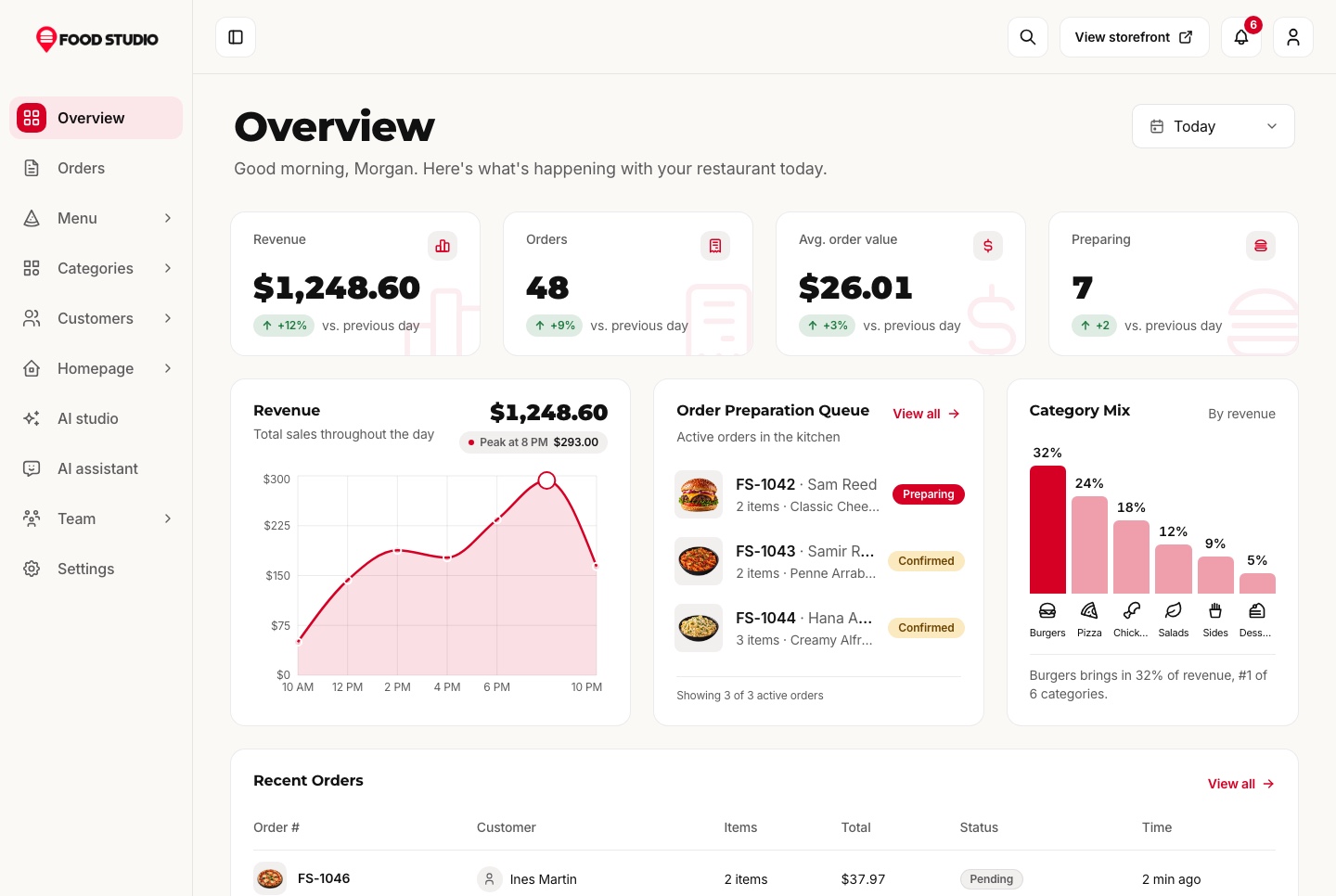
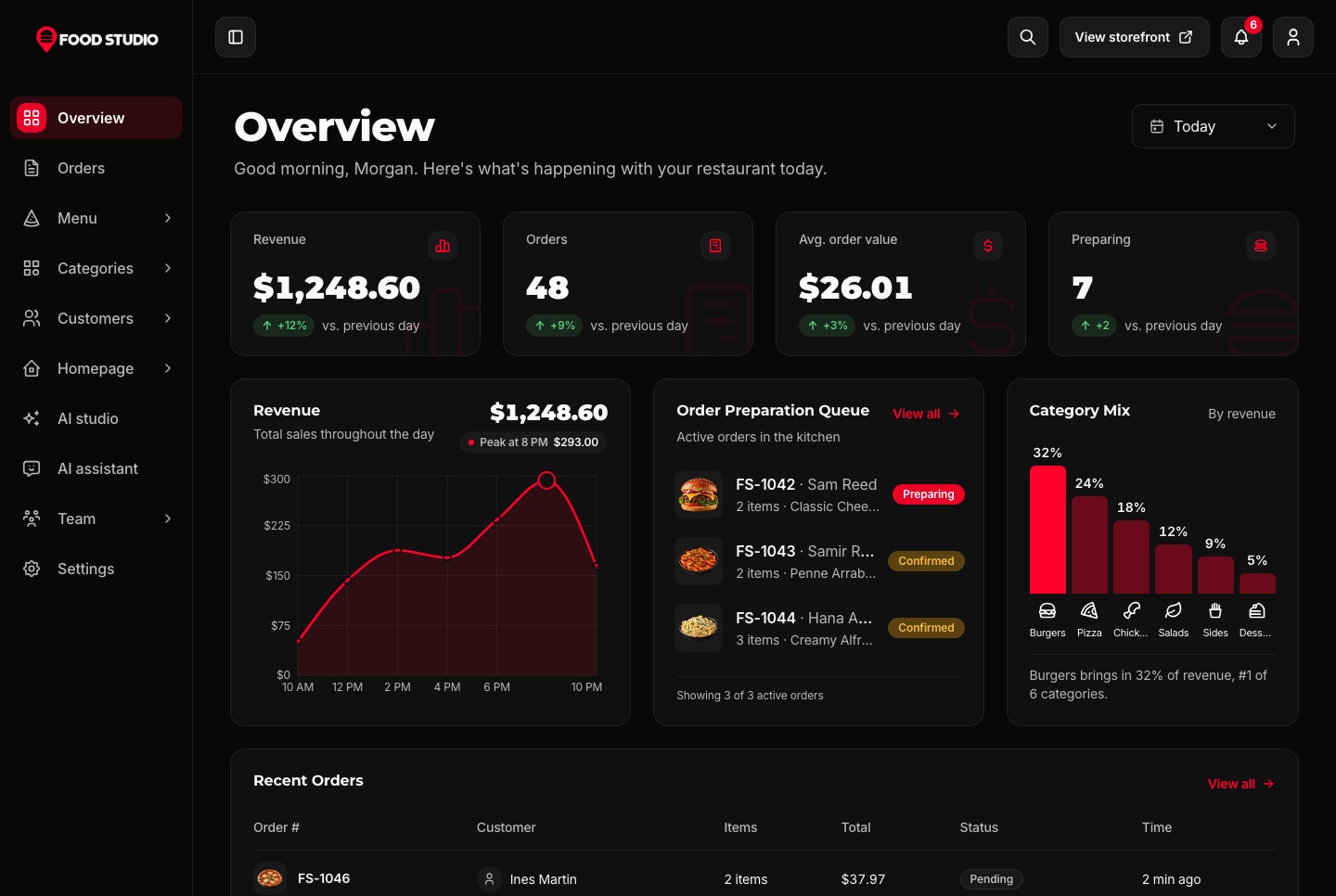
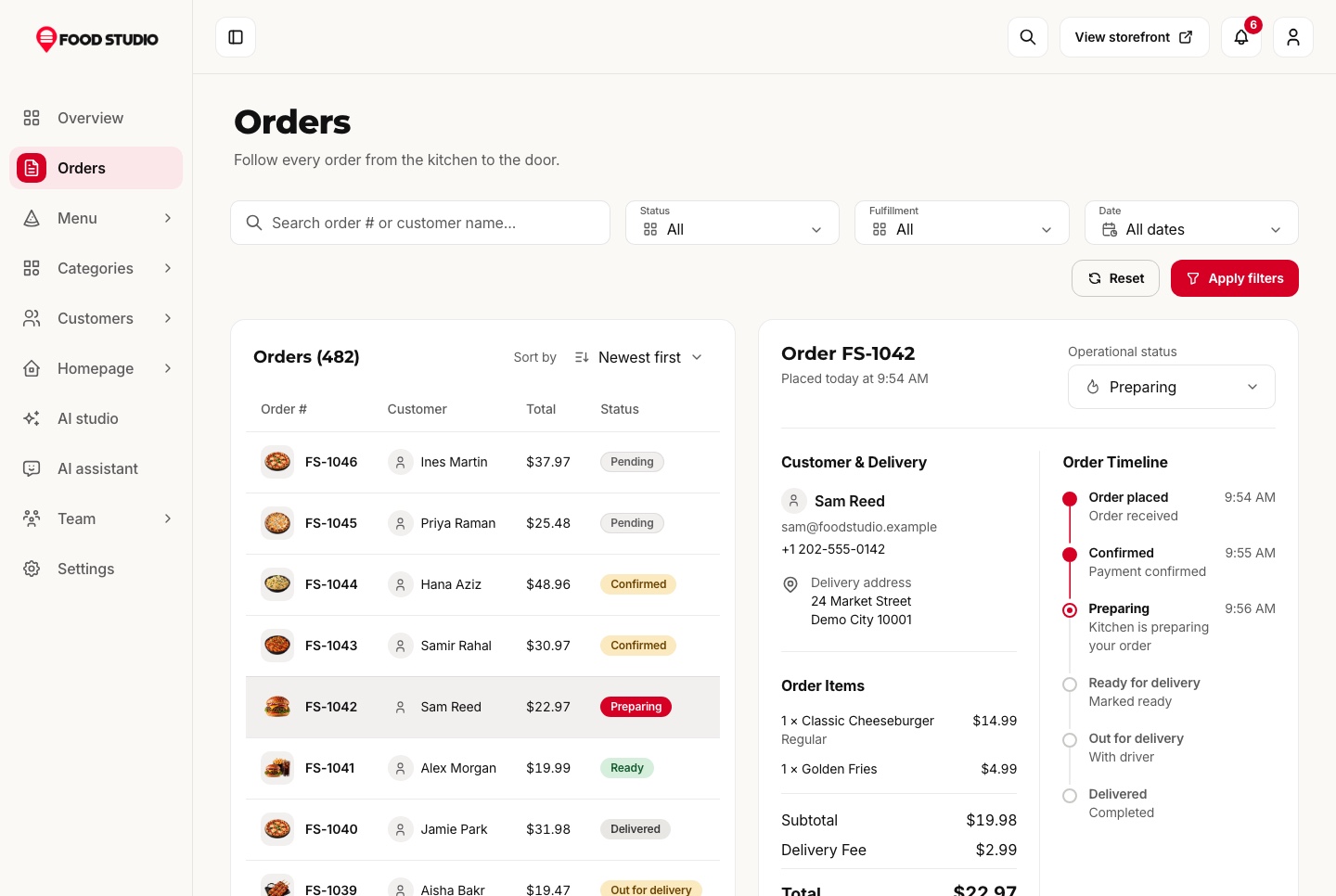
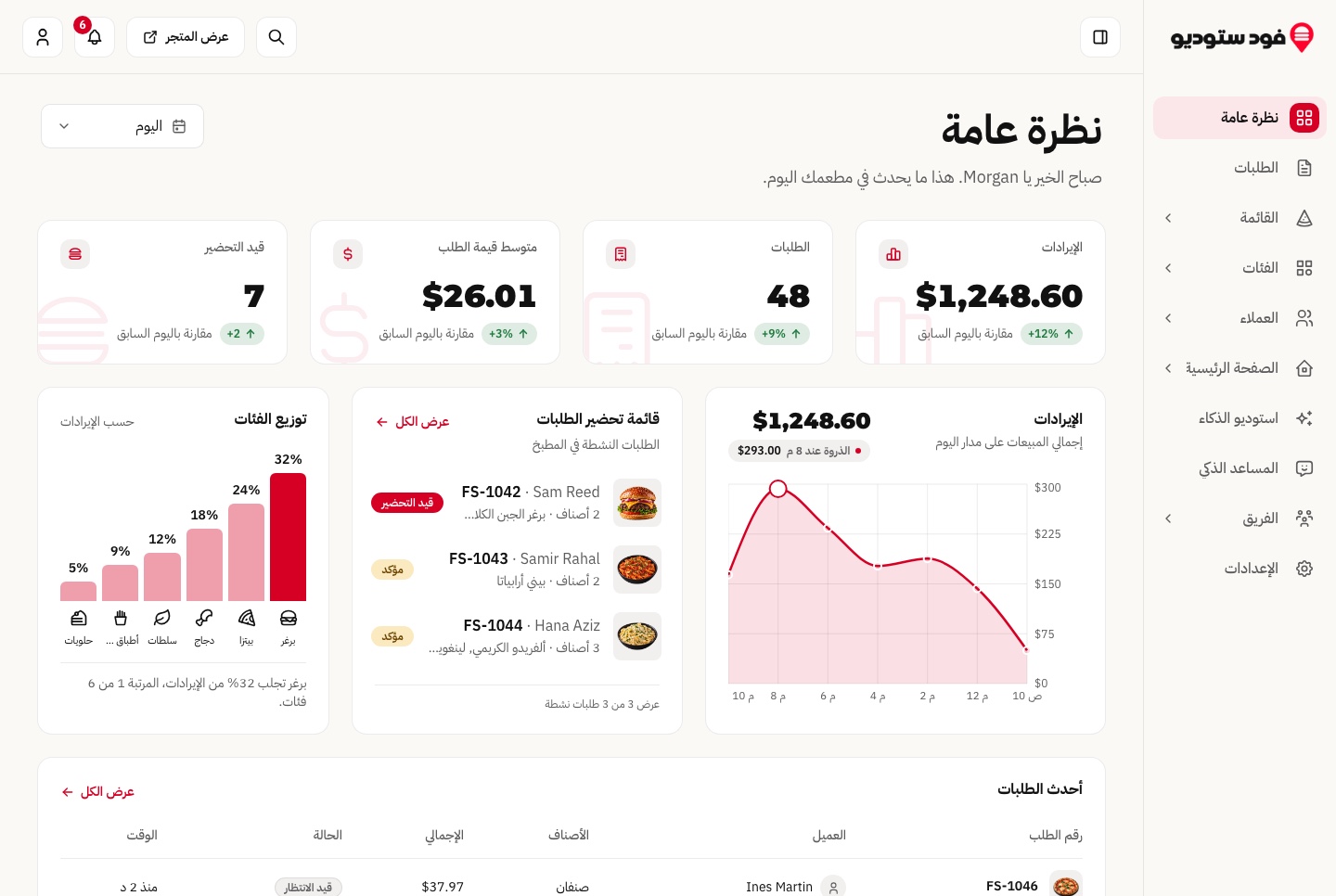
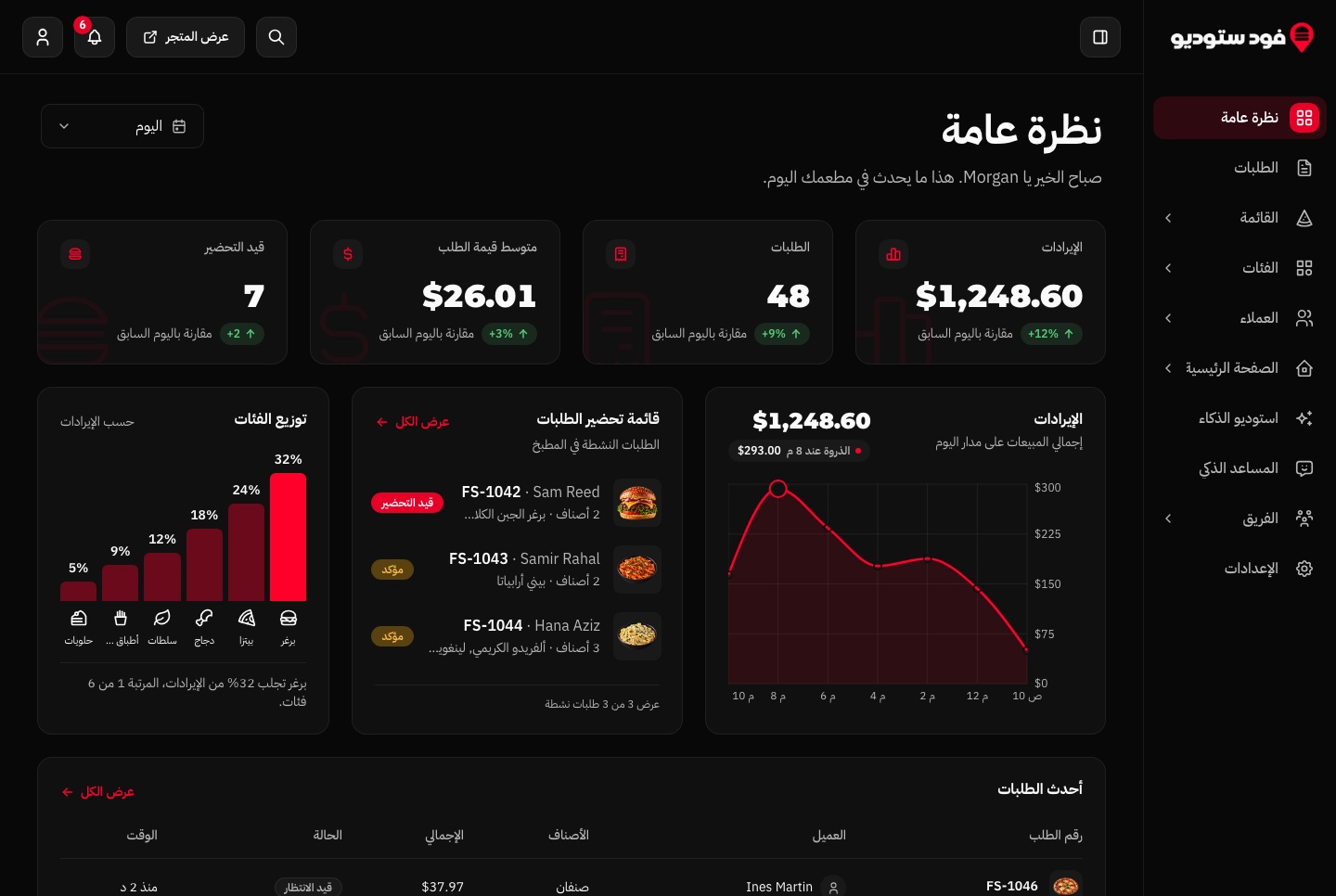
The overview opens on today's revenue, orders, average order value and the orders in preparation against the day before, with the revenue through the day, the category mix, the most popular dishes and the kitchen queue. A new order refreshes it the moment it arrives.
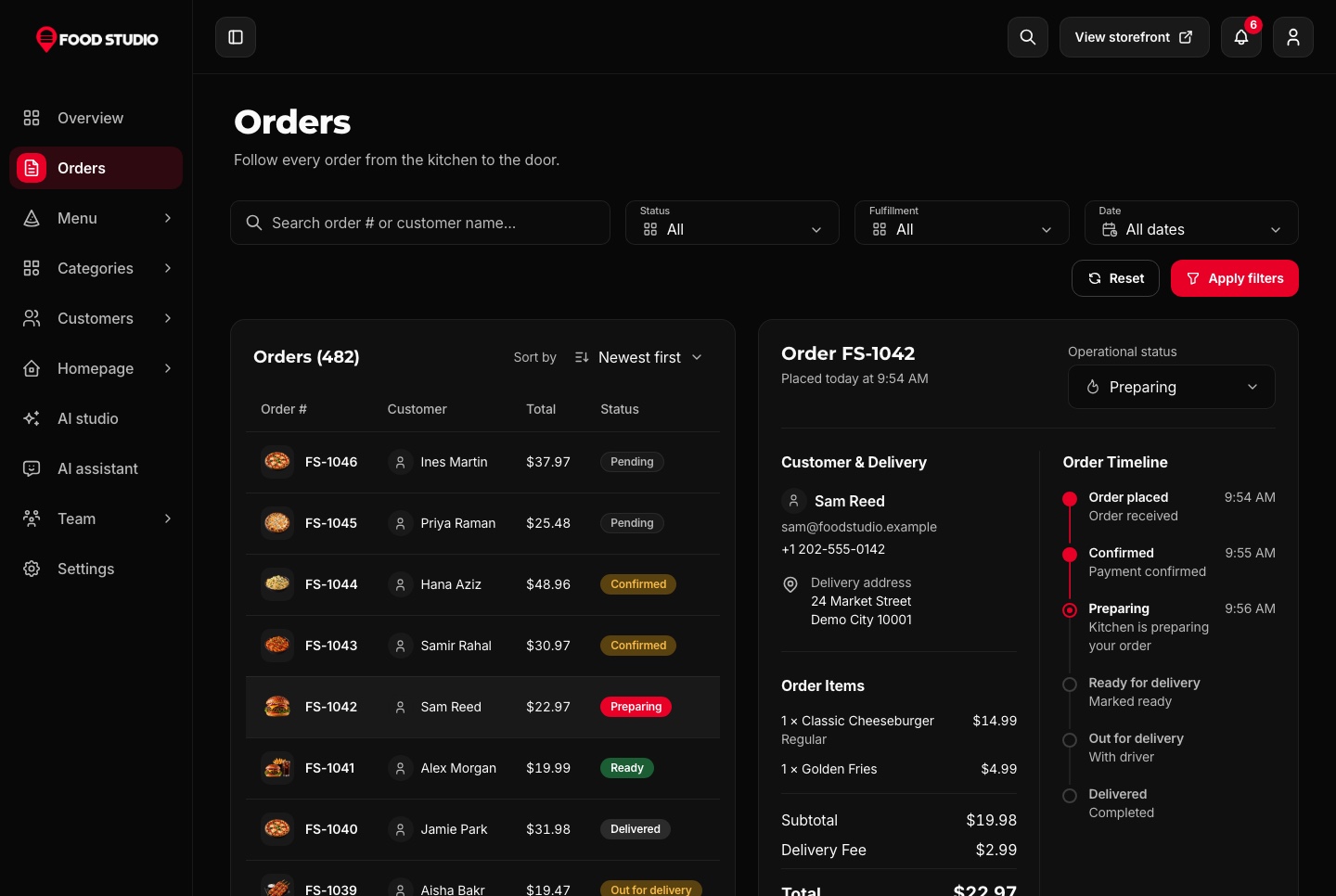
Every order opens in a panel with its items, the customer, the totals and a timeline of each change. Only the next steps that make sense are offered, and the server refuses any other.
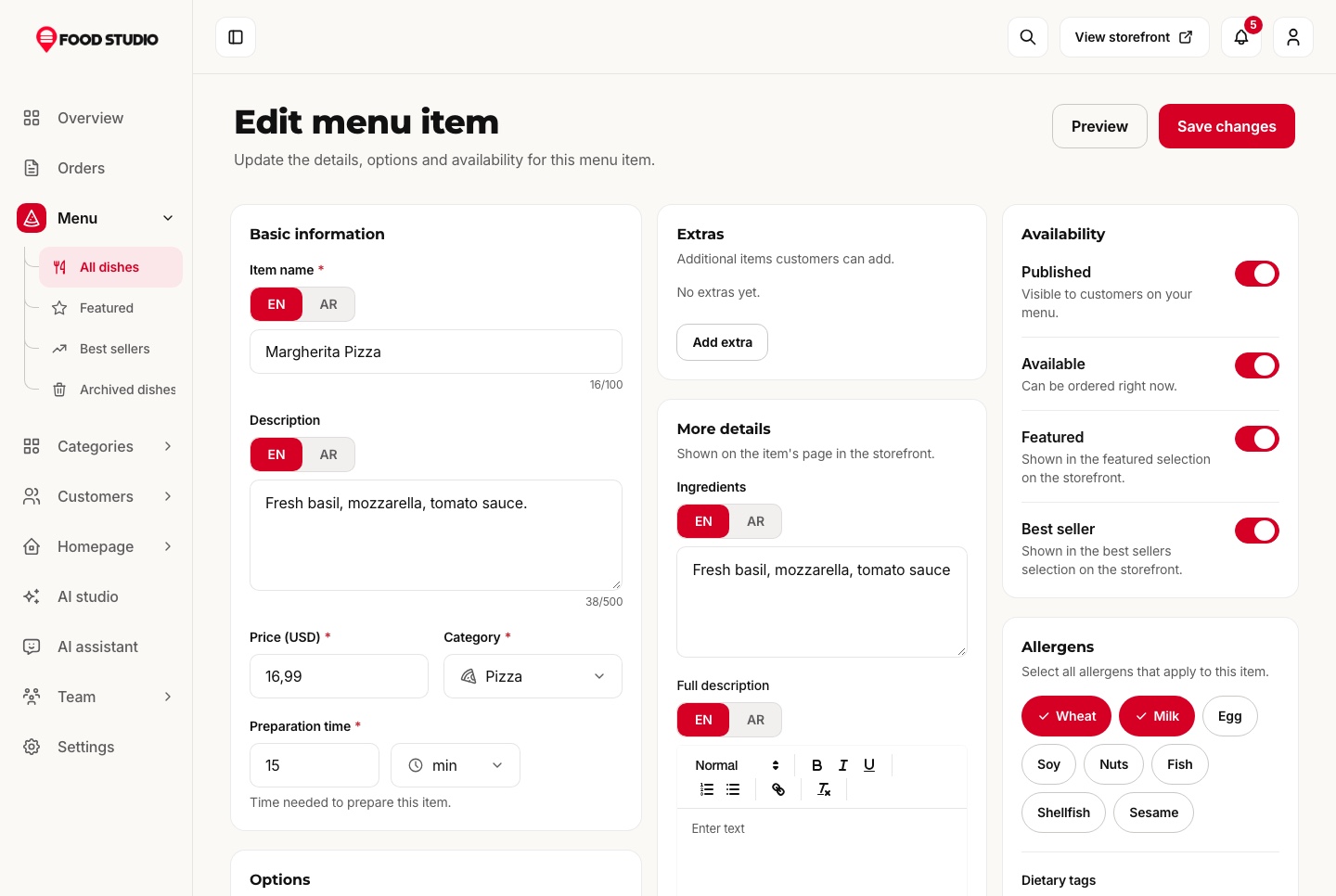
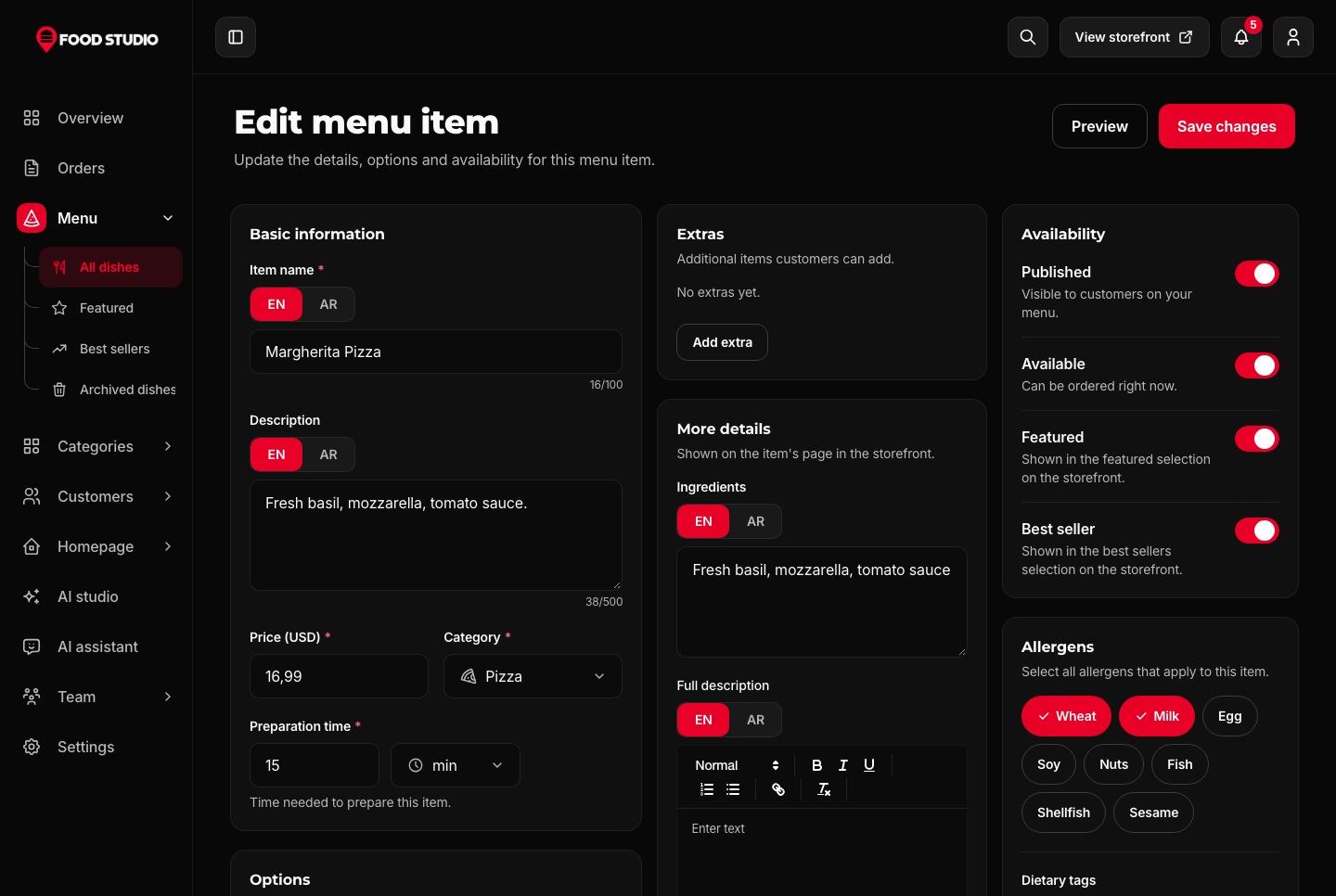
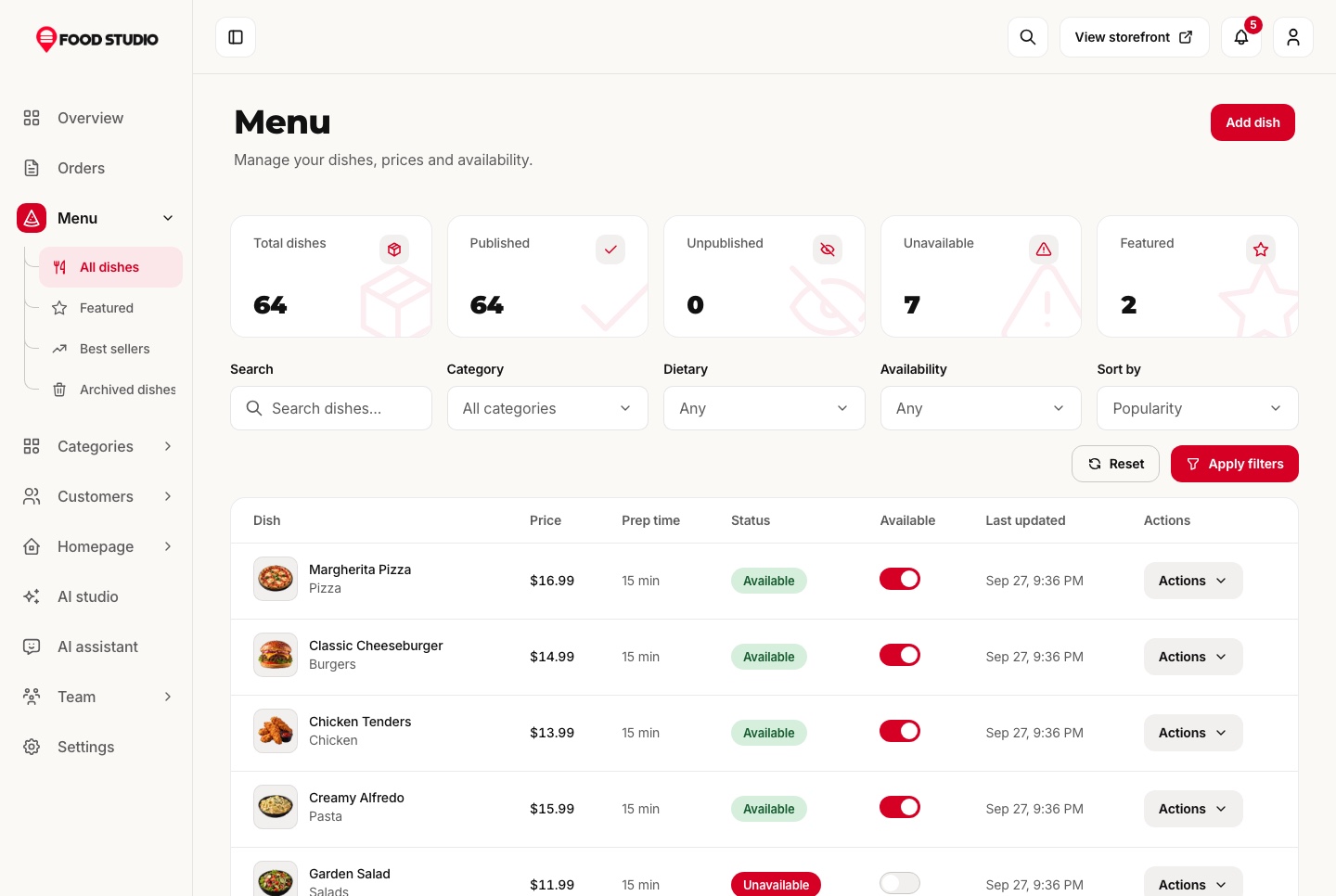
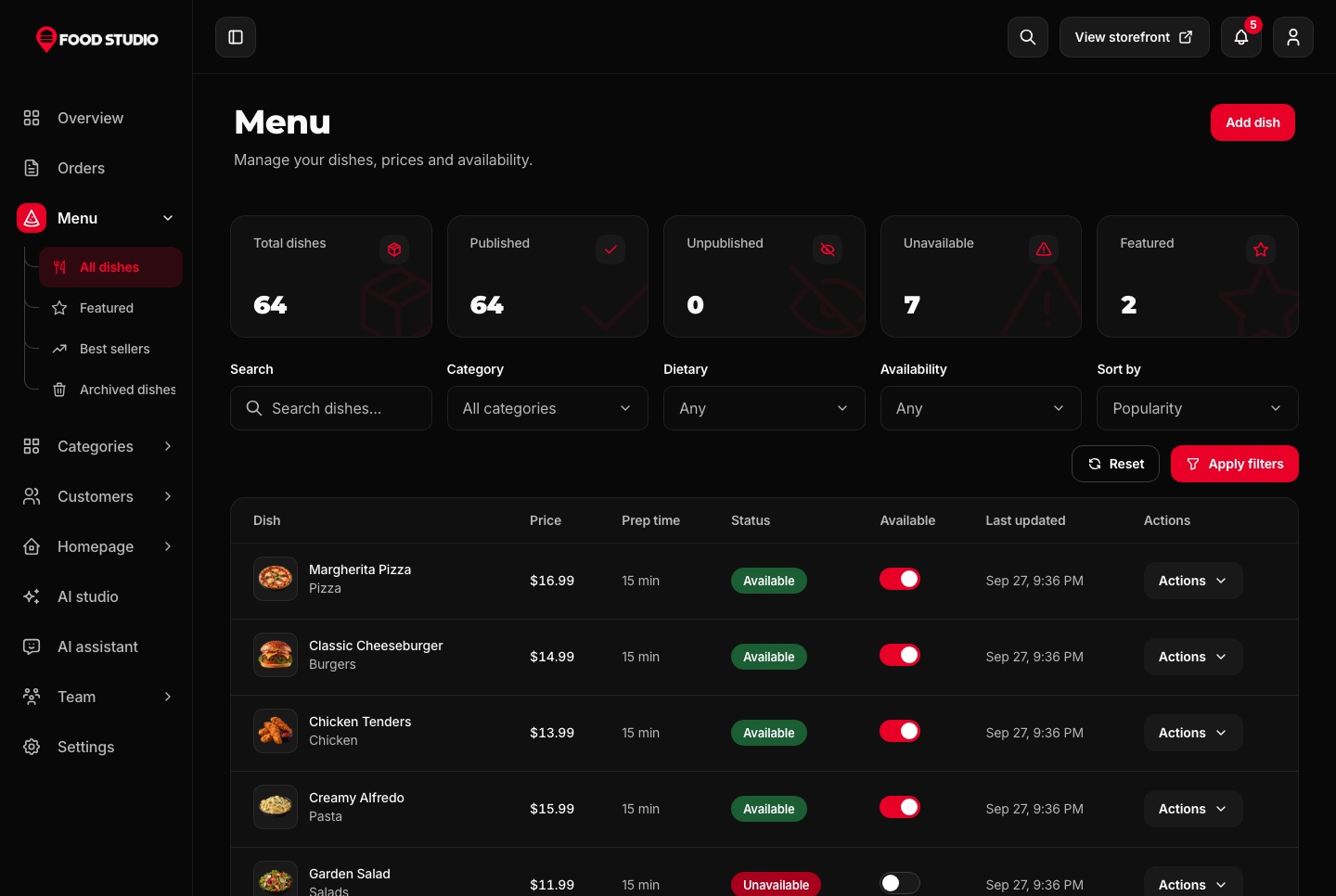
Name, description and ingredients in English and Arabic, photos or a video, a category, a preparation time, allergens and dietary tags, and extras as groups with their own minimum, maximum and prices.
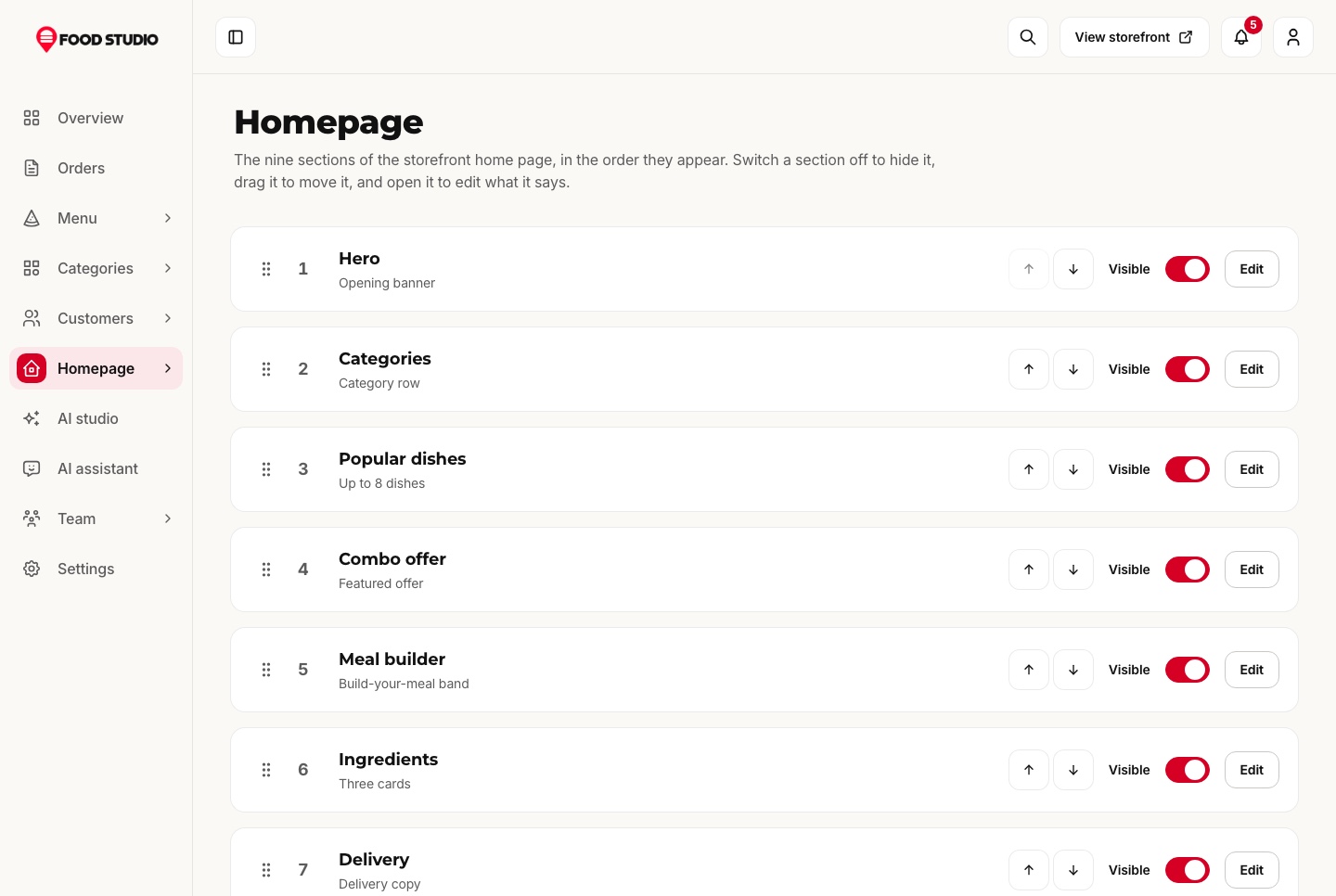
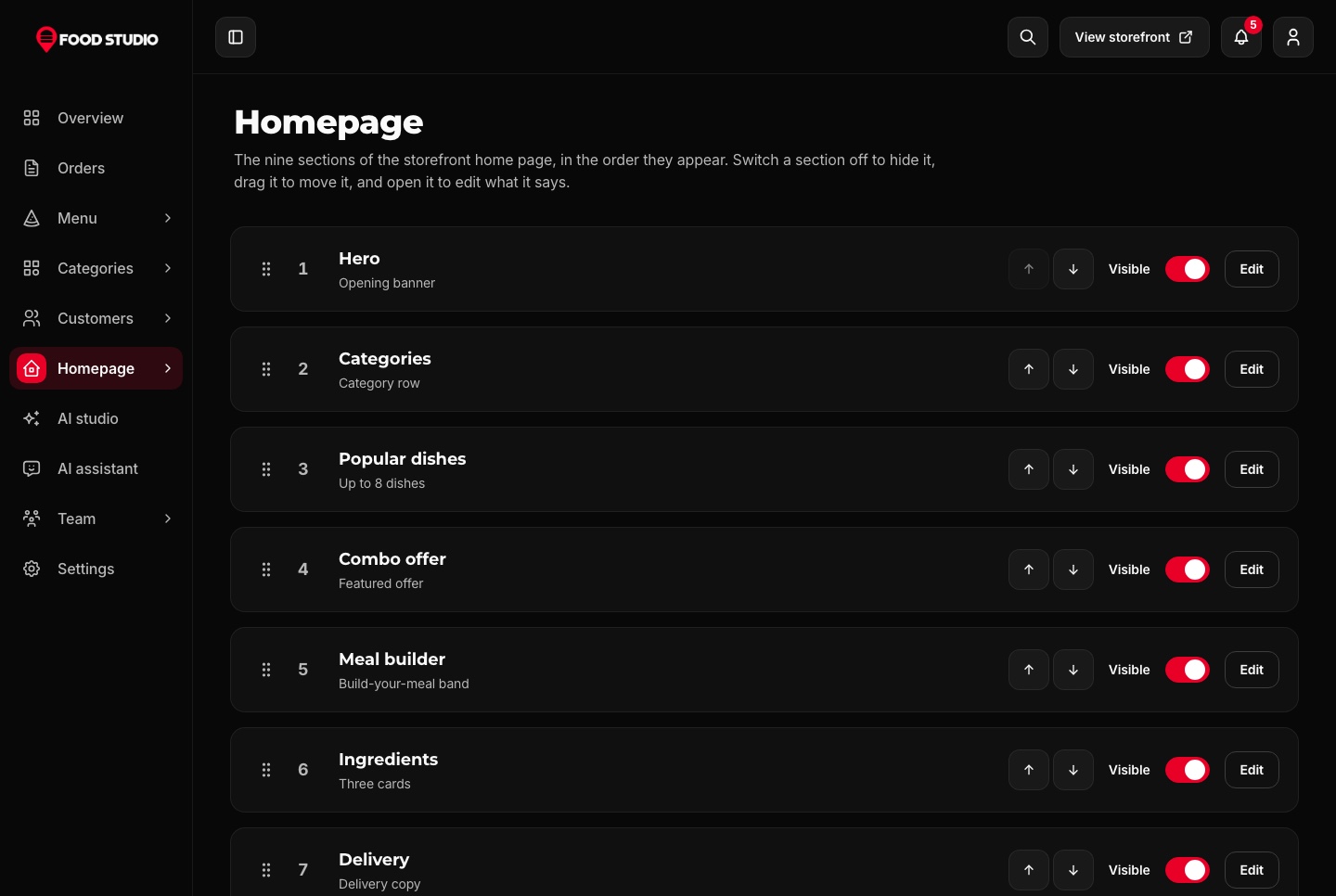
The nine sections of the home page are switched on or off, moved up or down and edited in place: the hero, the categories, the popular dishes, the combo, the meal builder, the ingredients, delivery, rewards and the questions.
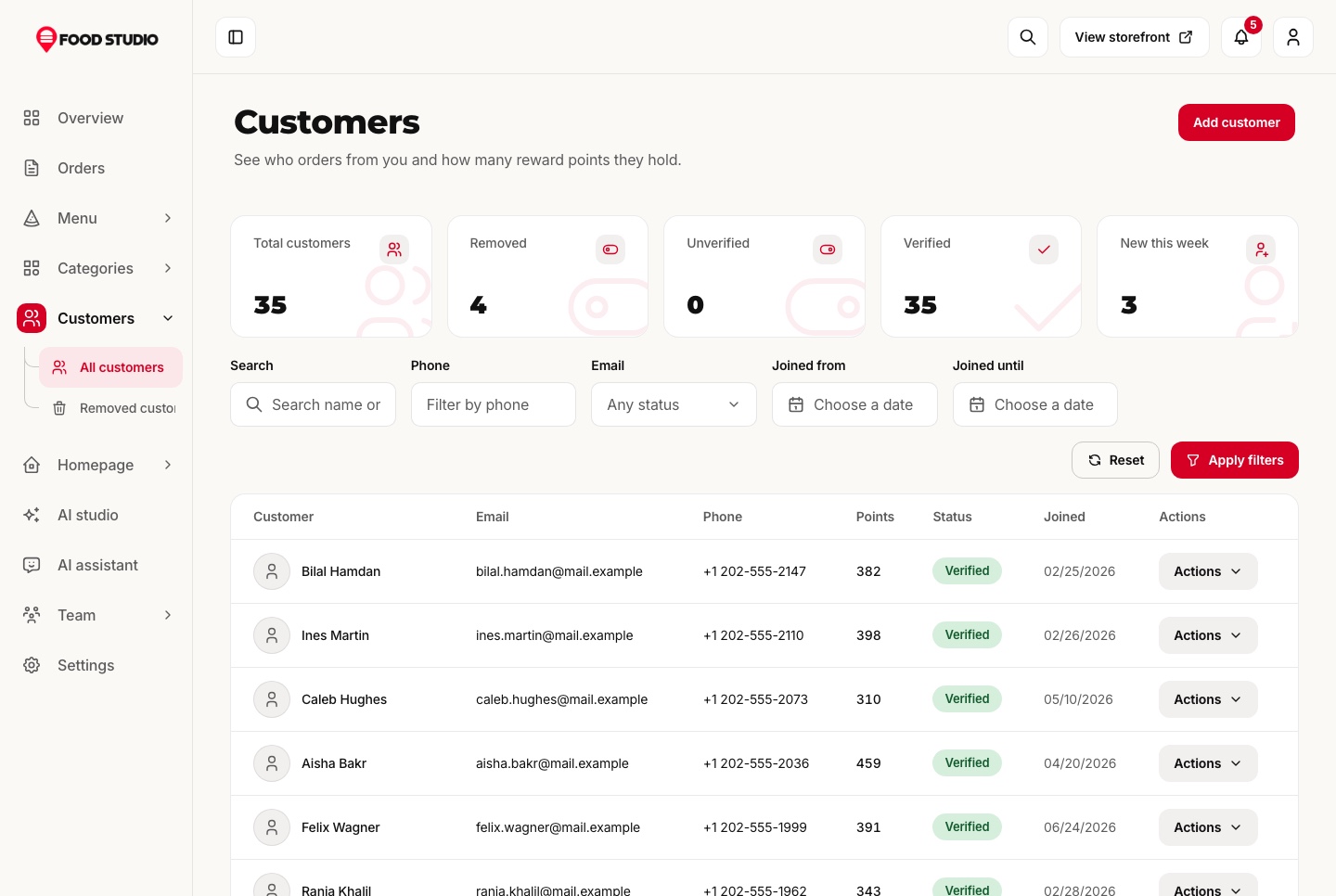
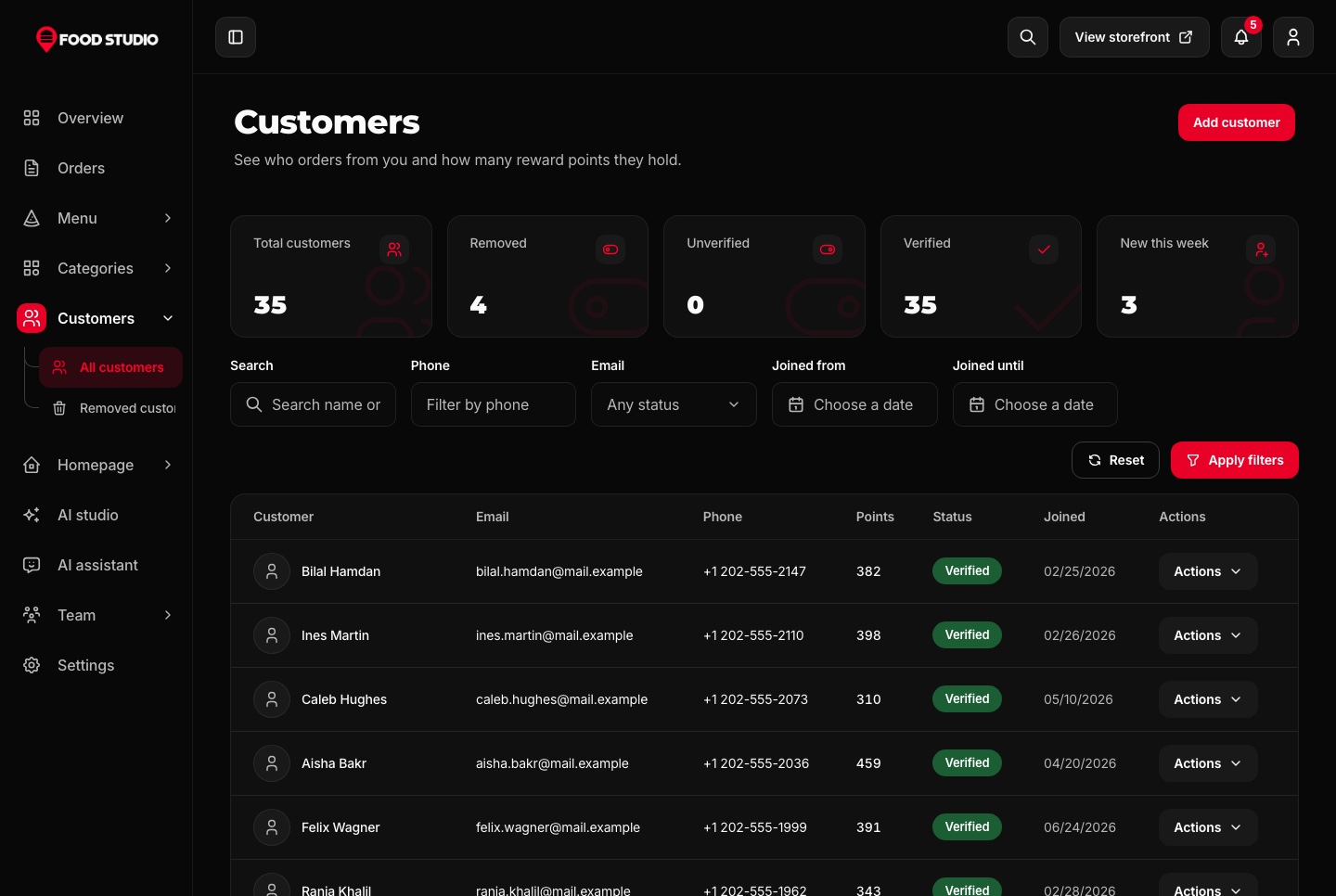
Every customer with their contact details, their reward points and when they joined, filtered by name, phone, email and date.
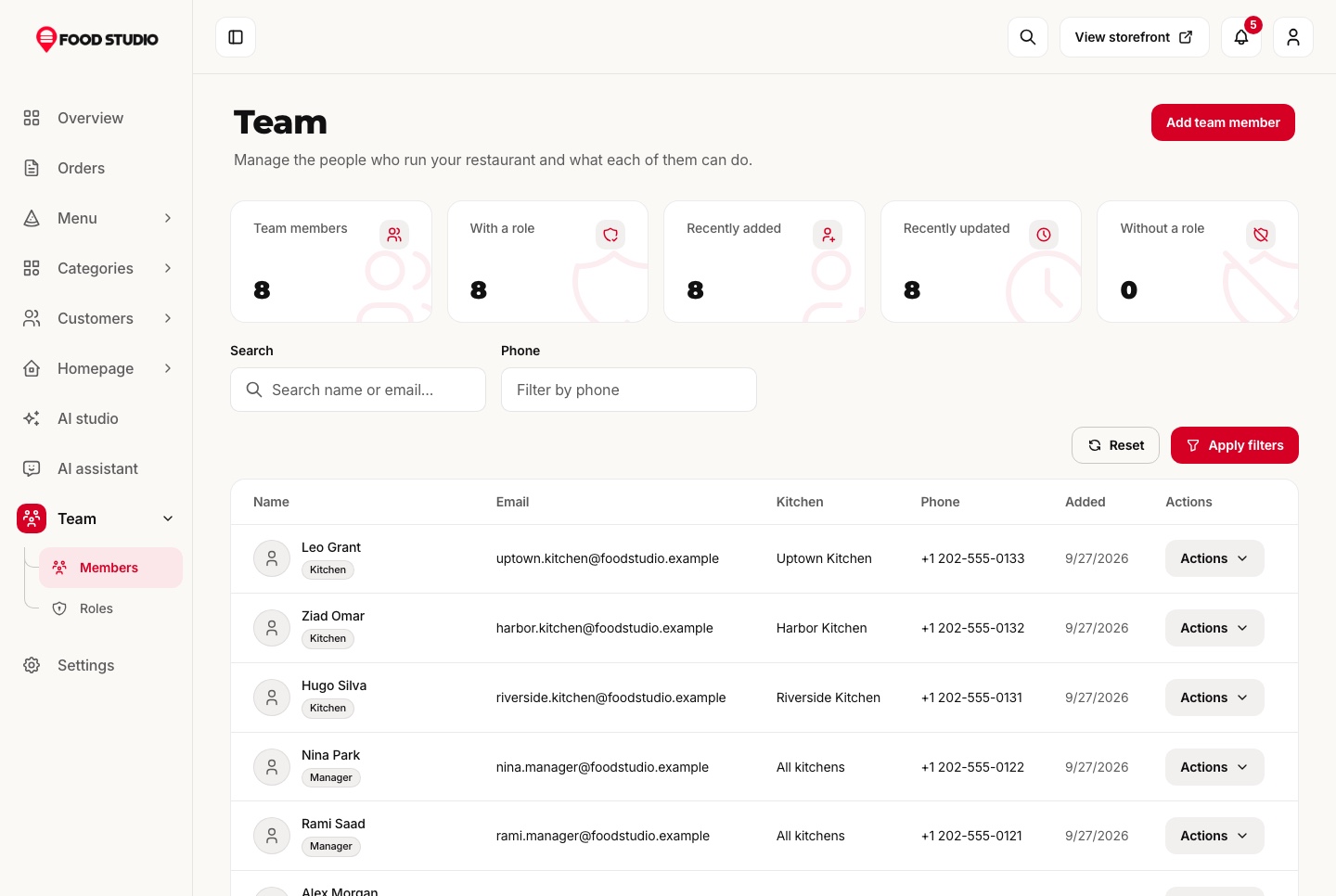
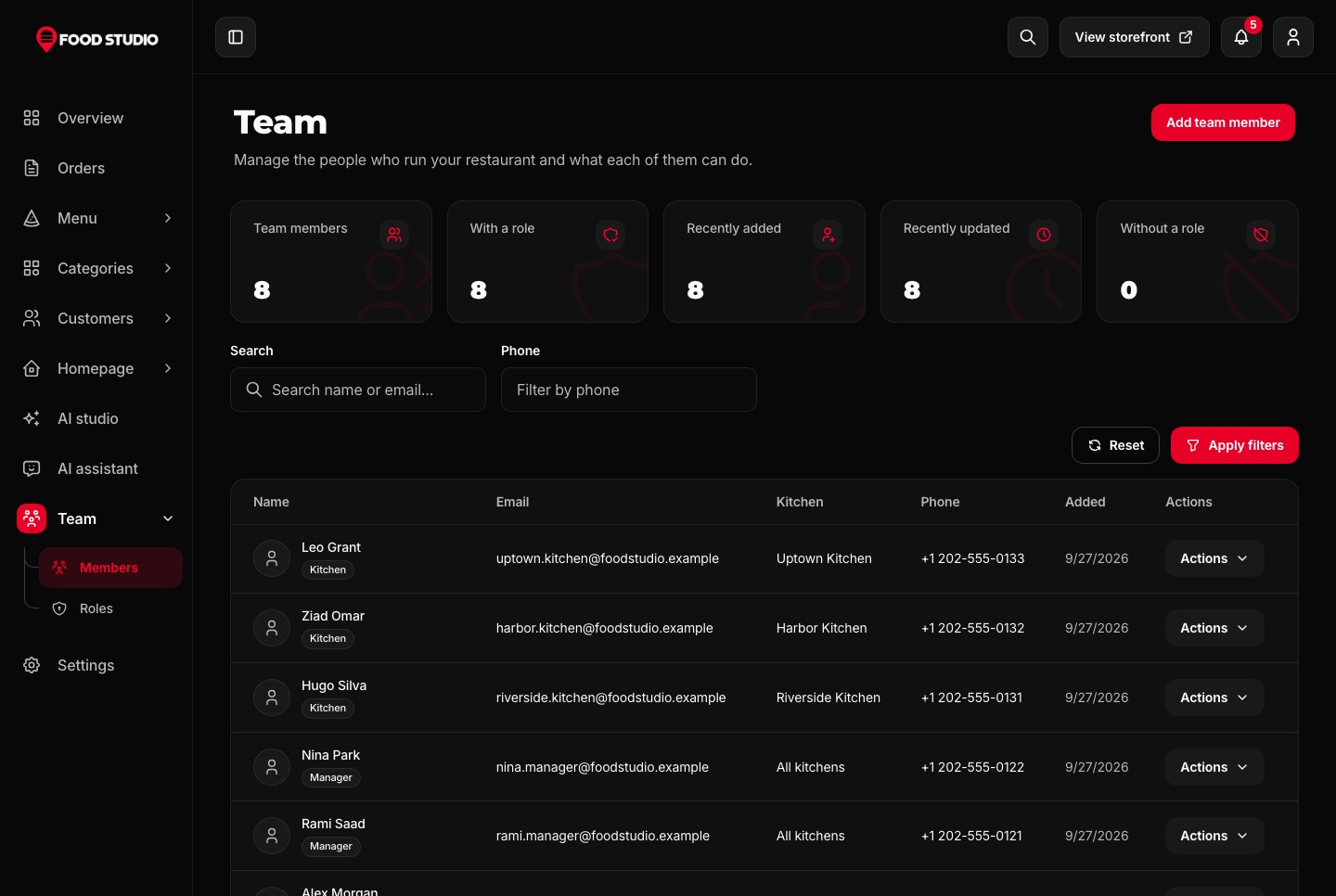
Owners, managers and kitchen staff each get the permissions their role allows, and roles are edited permission by permission. A kitchen account sees only its own kitchen's orders, without prices, and moves them from confirmed to ready.
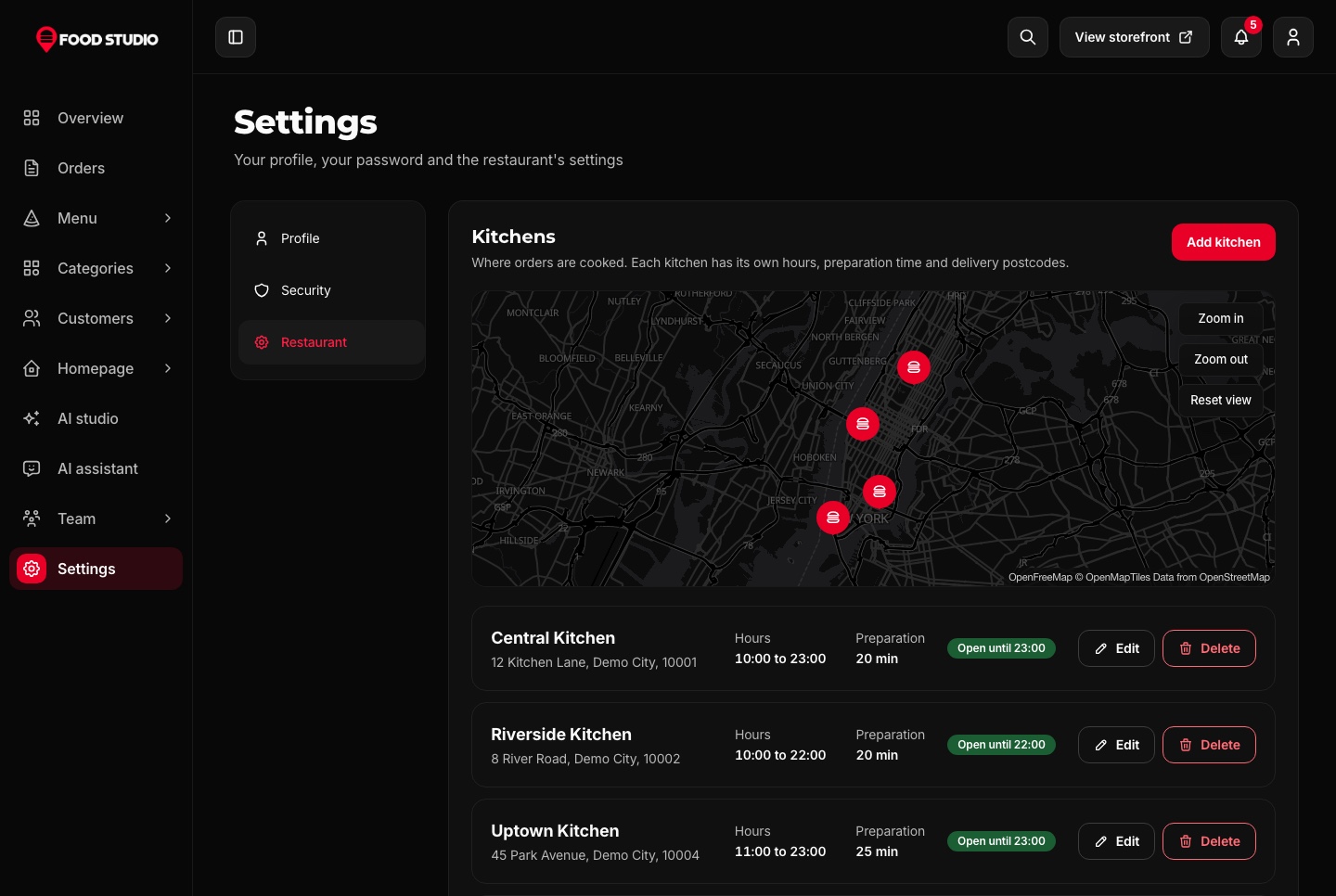
Kitchens pinned on a map with their hours and postcodes, delivery and pickup fees, the minimum order, the reward rules, promo codes and the payment methods offered at checkout.
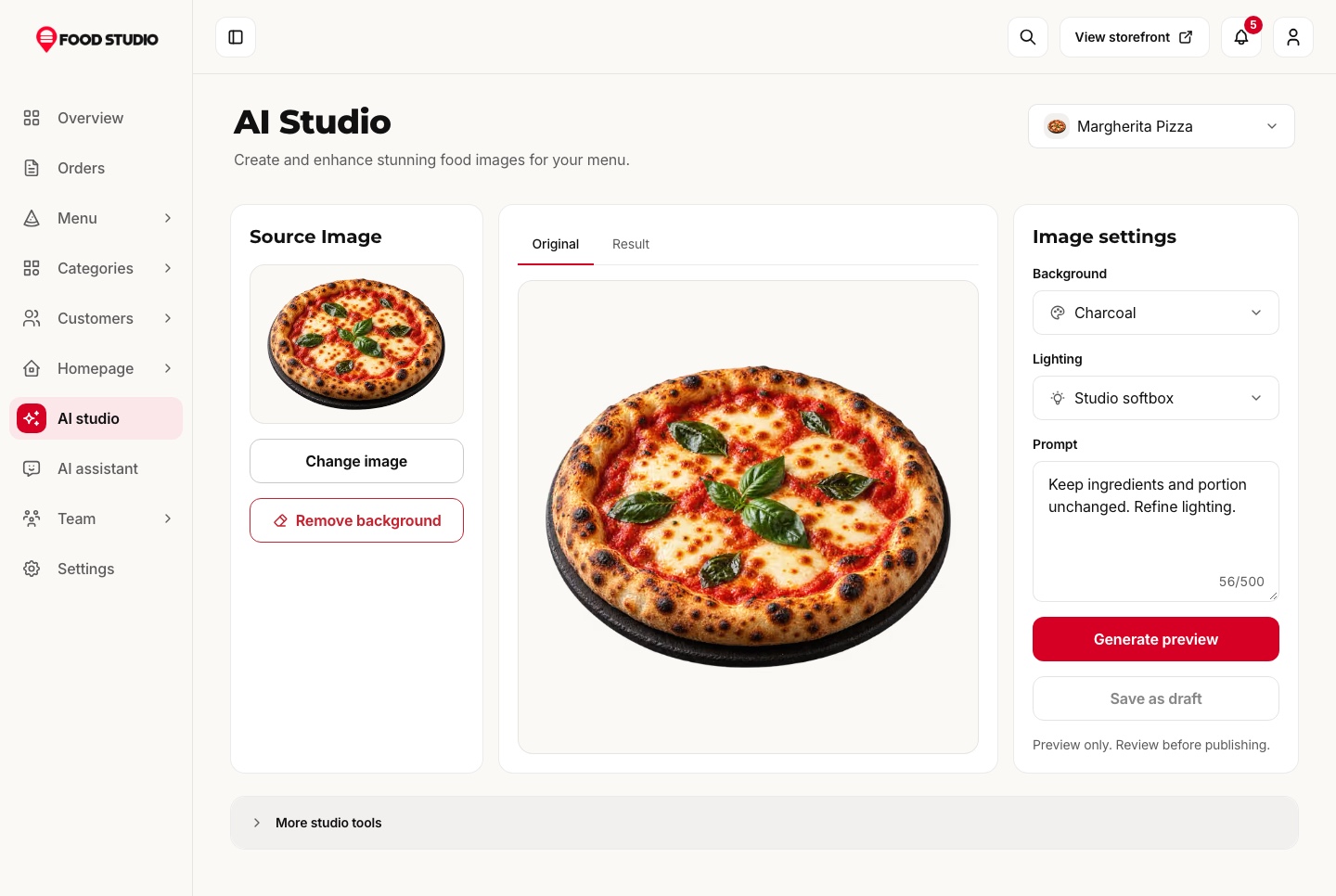
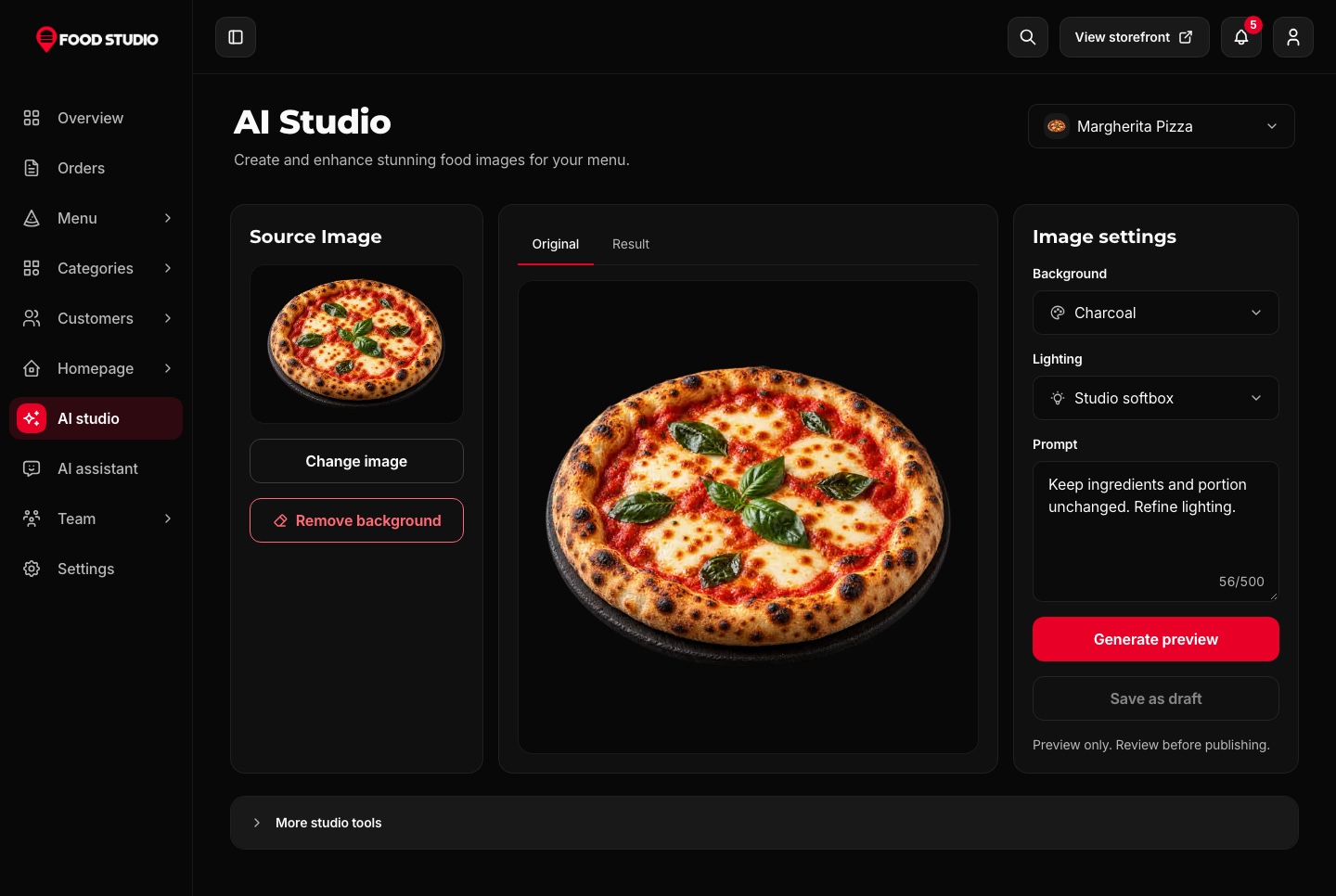
The AI studio drafts a dish's name, description and details from a prompt or up to four photos, and restyles a dish photo with Google Gemini in a chosen shot, background and light.
Cutting a dish out of its background runs on the API with a local model. It needs no key and costs nothing per photo, which is how every dish on the menu sits on its own tile.
Ask how many orders came in today or which dishes sell best this week. The assistant answers from the restaurant's own data through MCP tools, limited to what the person asking may see, and draws a chart when the question is about a trend.
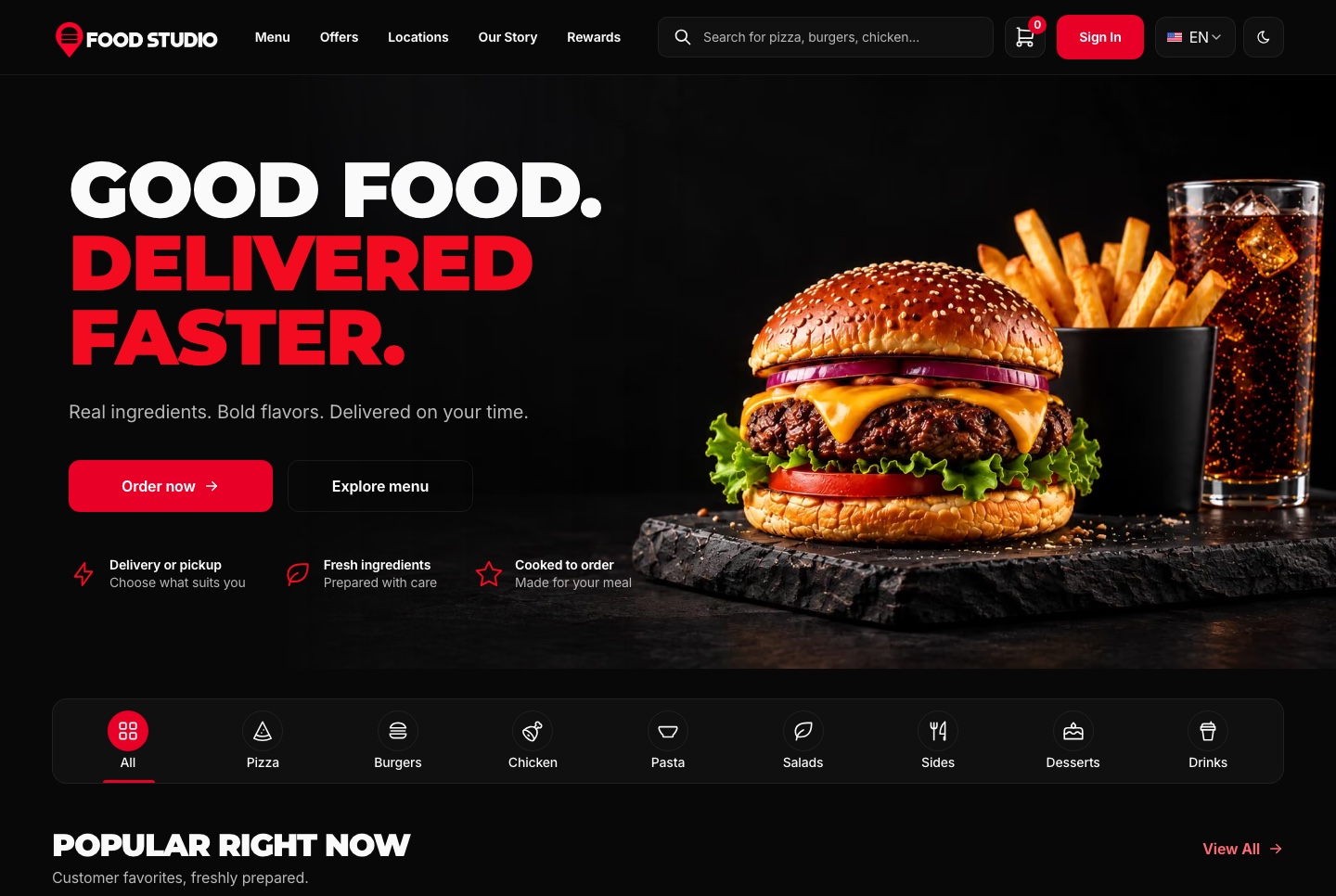
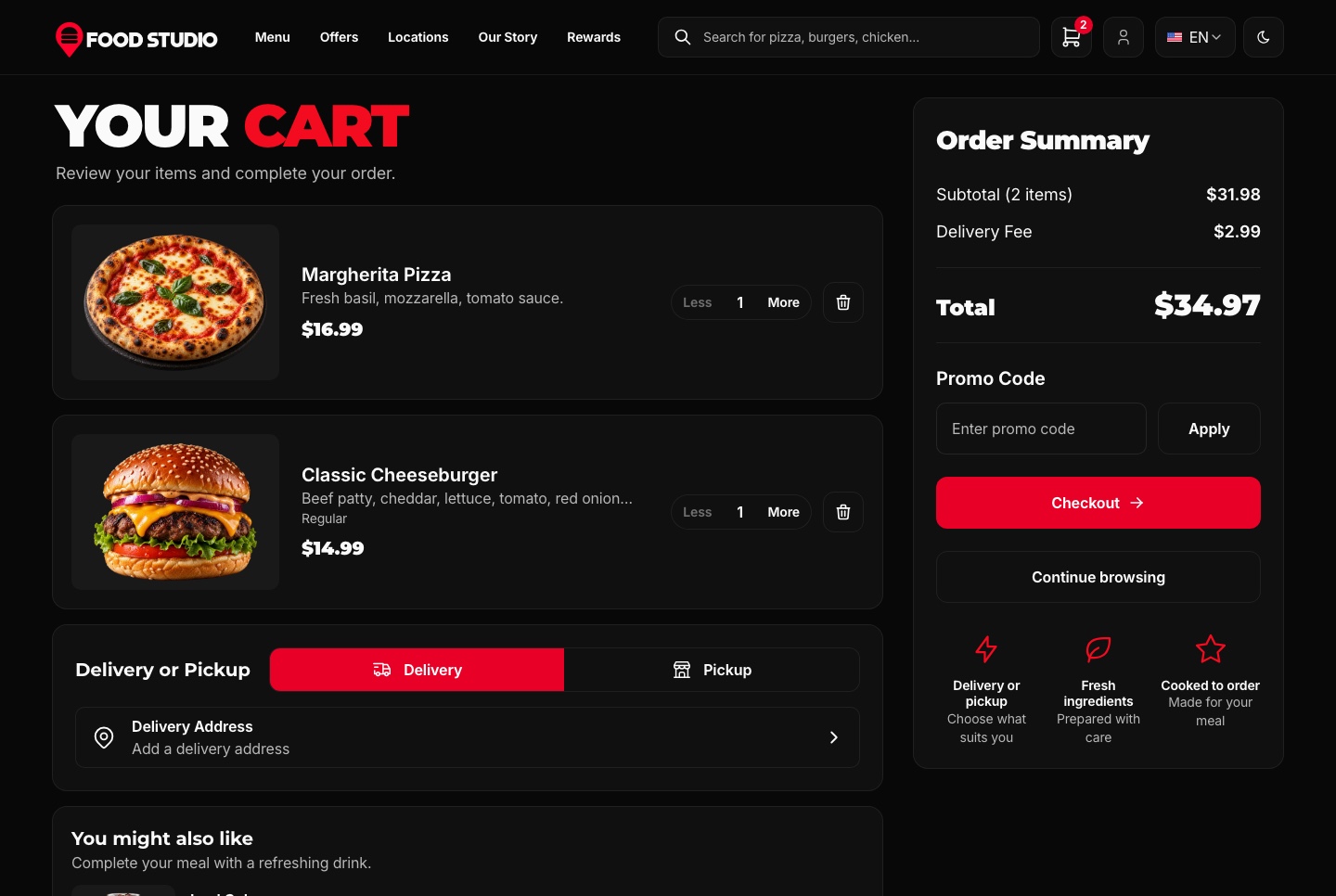
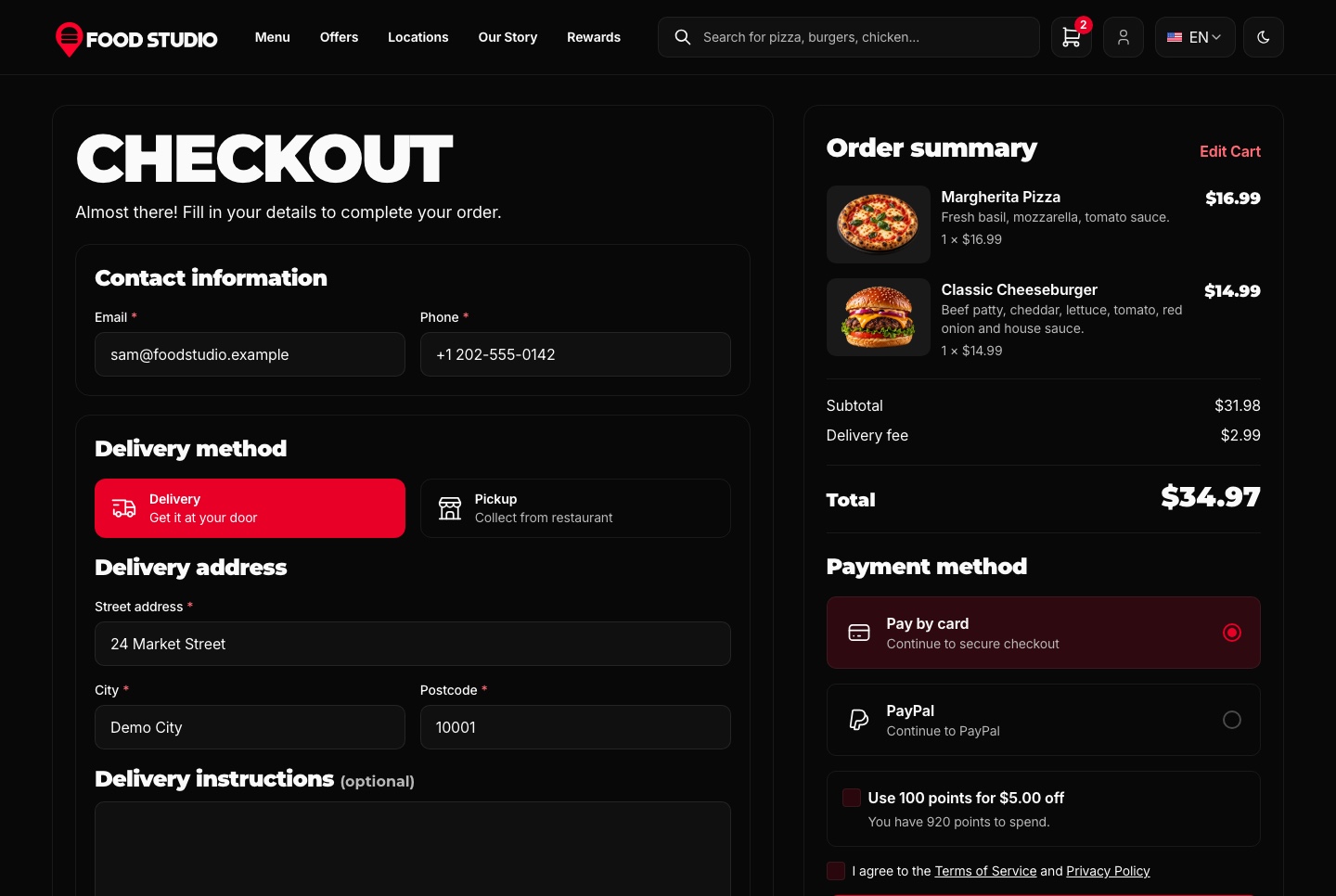
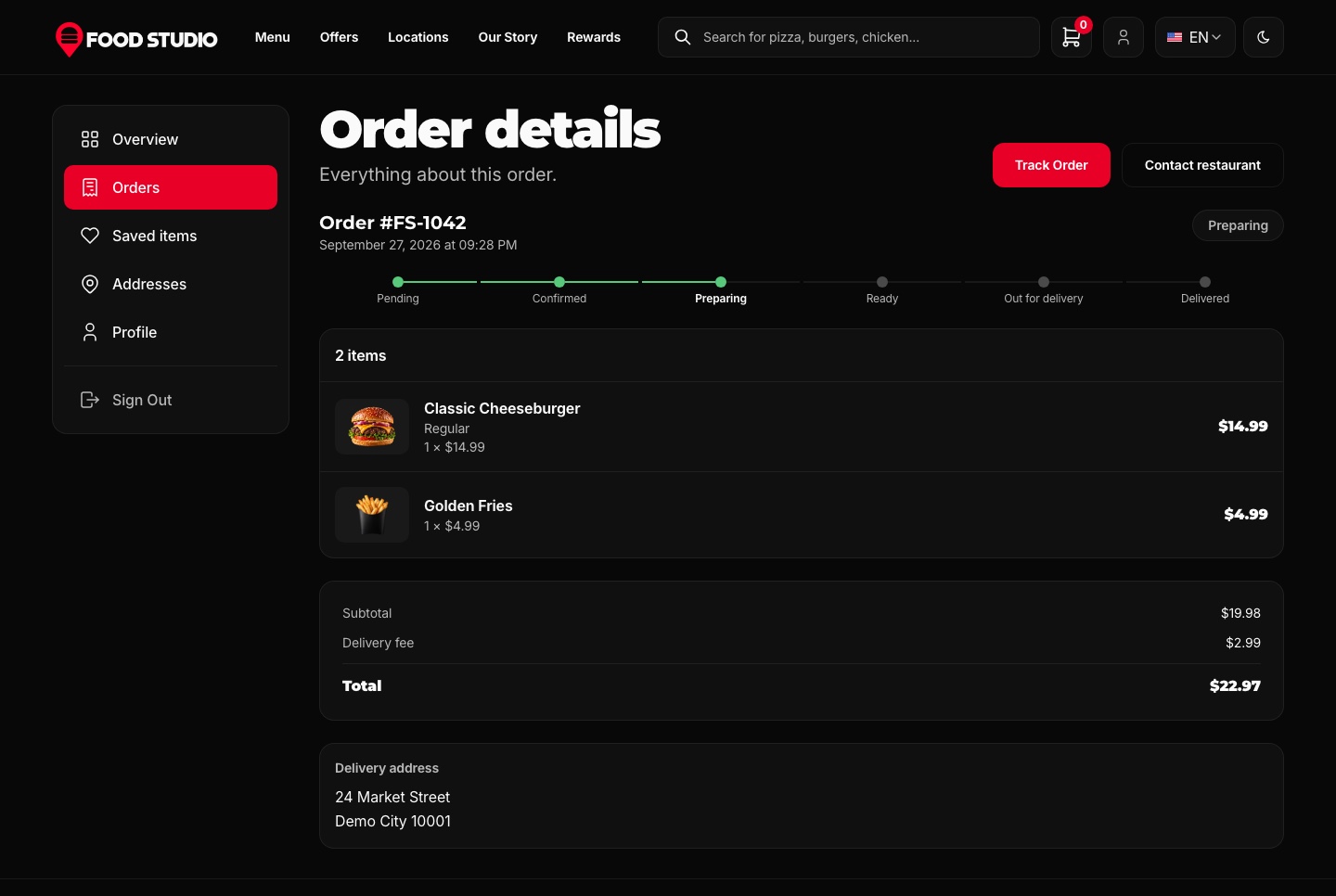
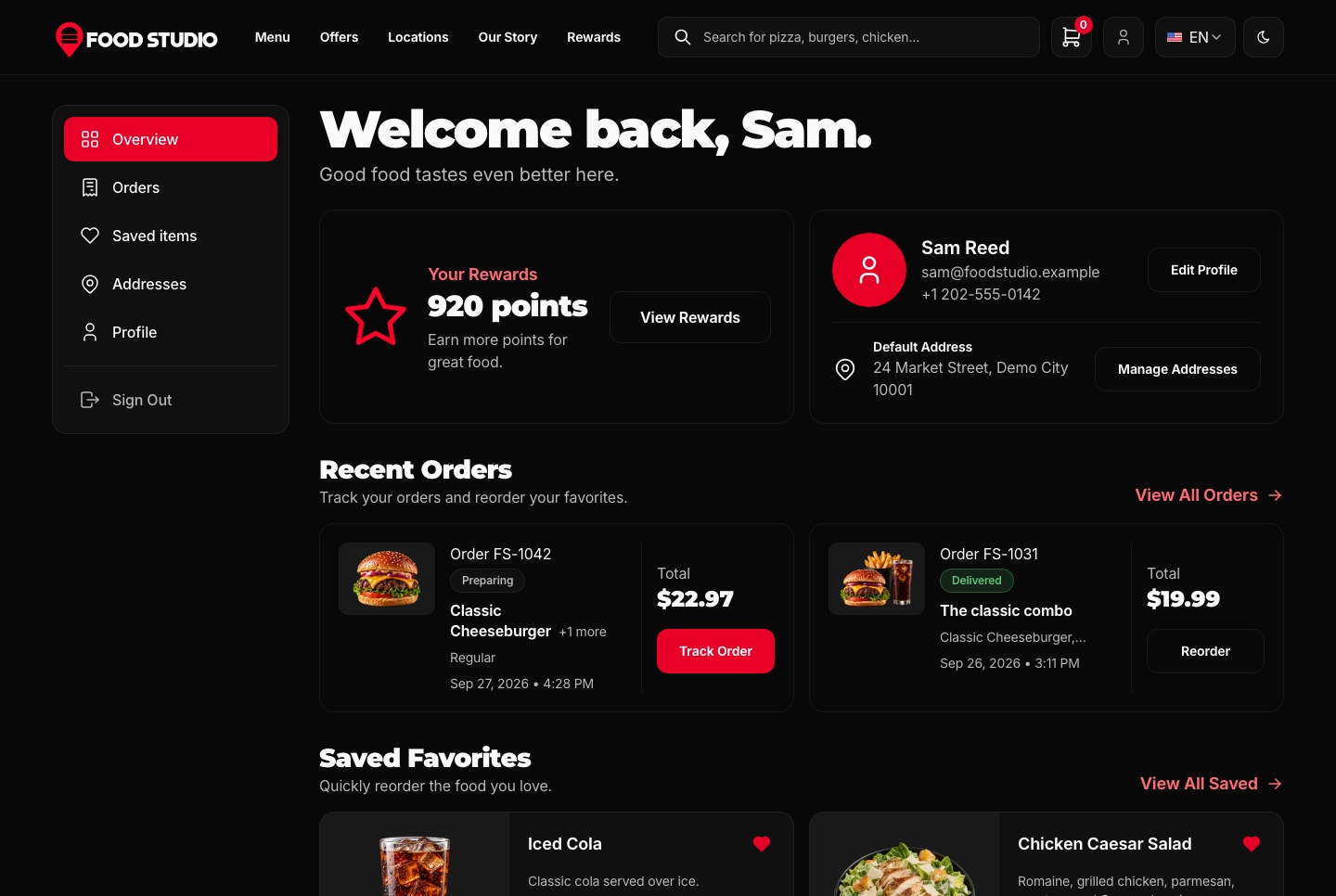
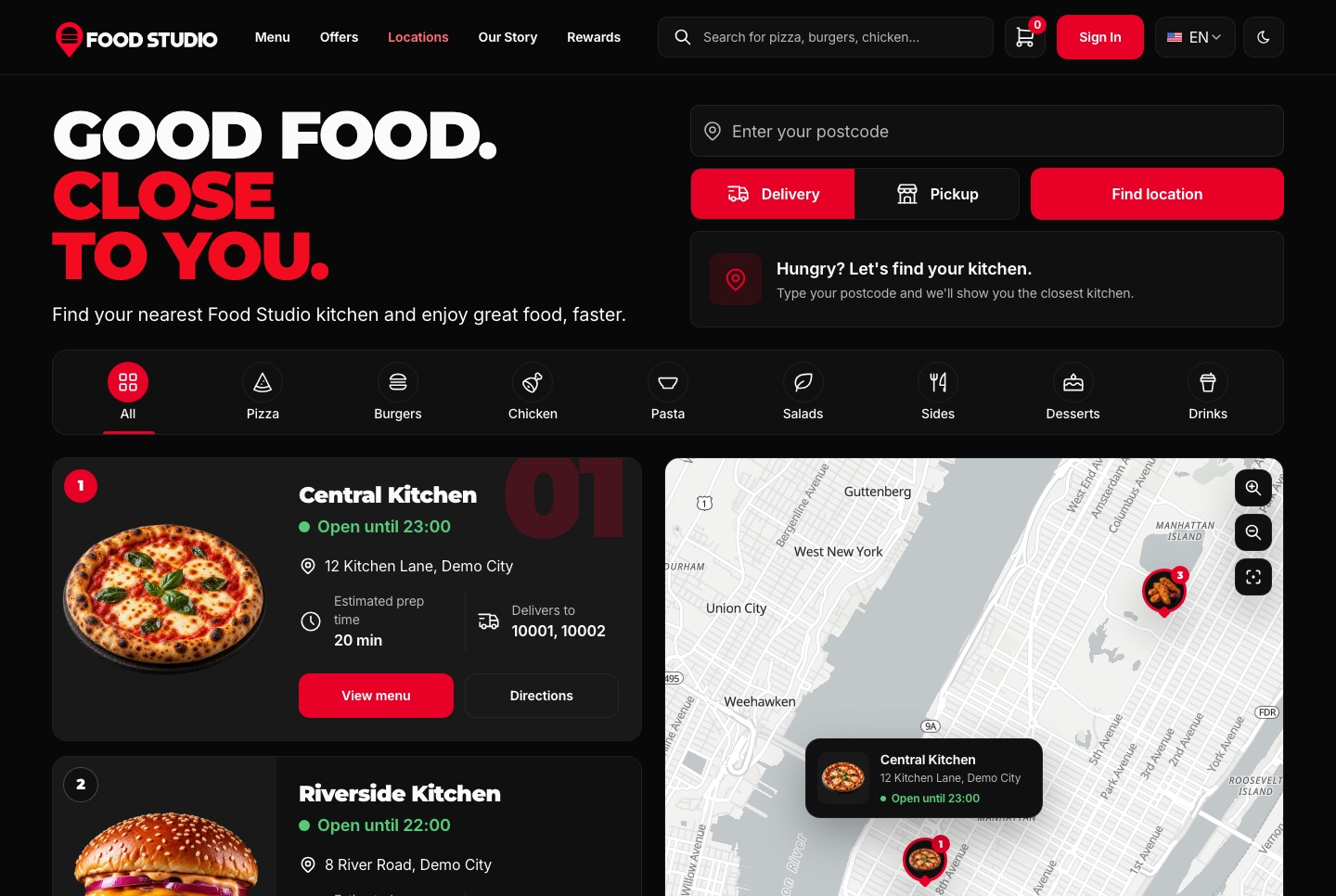
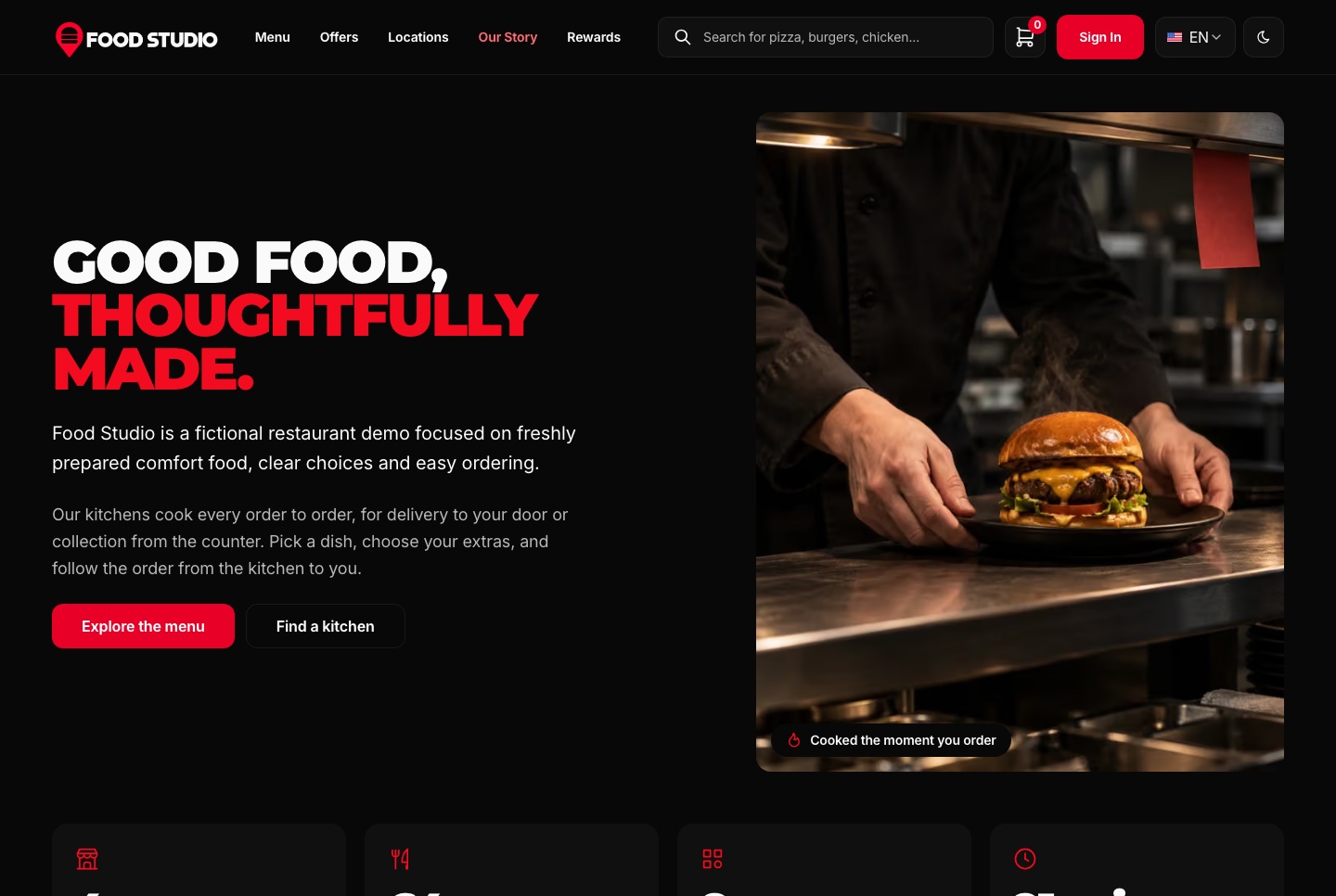
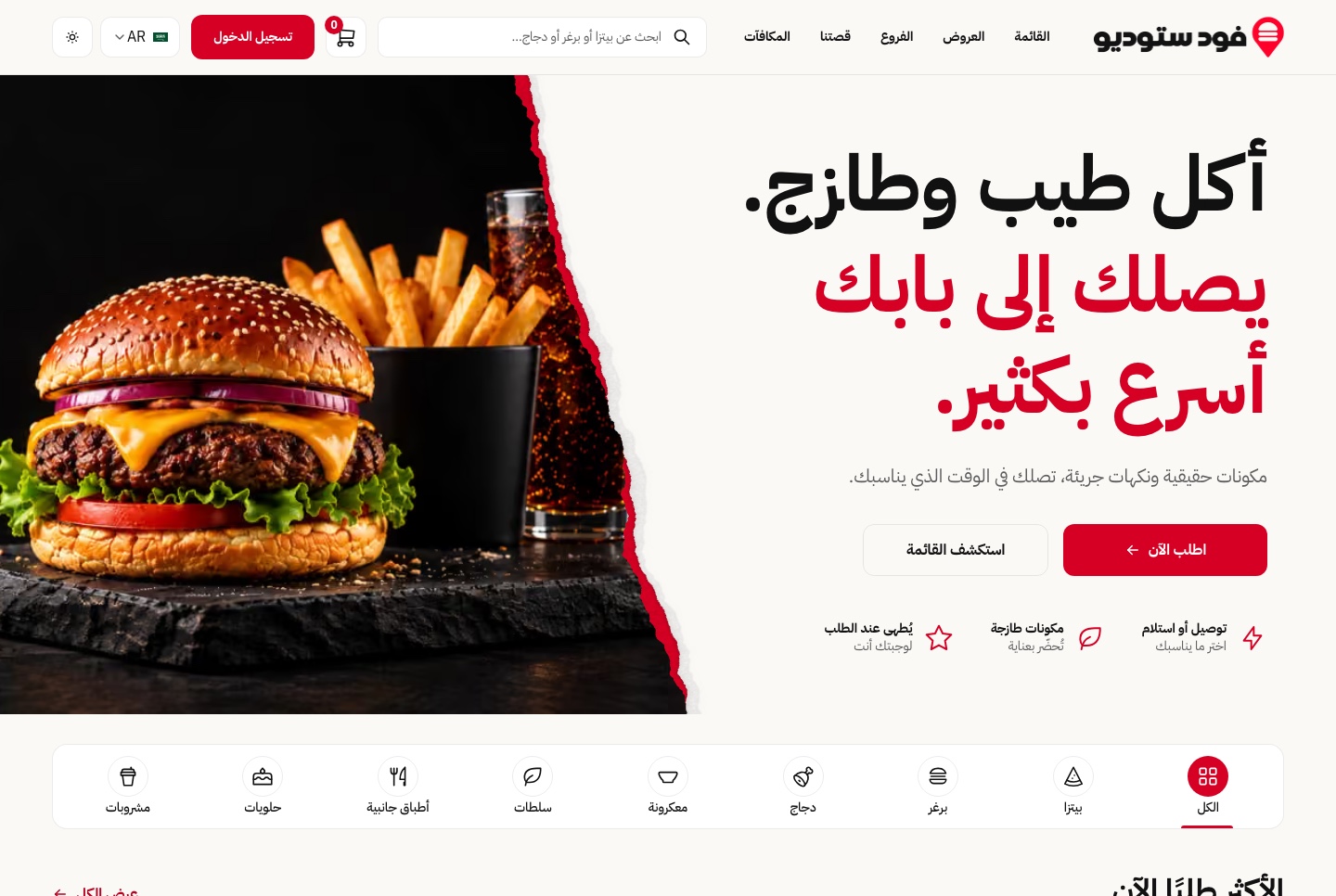
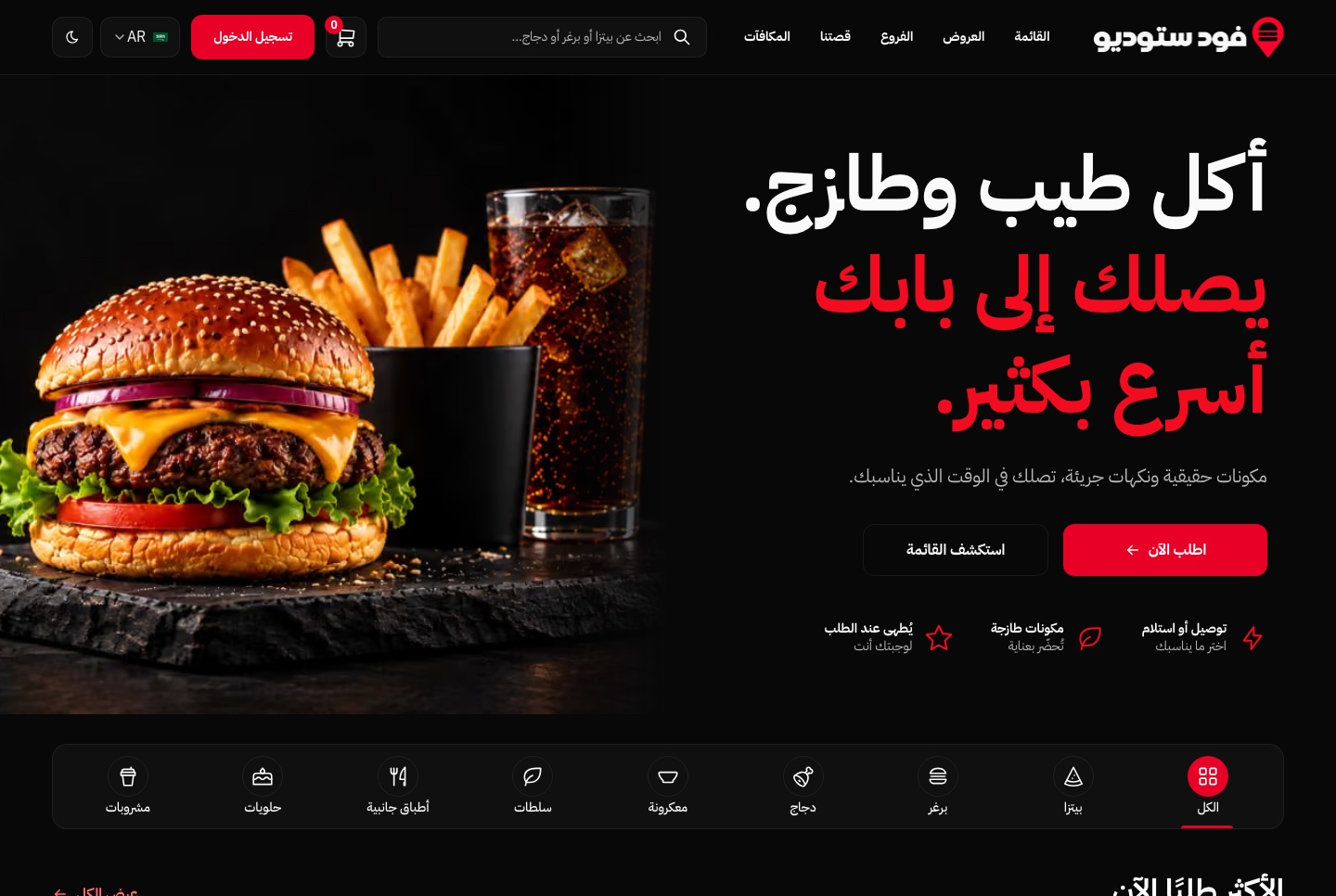
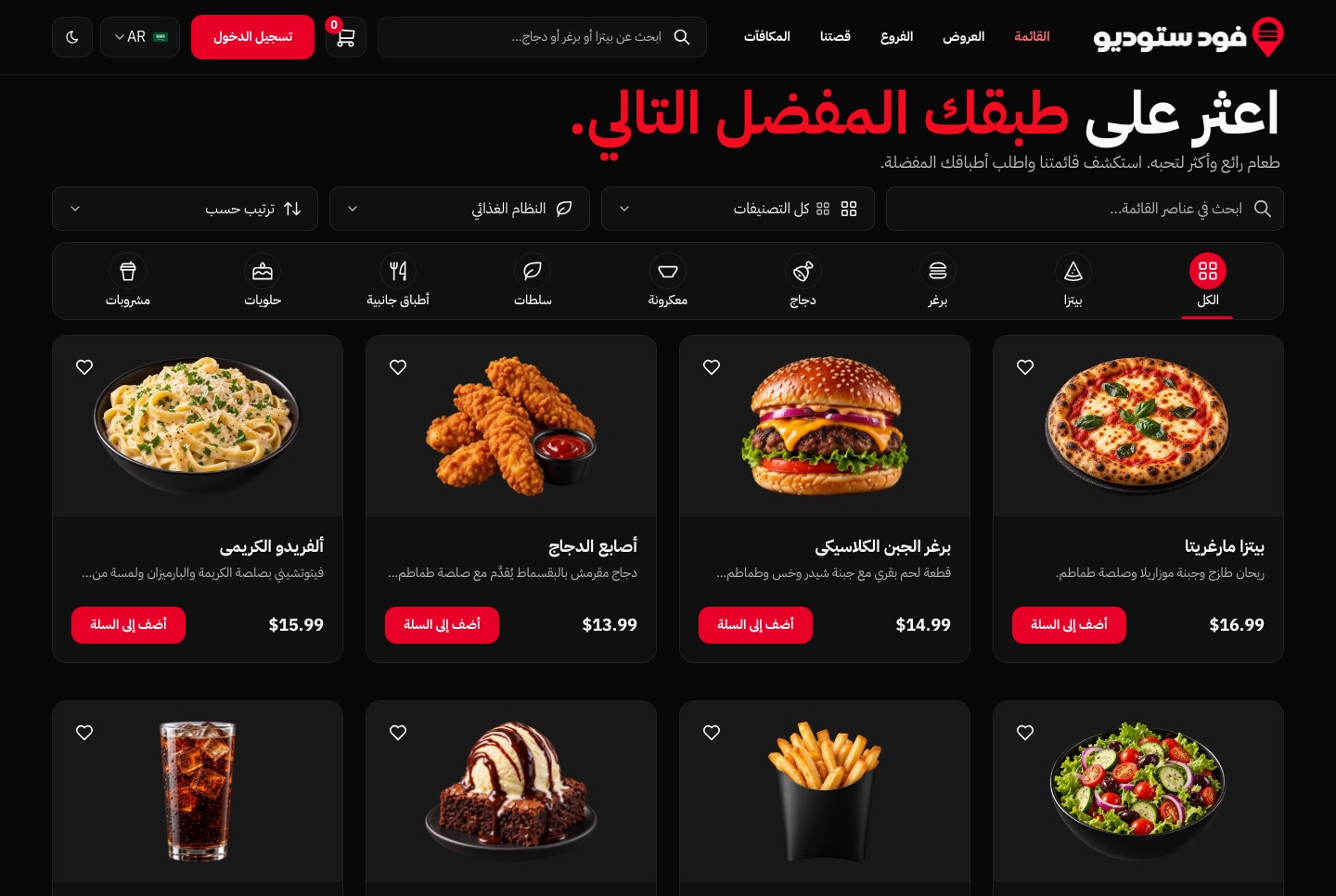
Every screen of the website and the dashboard is written in both languages and mirrors for Arabic, and the menu itself is stored in both languages, with prices and figures kept in Latin digits.
The same components run right to left, so there is no second layout to maintain.
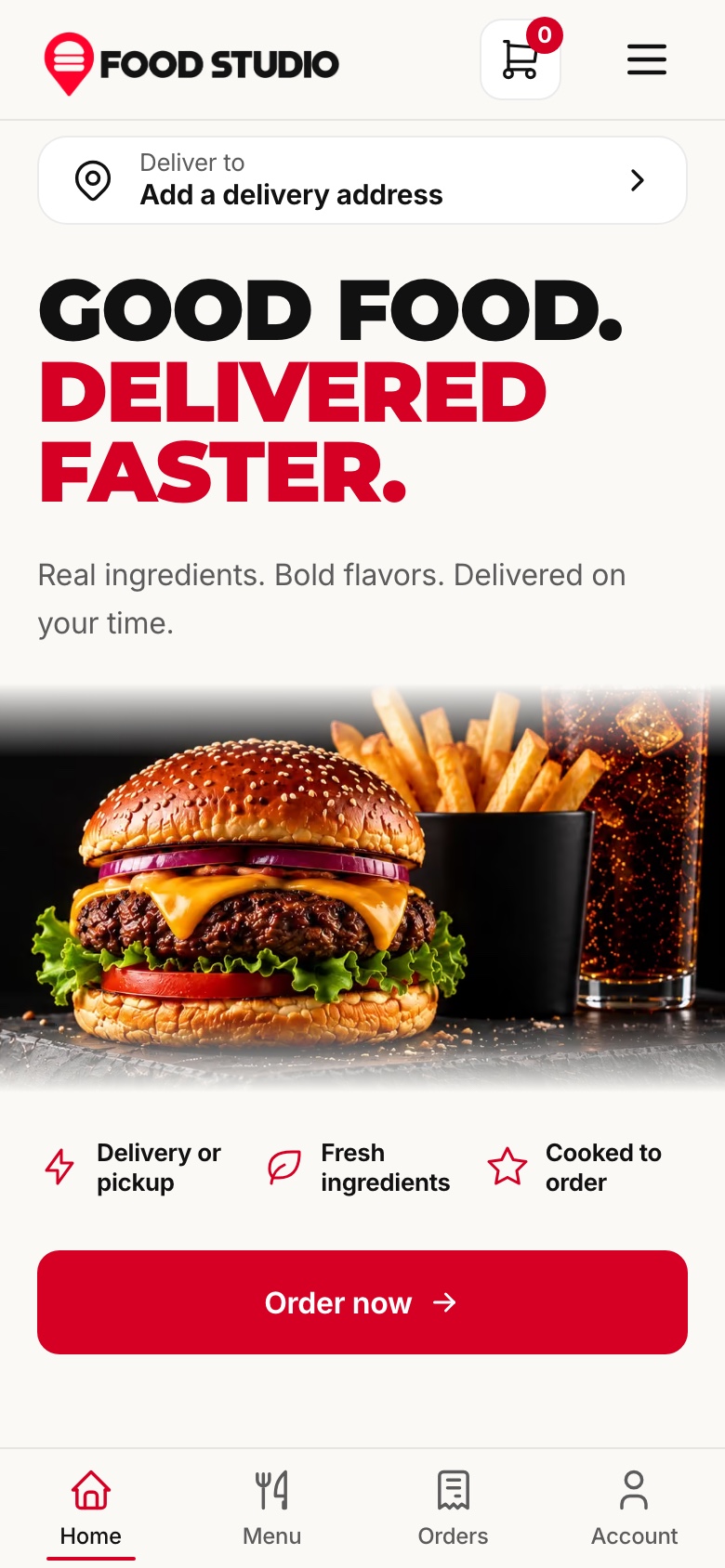
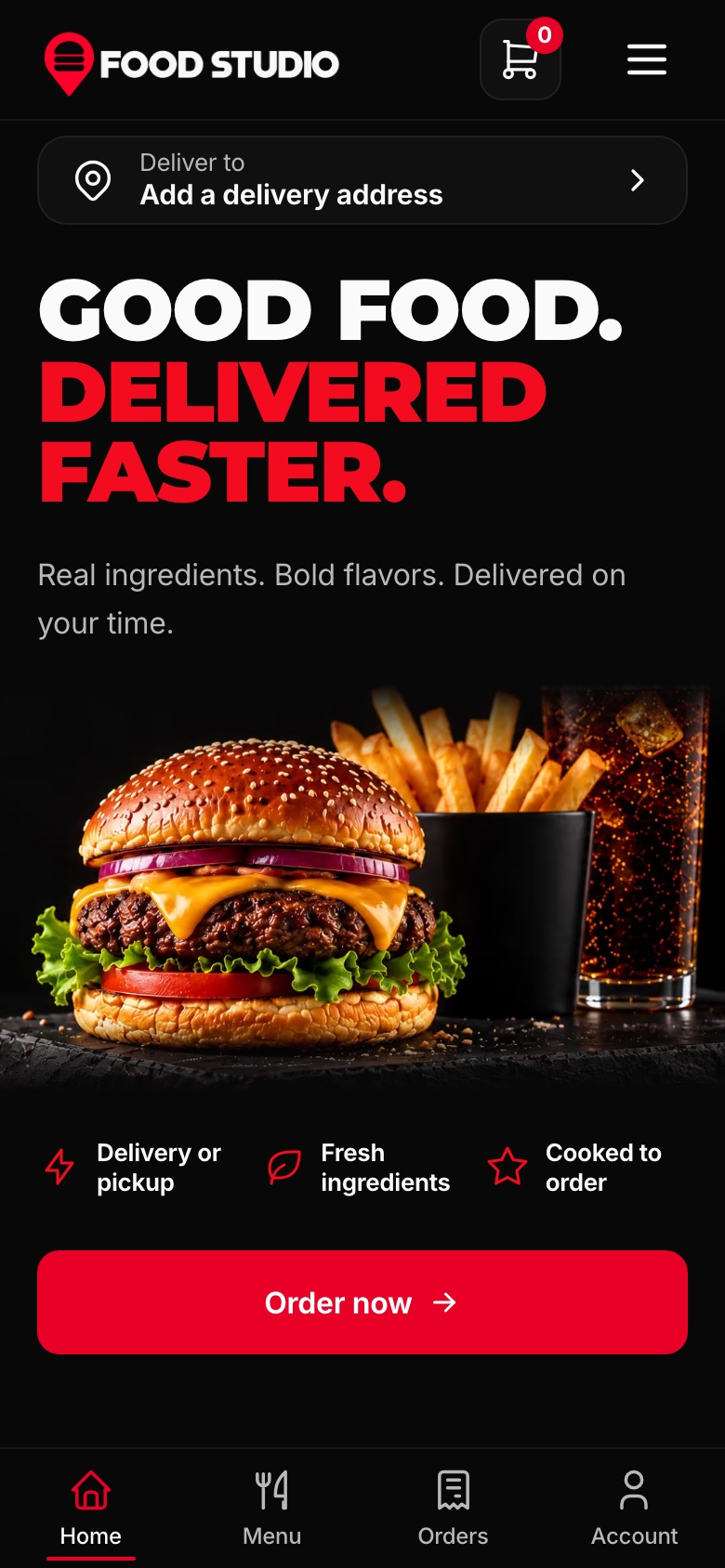
The menu, the dish pages, the cart and the checkout are laid out for a narrow screen, with a delivery address row at the top and a navigation bar at the bottom within reach of a thumb.
Source code for all three apps, the data to start from and the documentation to take it further.
Next.js 16, React 19, TypeScript, Tailwind CSS 4, and a modular NestJS backend.
Food Studio is a source-code template, not a managed ordering service. Configure your hosting, database, media storage, payment accounts and the external services you choose to use.
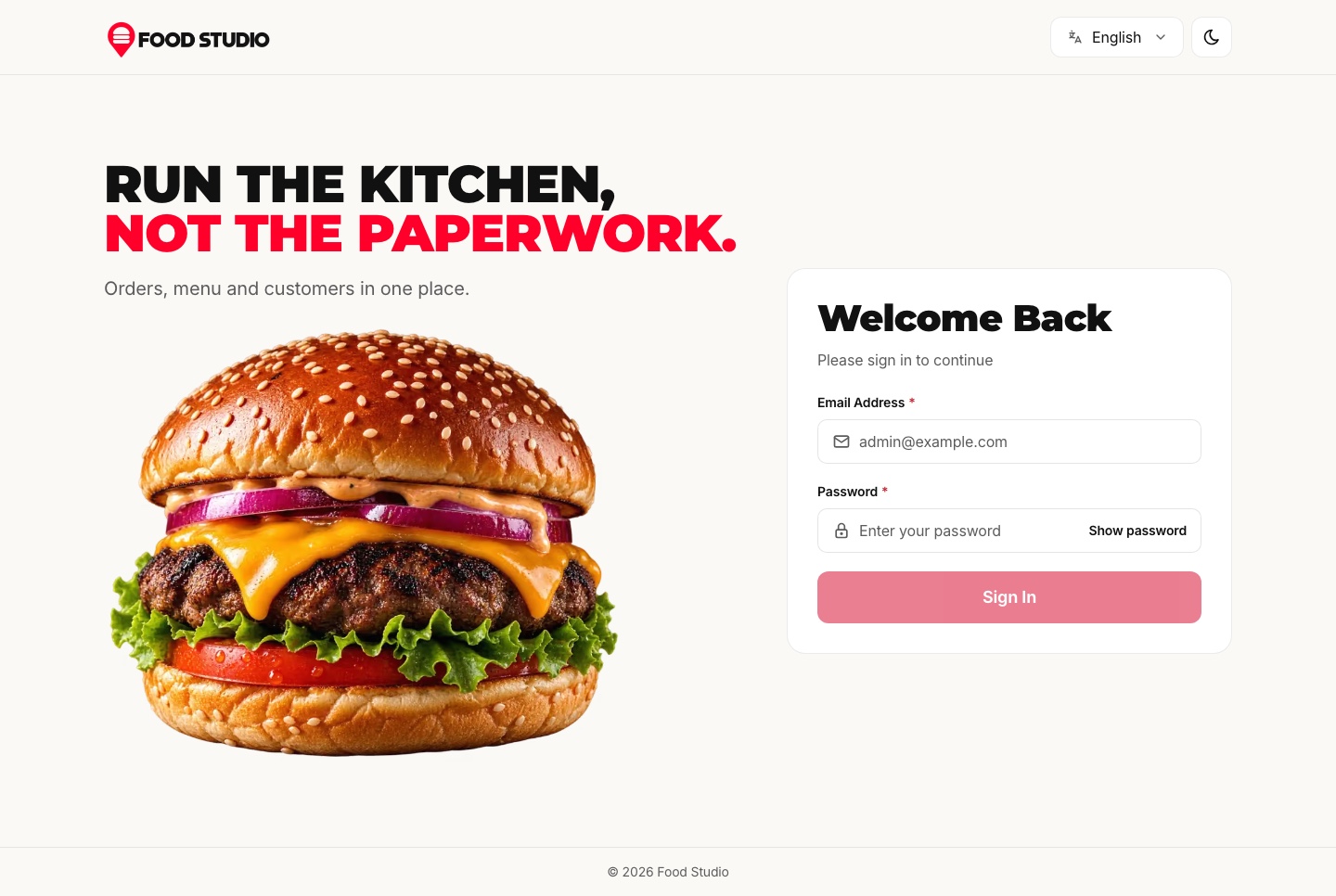
Order from the website as a guest, then open the staff dashboard, whose sign-in page signs you in as your own demo account. What you change in the dashboard is yours alone, and the demo data is rebuilt every night. In the demo, orders are paid with test payments, and the AI studio and the assistant run on your own Google Gemini key. Screenshots use sample data.
Next.js 16.3.6
React 19.3.0
Tailwind CSS 4.3.3
Yes
Mobile, Tablet, Desktop
Lifetime Included
Pro Tip: All templates include comprehensive documentation to get you started quickly.
Pricing
One payment for the full source code, yours to change and ship.
Everything included
Ordering website + staff dashboard + NestJS API with TypeORM, auth and payments
What is inside
Launch price · 30% off
3 of 3 launch places left · applied at checkout
Or buy one part
The Next.js 16 ordering website on its own. It reads its data from the Food Studio API, sold separately as the Backend API or together in Full Stack.
Launch price · 30% off
The Next.js 16 staff dashboard on its own. It reads its data from the Food Studio API, sold separately as the Backend API or together in Full Stack.
Launch price · 30% off
The NestJS API on its own, with TypeORM, JWT auth, orders, payments, kitchens, rewards, AI studio, MCP tools and a one command seeder
Launch price · 30% off
Included in the 10-template bundleAbout $30/templateAbout R$150/template
Safe and secure payments powered by Paddle
A VAT receipt is sent to your email after purchase.
Next.js Restaurant Template with Online Ordering and Kitchen Dashboard
Full Stack
$125.30 $179R$627.90 R$897
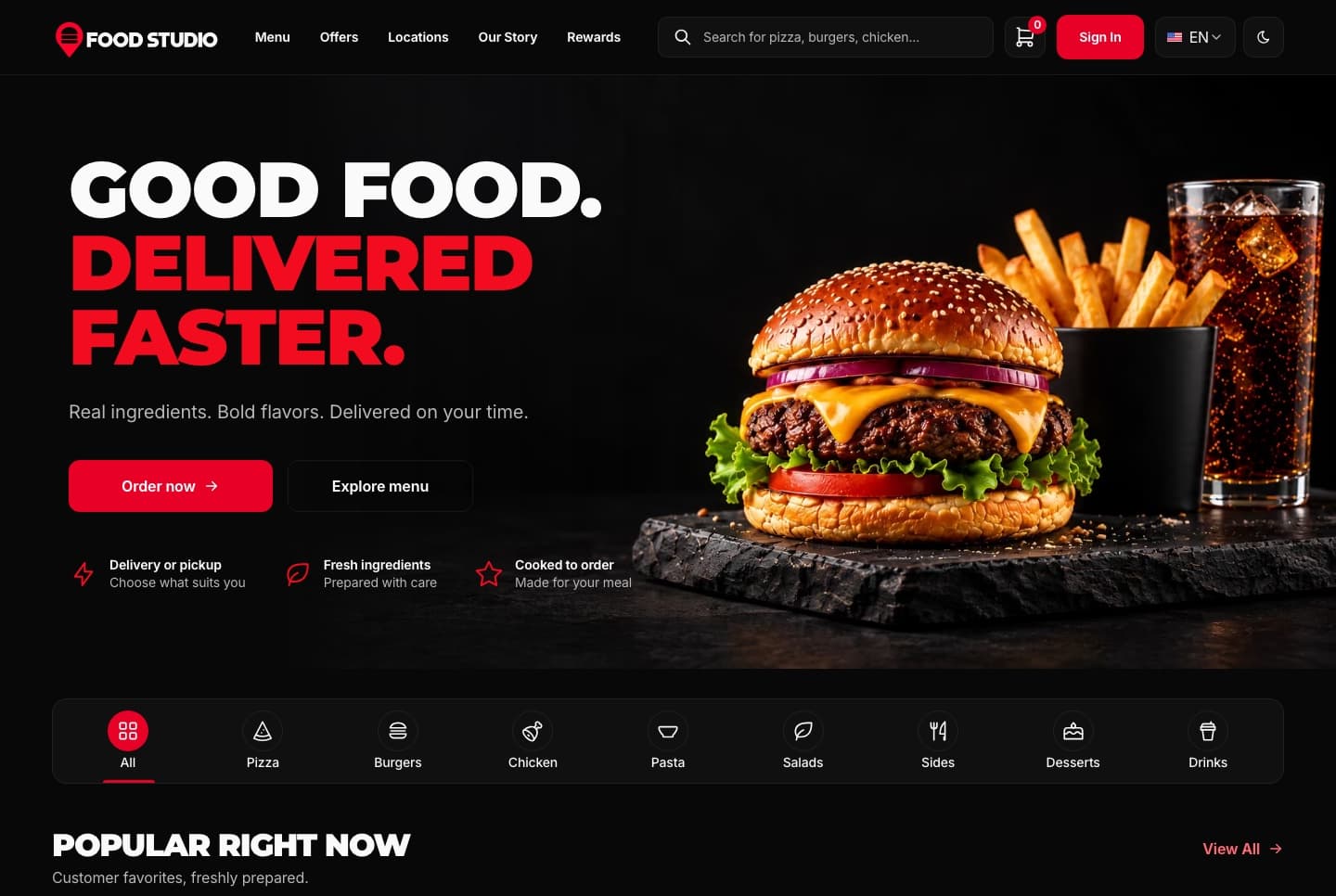
A Next.js 16 restaurant ordering website with a menu, combo meals, a meal builder, cart, checkout, order tracking and customer accounts, in English and Arabic.
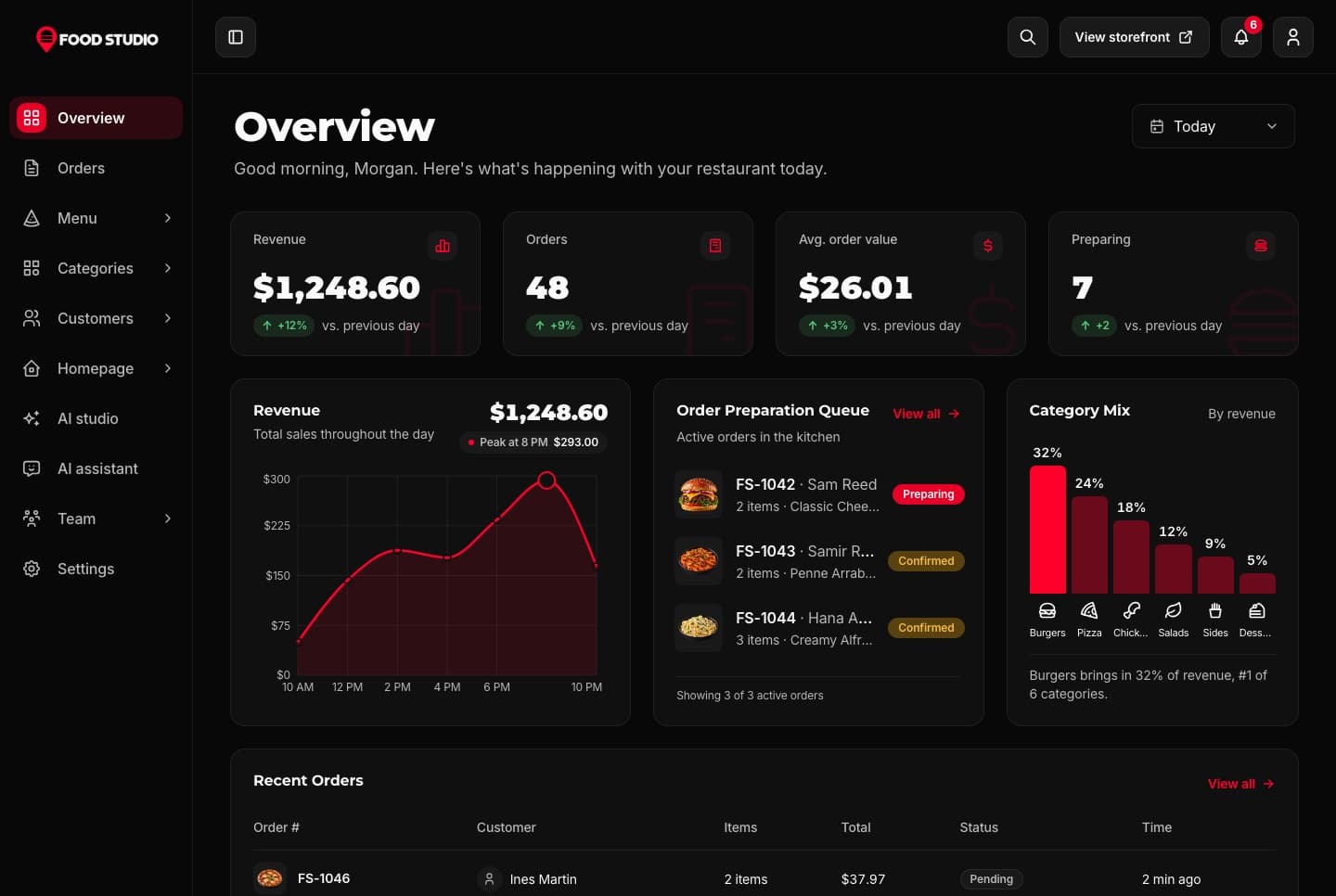
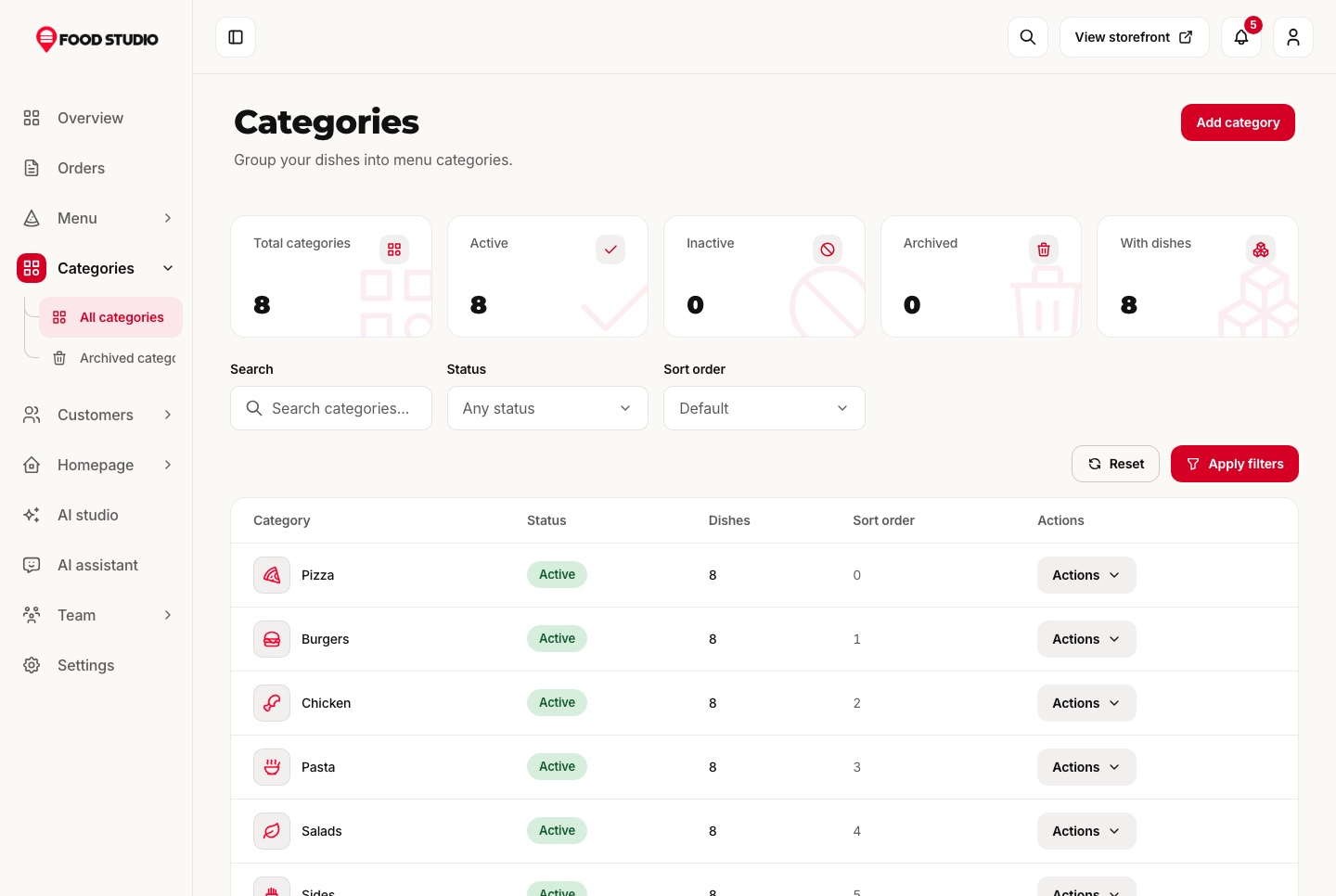
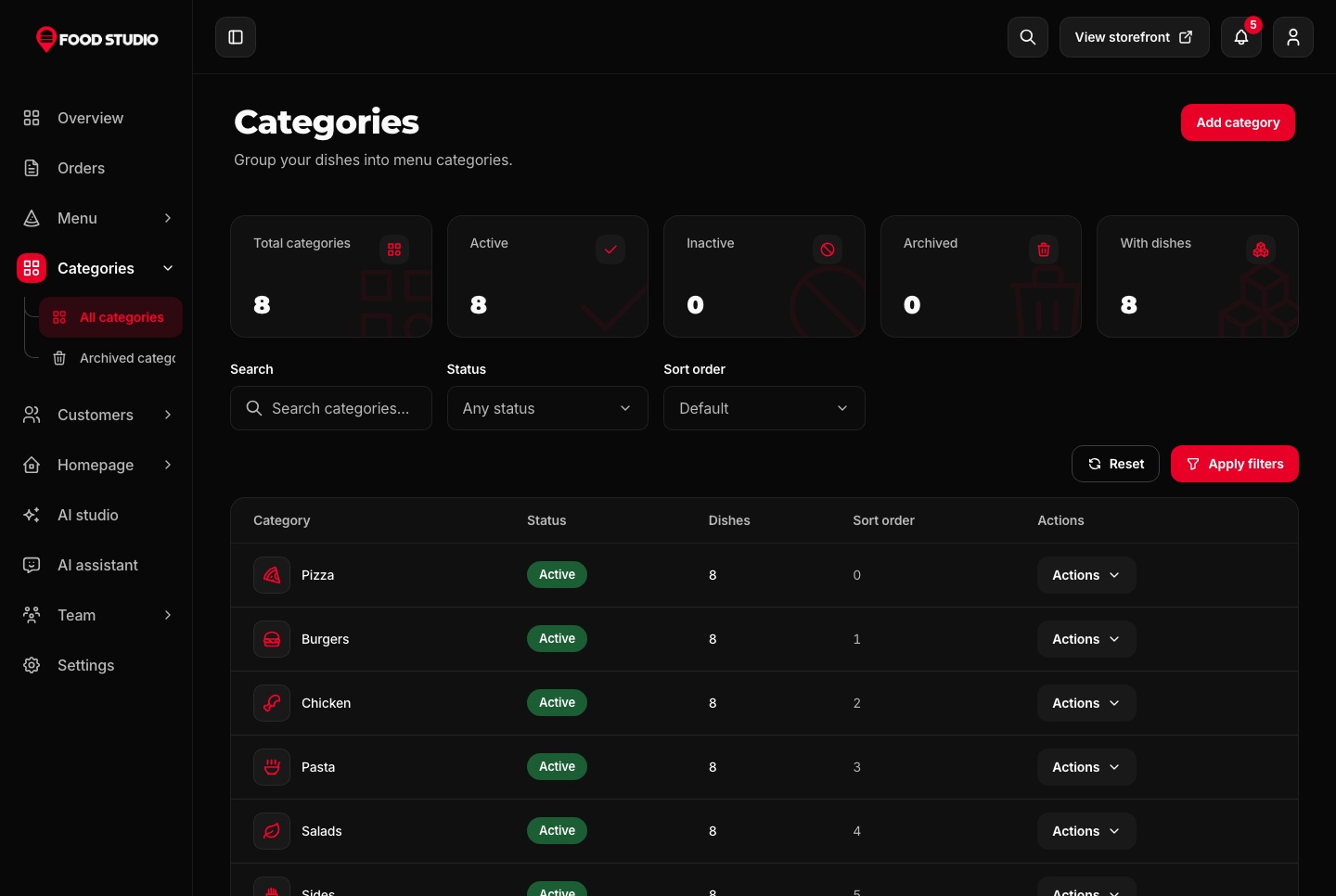
A Next.js 16 restaurant admin dashboard for running orders, the menu, categories, customers, kitchens and the team, with an AI studio for dish photos, in English and Arabic.
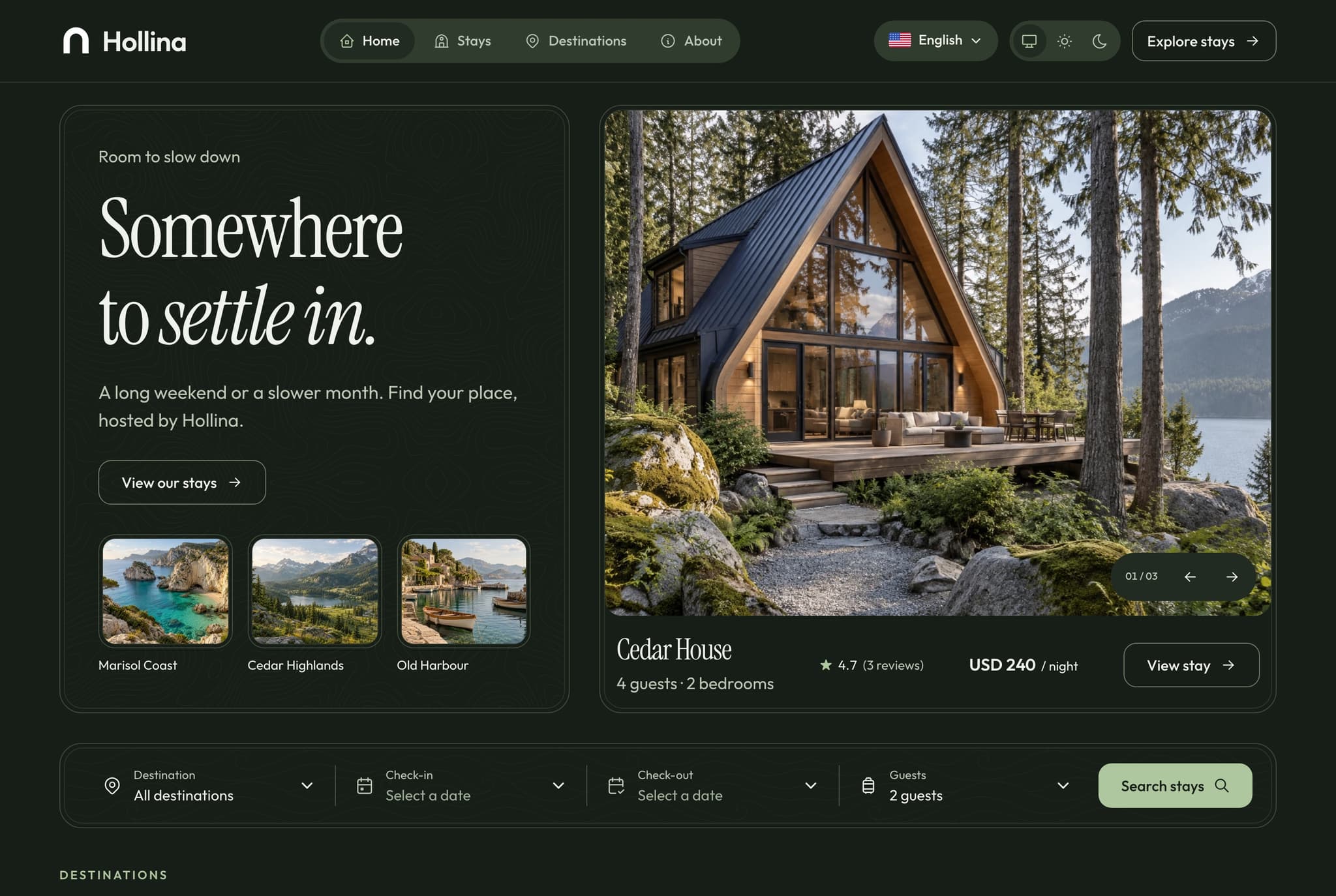
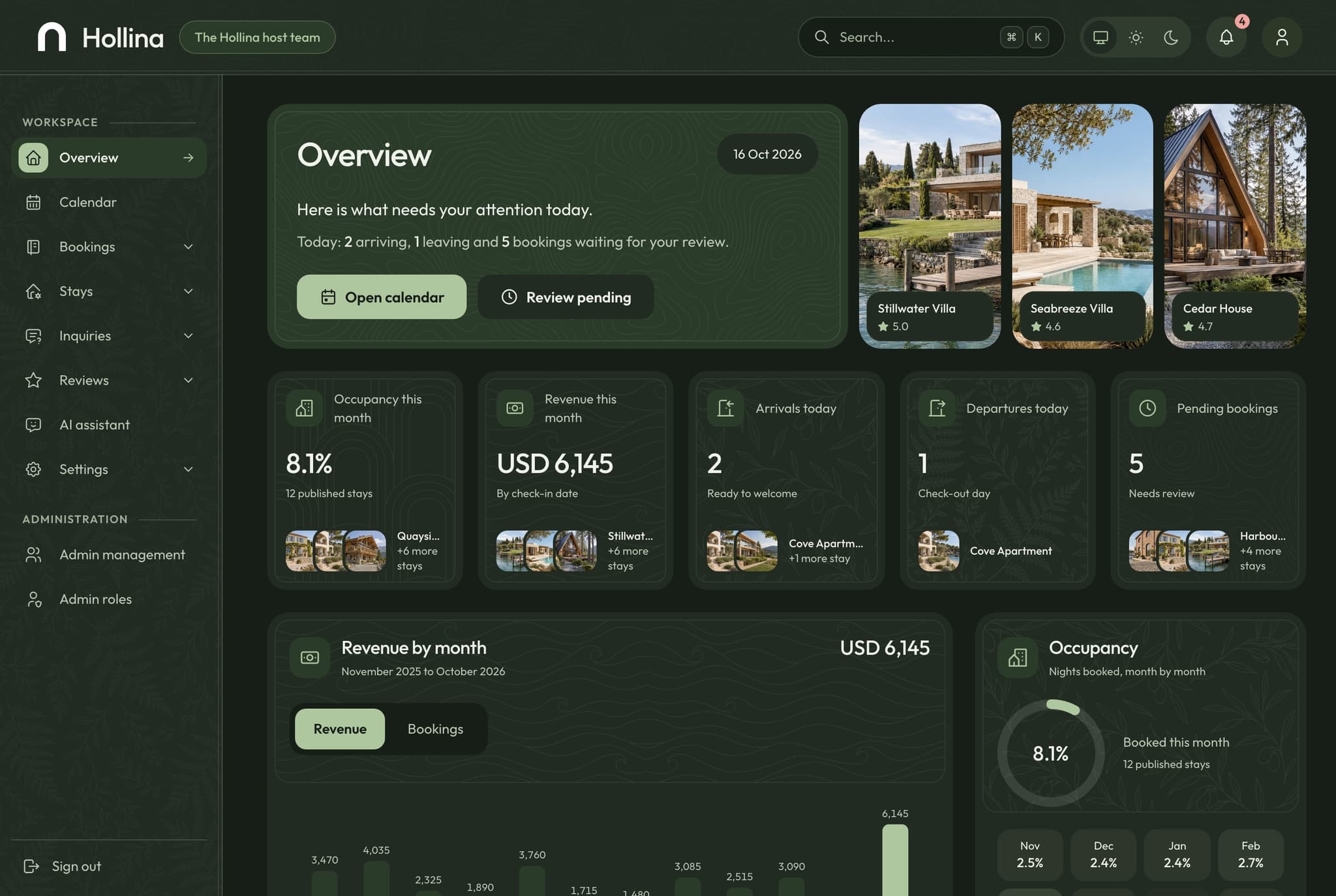
Hollina is a full-stack Next.js vacation rental template: a stays website with availability calendars and Stripe, PayPal or pay on arrival checkout, a booking dashboard for the host, and a NestJS API. You get the source of all three apps, an AI assistant, a seeded demo company, and English and Arabic with RTL in light and dark themes.
Be the first to know when a new template is released.
Every premium template is responsive, accessible, fast and typed from the first commit, so your launch starts from production-ready code.
01 · Layout
Phone, tablet and desktop layouts from one set of components, with a phone menu and 44px tap targets.
Learn more: Responsive Design02 · Inclusive
Semantic HTML, labelled controls, a visible keyboard focus ring and reduced motion support.
 Learn more: Accessibility
03 · Speed
Optimized images and fonts, cached data and metadata on every route.
 Learn more: High Performance
04 · Types
Strict TypeScript across every app, with typed props, API responses and data models.
 Learn more: TypeScript Support
Join thousands of developers worldwide who trust Aniq-UI for their projects. Our templates are being used across the globe to create stunning web experiences.
We use cookies to enhance your browsing experience, analyze site traffic, and personalize content. By clicking "Accept All", you consent to our use of cookies for analytics and personalized advertising.